
Live progress cards
Shows an updating task card on the iPhone lock screen and Dynamic Island, with an optional Stop action. Agents can reuse an ID to update one item instead of creating a stream of separate notifications.

Monish is an iPhone app that sends agent progress, results, failures, questions, and metrics to the lock screen and Dynamic Island. It connects to Claude Code, Codex, Cursor, n8n, or cron through a single HTTPS endpoint without an account or computer-side installation.
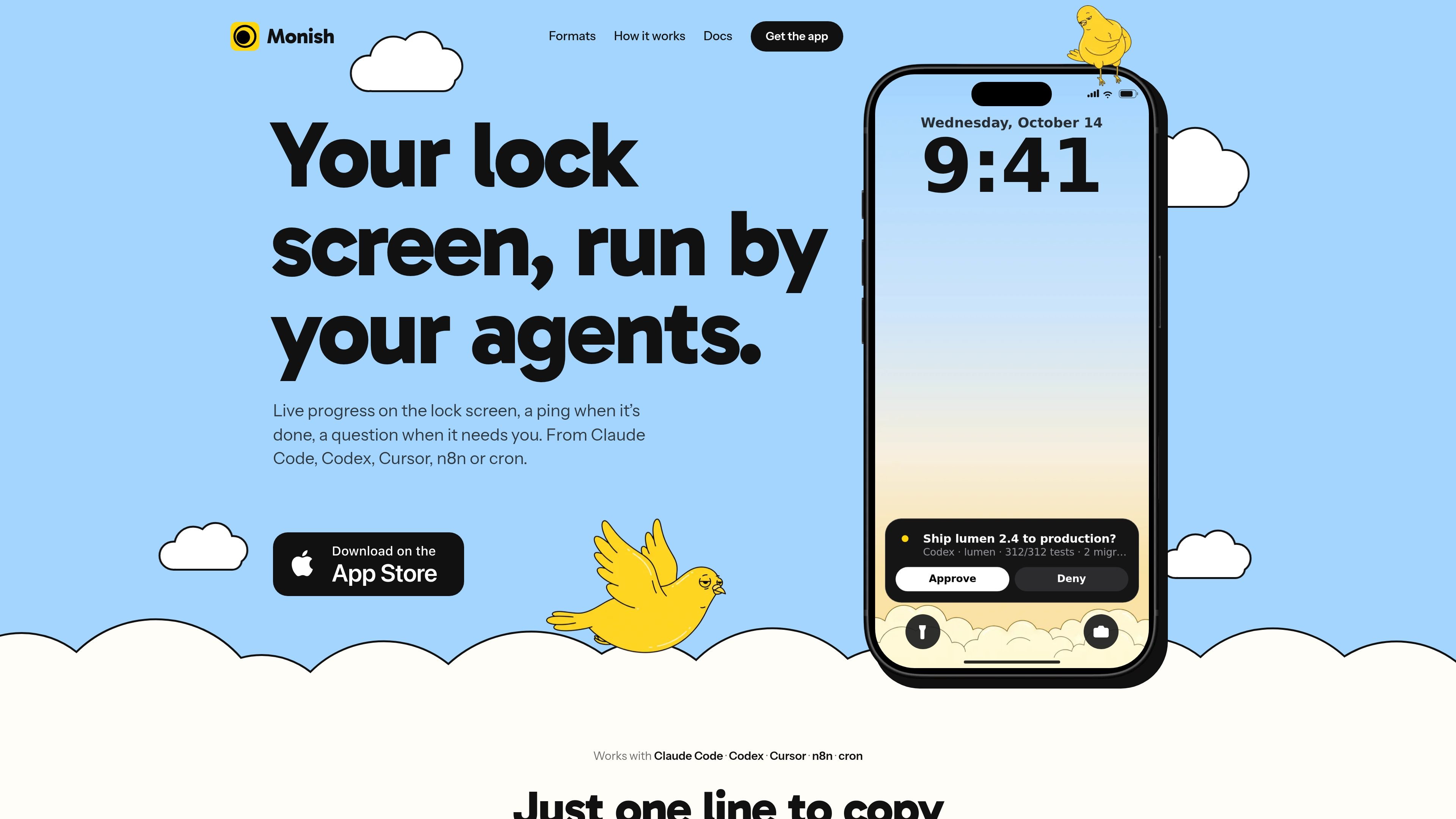
Monish is an iPhone notification app for agent-driven work. It receives progress updates, results, failures, questions, and figures from tools such as Claude Code, Codex, Cursor, n8n, and cron, then presents them on the lock screen, in the Dynamic Island, or as standard notifications.
Setup is designed around a private key created by the iPhone app and one line pasted into an agent. The agent sends JSON messages to a single HTTPS endpoint; users can monitor longer tasks, receive completion alerts, and answer approval or clarification requests without installing a companion computer application.
Shows an updating task card on the iPhone lock screen and Dynamic Island, with an optional Stop action. Agents can reuse an ID to update one item instead of creating a stream of separate notifications.
Delivers a completion or failure notification when work ends. Failed notifications can still alert during quiet hours, according to the product site.
Presents approval or denial controls on the lock screen and supports typed replies in the app when an agent needs a decision or clarification.
Displays two to four figures such as revenue, tests, totals, or KPIs, with an option to keep metrics live on the lock screen for up to eight hours.
Uses templates for progress, steps, approval, status, timer, value, metrics, and log layouts. Agents provide the title, fields, and up to two actions; Monish renders the notification natively.
Connects agents through a single HTTPS endpoint with curl. The documented workflow requires no account, SDK, MCP server, or computer installation.
Start a build, test suite, migration, or deployment from an agent and follow its current step from the lock screen. A Stop action can be added for longer-running work.
Configure an agent to ask before deploying, sending, or spending. Approve or deny from the notification, or provide a reply in the app when the request needs context.
Run overnight jobs such as imports, scheduled scripts, or cron tasks and receive a completion, failure, or summary notification rather than watching the terminal.
Send a compact set of figures—such as totals, tests, revenue, or other KPIs—to the phone, optionally keeping the numbers live on the lock screen as they change.
Receive a failure alert when an automated task stops after retries or encounters an error, with the agent able to include a short failure message and code.
Install Monish on an iPhone, where it creates a private key without requiring an account. Paste the setup line into Claude Code, Codex, Cursor, or an n8n workflow; the agent reads the skill, stores the key, and sends a connection ping. The skill can be installed locally for Claude Code, while Codex and Cursor use project rules as described by the site.
No. The site says Monish is free, with no subscription, in-app purchase, or ads. A key can send up to 300 messages per hour, subject to the documented rate limits.
Monish supports notifications from Claude Code, Codex, Cursor, n8n, and cron. Its documented HTTPS endpoint accepts progress, done, failed, ask, and metrics messages, with optional layouts, fields, actions, and live updates.
No computer installation is required. Agents send messages to Monish through one HTTPS endpoint using curl; the site explicitly says there is no Mac app, MCP server, or SDK.
The server keeps agent-sent content for 48 hours so the app can catch up with missed notifications, then deletes it. Answers to questions are kept for 24 hours, while notification history lives on the iPhone. One key is associated with one iPhone; another phone needs its own key and setup line.

ByteAsk is a terminal-first AI coding agent for C and C++ that edits repositories and verifies changes with the real compiler, debugger, sanitizers, and tests before showing a diff. It offers a free tier plus paid plans, with editor connectors and zero-retention handling described in the source.

Epherem is a static security scanner for web apps built with AI coding tools such as Lovable, Bolt, v0, Replit, Cursor, and Claude Code. It checks source files and dependencies for common security mistakes, then provides categorized findings and suggested fixes without running the app.

PromptScout tracks how ChatGPT, Gemini, Google AI Overviews, and Perplexity mention your brand or competitors, then pairs those results with source analysis and website audits. It helps teams decide what to fix in content, positioning, or site readiness next.

CreateOS Sandbox is an isolated compute environment for running code and agent workloads inside Firecracker micro-VMs. It is designed for workflows that need machine-level isolation, private networking between sandboxes, and programmatic control through SDK, CLI, or MCP.

Sleek Analytics is a privacy-friendly web analytics tool with real-time visitor tracking, Core Web Vitals, and revenue attribution. It helps site owners understand traffic and conversions without cookie banners or a heavy setup.

GitBot is a local browser-based workspace for creating reusable coding bots powered by Claude Code, Codex, or OpenCode. It helps developers run those agents across repository folders with persistent threads and configurable permissions.