
Prompt- and recording-based creation
Describe the idea, audience, and tone, or add a file or screen recording. ngram turns the brief into a proposed script and scene plan.

ngram is an AI video generator and editor for teams and individual creators. It turns prompts, uploaded files, or screen recordings into editable videos for demos, training, onboarding, sales enablement, explainers, and launches.
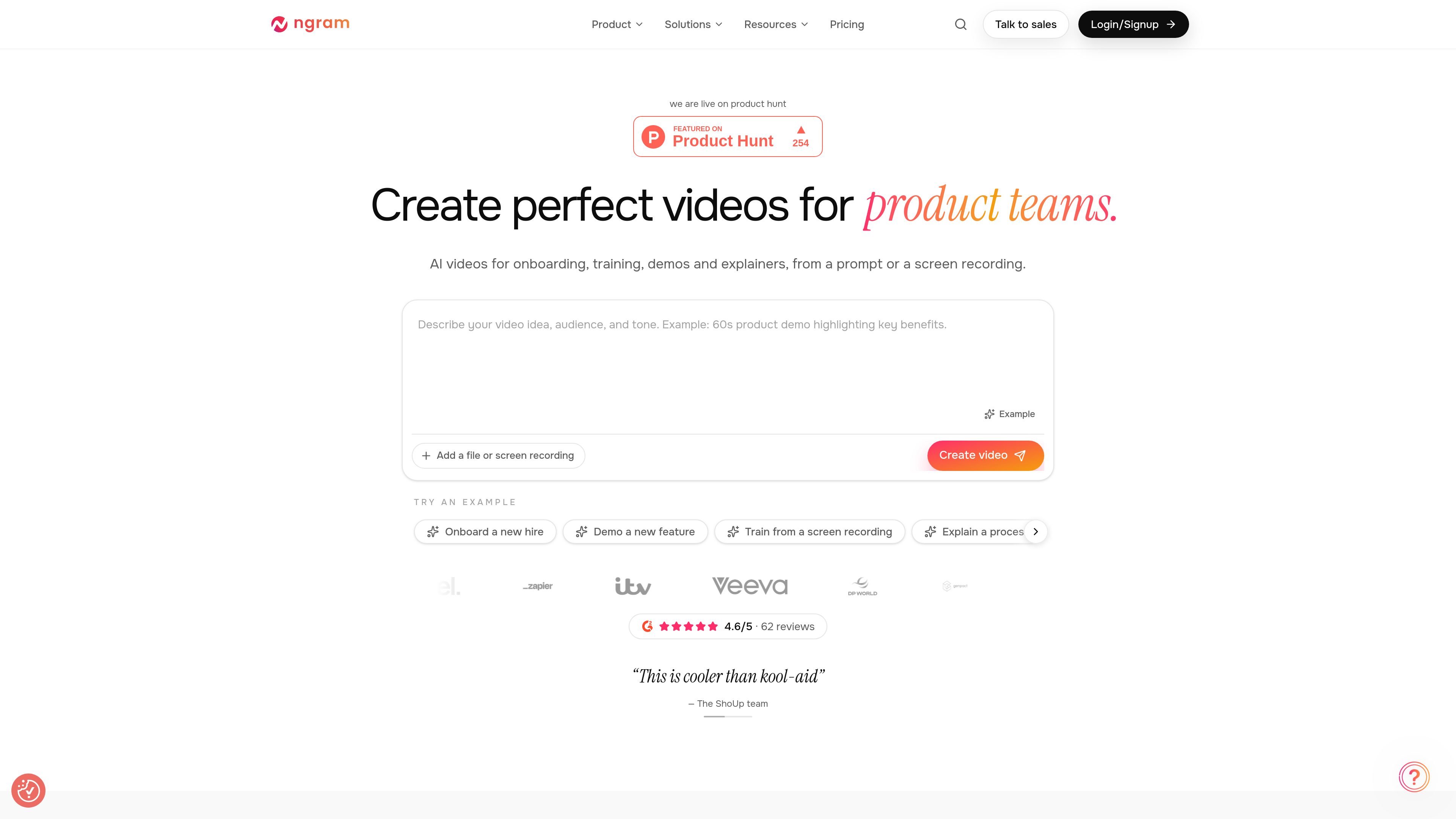
ngram is an AI video creation and editing platform for teams and individual creators. It produces onboarding videos, training materials, product demos, explainers, launches, and sales enablement videos from a written prompt, uploaded file, or screen recording.
The workflow combines automated planning and generation with review and editing. Users can approve a script and scene plan, inspect the result scene by scene, request revisions by chatting, or make direct timeline edits before downloading or sharing the finished video.
Describe the idea, audience, and tone, or add a file or screen recording. ngram turns the brief into a proposed script and scene plan.
Review the planned scenes before rendering, then watch narration, soundtrack, visuals, and animation come together in the generated video.
Select a frame or scene and request a change in plain language. ngram can create a new version while retaining the scene-based workflow.
Use direct controls for captions, music, and scene edits, and reorder scenes on a timeline when manual changes are more appropriate.
The product supports AI presenters and custom voices, along with captions, cinematic AI footage, and voice or language changes.
Download videos as MP4 or GIF, share a link, or embed a video. Paid-plan output options include 720p, 1080p, or 4K depending on the plan.
Turn a product brief, screen recording, or demo into a structured walkthrough that shows a feature or process without requiring a separate video-production workflow.
Create onboarding and instructional material from a prompt or recording, then revise individual scenes, captions, and narration as the process changes.
Convert account notes, demo recordings, talk tracks, pitch decks, or proposal documents into videos for prospecting, follow-up, and deal support, with the script and scenes reviewed before sending.
Produce launch films, feature announcements, changelog videos, and social clips, then adjust the timing, visuals, voice, or language for the intended audience.
Use AI presenters or custom voices to communicate an update, explanation, or internal message when a presenter does not need to record a video manually.
ngram can create a video from a written description or from an uploaded file or screen recording. The workflow includes a script and scene plan for review before the video is generated.
After generation, you can ask for changes in plain language, select a frame or scene to revise, or edit captions, music, and scenes directly. Scenes can also be reordered on the timeline.
The source pages list MP4 and GIF downloads, sharing by link, and embed support. Interactive polls, quizzes, and call-to-action elements work in supported shared playback, but downloaded MP4 files remain standard videos.
The Free plan includes a one-time allocation of 600 credits and up to 60 seconds of premium AI-generated footage at the base rate, with no credit card required. Paid plans add recurring credits and higher export options; availability depends on the selected plan.
Ultimate is available for solo creators and teams and allows unlimited teammates. Enterprise plans offer custom capacity, organization-wide security and controls, and dedicated onboarding and support.

艺映AI is a free AI video creation tool for generating video from text, images, or existing footage. It is positioned for short-form social content, promotional clips, and stylized AI video projects.

VIDEOAI.ME is an AI video generator for making spokesperson-style videos, ads, explainers, and social content from a script. It is aimed at founders, marketers, agencies, and creators who want to produce videos without filming.

Video Effects SDK adds real-time webcam effects such as background blur, background replacement or removal, denoising, framing, beautification, and color grading. It is built for teams shipping live video experiences on web, desktop, and mobile platforms.

Official HeyGen API documentation for building AI avatar videos, translations, lipsync, and interactive video-agent sessions. It supports direct API use plus MCP and CLI-style workflows for developers and AI agents.

DeepMotion is a web-based AI motion capture and 3D animation platform with Animate 3D for video-to-animation and SayMotion for text-to-animation. It helps creators and teams generate motion in a browser and export results in common production formats.

Zella is a screen recorder and on-device AI video editor for Mac and iPhone. It helps creators record screens or cameras, automatically clean up footage, add captions, reframe clips, and export videos without uploading the core project to the cloud.