
Knowledge base
Create a searchable help center with topics, readable article pages, article feedback, nine URL structures, and a familiar editor. Customers can browse documentation while the AI uses those articles as its source.

NiroHelp is a WordPress help desk combining a searchable knowledge base, support tickets, email piping, and a support dashboard. Paid plans add a documentation-based chatbot, ticket auto-responder, and dashboard copilot for teams handling customer support.
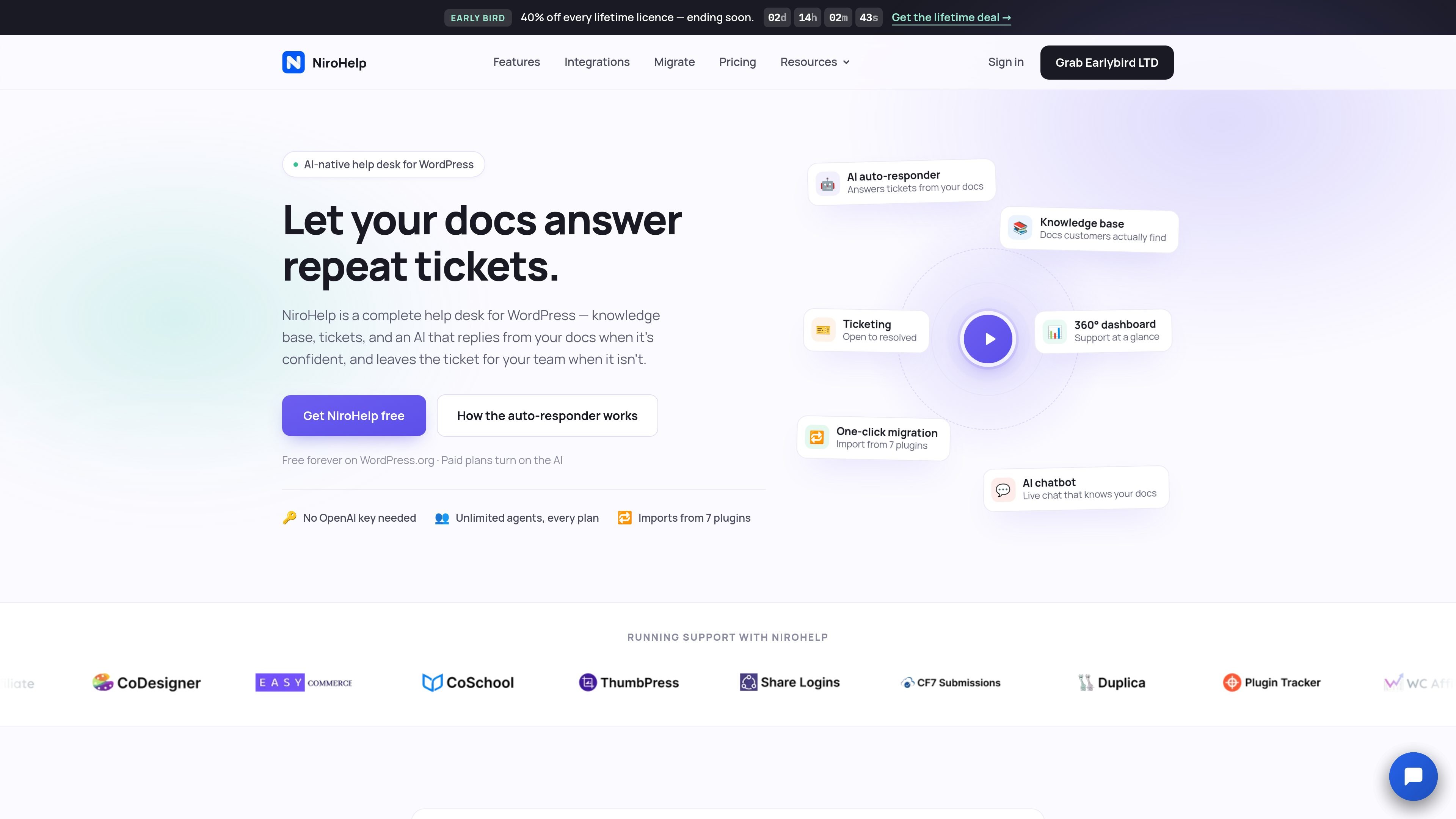
NiroHelp is a help desk for WordPress that brings a knowledge base, support ticketing, email intake, and support reporting into one admin menu. Teams can publish articles for customers, track conversations from open to resolved, and assign work to available agents.
Its paid AI features use the team’s own help documentation to answer questions in a site chatbot and incoming tickets. The auto-responder is designed to defer to people when the documentation does not meet the configured confidence threshold, while the free help desk continues to operate without the AI.
NiroHelp also supports migration from seven listed WordPress help and knowledge-base plugins. Imported articles, topics, tickets, and replies are marked, and the migration is designed to be safe to run again without duplicate records.
Create a searchable help center with topics, readable article pages, article feedback, nine URL structures, and a familiar editor. Customers can browse documentation while the AI uses those articles as its source.
Track conversations through eight stages, use custom ticket fields, embed the ticket form on any page, and assign new tickets automatically using workload limits or assignment methods such as random, round-robin, and least-load.
Connect mailboxes through IMAP, POP3, or a provider webhook so incoming messages become tracked tickets. Replies stay in the same thread, attachments are carried over, quoted history is stripped, and multiple shared inboxes can be routed to different agents.
Review support activity through risk-ranked tickets, customer sentiment, reply speed, AI deflection, and period-over-period metrics. Paid plans add a copilot that answers questions in plain language and cites the underlying data.
Add a one-line chat script to any website, then configure the widget’s name, avatar, colors, placement, page visibility, and business-hours behavior. Responses are drawn from the product’s help documentation.
Have the AI inspect incoming tickets and post a single reply when the documentation clears a configurable confidence threshold. It stays quiet when uncertain and stops participating when a teammate replies.
Publish product instructions in topics with search, readable article pages, and helpfulness voting. Customers can find answers directly instead of opening a ticket for every recurring question.
Let customers submit tickets through an on-site form or a connected support mailbox. NiroHelp keeps replies, attachments, status changes, and assignments associated with the same conversation.
Use the chatbot on selected pages of a WordPress or external website for documentation-based answers. Configure its branding and business-hours behavior so visitors see support where it is relevant.
Enable the ticket auto-responder for repeat questions that are covered clearly in the knowledge base. Set a confidence threshold and a reply delay, allowing uncertain requests to remain with human agents.
Move from a supported WordPress help desk or knowledge-base plugin without discarding the old data immediately. Import articles, topics, tickets, and replies, then verify the new setup before cleanup.
NiroHelp is a WordPress help desk that combines a searchable knowledge base, support tickets, agent assignment, and a support dashboard. Paid plans add the AI chatbot, ticket auto-responder, email piping, and dashboard copilot.
The free plan is available on WordPress.org with no account, card, or trial time limit. It includes the knowledge base, ticketing, automatic assignment, dashboard, imports from seven plugins, unlimited agents, unlimited tickets, and unlimited help articles. Paid plans add AI features.
The chatbot and ticket auto-responder use answers drawn from the help articles you provide. The auto-responder replies only when the documentation meets the confidence threshold you set; otherwise, it leaves the ticket for a team member. One AI answer uses one credit, and the AI pauses if the monthly credit allowance is exhausted while the rest of the help desk continues working.
Yes. NiroHelp can import articles, topics, tickets, and replies from BetterDocs, weDocs, Echo Knowledge Base, BasePress, Awesome Support, SupportCandy, and JS Help Desk. The migration can be run again without creating duplicates, and the old plugin retains its data until you remove it.
Paid plans include unlimited agents and do not charge per seat. The Growth plan supports five sites, while the Agency plan supports ten sites and includes per-client chatbot branding; the free plan supports unlimited sites according to the pricing comparison.

Fini AI’s Knowledge Atlas is an AI-native knowledge base that turns resolved tickets and existing support content into cited articles. It is designed for support teams that want a self-maintaining knowledge layer behind an AI agent and customer-facing help center.

Falconer is an AI-powered company brain that keeps internal documentation accurate, searchable, and up to date by syncing with tools like GitHub, Slack, and Linear. It helps engineering and cross-functional teams centralize knowledge and answer questions from a shared source of truth.

IntellAgents is an AI voice and chat agent service for businesses handling customer calls, outbound calls, and messaging across WhatsApp, Instagram, Facebook, Telegram, and websites. It uses a shared knowledge base, provides conversation summaries, and can escalate interactions to human staff.

ClawEase is an AI business operator that captures requests across calls, email, SMS, WhatsApp, LINE, and web forms, then completes booking and service workflows in existing web systems. It is aimed at appointment-based businesses that need intake, follow-up, and execution without API changes.

Communicate is an AI customer-support product that answers from a team’s help content and past replies, with source citations and controlled task execution. It helps software companies, startups, agencies, and larger teams provide self-service support while handing conversations to people when needed.

Theneo is a developer portal and API documentation platform for publishing references, guides, changelogs, and private customer portals. It supports collaborative editing, automated changelogs, and AI-facing doc features for technical teams.