
Mac-based capture
Nod listens through your Mac and turns meetings, calls, and voice notes into transcripts and AI summaries without joining as a bot.

Nod is a macOS AI notepad that captures meetings, calls, and voice notes through your Mac, then turns them into searchable notes and summaries. It is built for people who want private meeting memory without a meeting bot or stored audio.
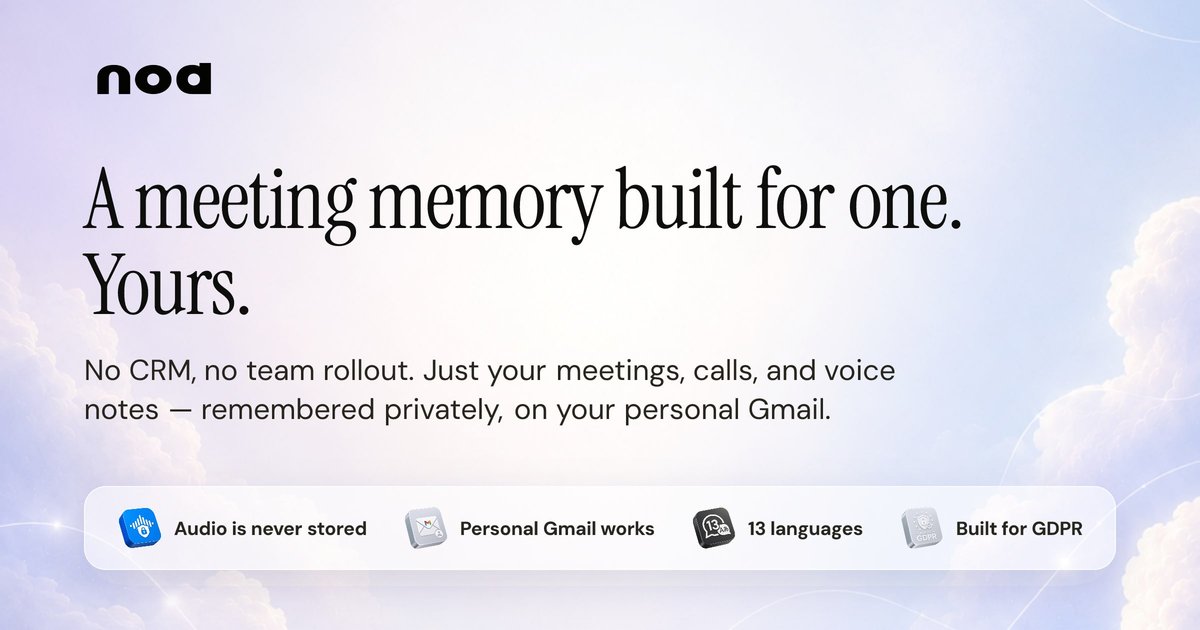
Nod is an AI notepad for macOS that captures meetings, calls, and voice notes through your Mac and turns them into searchable notes. It is designed for people who want a private record of conversations without adding a bot to the meeting or storing audio files.
The product focuses on remembering what was said, what was promised, and what needs follow-up. Its transcript-based memory can be searched across conversations, and the Claude integration lets those meeting notes sit alongside other work context such as email, calendar entries, Slack messages, and tickets.
Nod listens through your Mac and turns meetings, calls, and voice notes into transcripts and AI summaries without joining as a bot.
The product keeps audio only long enough to transcribe it, then discards it. The saved record is the transcript and summary, not a file of the original audio.
You can ask questions across all recorded conversations, not just within a single meeting, so earlier calls stay available later.
Nod keeps notes in the language of the conversation and supports 14 languages at launch, including English, Spanish, French, German, Italian, Ukrainian, and Serbian.
The pricing page says Nod creates summaries and action items, and lets users ask across all meetings with labels and unlimited history on Pro.
Nod can be used as a Claude connector so Claude can combine meeting memory with other connected sources such as email, calendar, Slack, and tickets.
Use Nod during recurring meetings such as standups, 1:1s, reviews, and all-hands calls so you can check decisions and follow-ups later instead of typing notes in real time.
Use it for customer, sales, or hiring calls when you need to remember commitments, timing, or questions raised by the other side after the call ends.
Keep Nod running for voice notes and solo dictation when you want to capture ideas or reminders on the go and turn them into searchable text.
Add the Nod connector in Claude when you want meeting notes to be part of a larger answer that also uses email, calendar, Slack, or ticketing context.
Use Nod when you work across multiple apps and need one place to revisit what was said, even if the conversation happened in Zoom, Google Meet, Teams, Slack huddles, or another audio source on your Mac.
No. Nod listens through your Mac and does not join the meeting as a bot. The people on the call do not see a participant entry, join message, or hosted link.
Nod currently supports 14 languages: English, Mandarin, Hindi, Spanish, French, Arabic, Bengali, Portuguese, Russian, Urdu, German, Italian, Ukrainian, and Serbian. It returns notes in the language of the meeting.
Audio is not stored. Nod keeps audio in memory only long enough to split it into short chunks and transcribe them, then releases the bytes. Only the transcript and AI summary are saved.
Nod captures audio on-device and sends chunks to cloud services for transcription and summarization. The site says capture and voice detection run on your Mac, while transcription and summarization run in the cloud through its processing pipeline.
Nod offers a free 14-day trial, and the pricing page says no credit card is required to start. After the trial, users can choose between Starter and Pro plans.

QuickQuill is a macOS dictation and transcription app that runs locally on the device. It helps users record meetings, transcribe audio, generate summaries, and export notes without using a cloud service.

Notewarp is an AI note-taking tool that turns voice notes, uploads, or pasted text into cleaner notes, transcripts, summaries, and action items. It helps people capture rough ideas quickly and then edit, export, or share the result.

Tactiq is an AI note taker for Google Meet, Zoom, and Microsoft Teams that transcribes meetings live and turns them into summaries, action items, and follow-up outputs. It is built around a Chrome extension and supports team workflows through sharing and integrations.

Scripta is a privacy-first AI notetaker that records, transcribes, and summarizes meetings directly on your device. The public site currently shows a Mac beta download and a Windows waitlist.

MeetStream is a meeting bot API for Zoom, Google Meet, Microsoft Teams, and Webex. It helps developers record, stream, and analyze meetings programmatically, with usage-based pricing and a $5 free credit to start.

Flunkey is a voice-first productivity layer for Windows that converts speech into text, AI-assisted outputs, and remembered context. It is built for users who want to capture ideas and actions without leaving the app they are working in.