
Multiple ways to add results
Add lab results by entering them yourself, uploading a PDF, or scanning a report with your camera.

Node Health is an iPhone app for digitizing lab results, tracking biomarkers over time, and viewing them against personalized reference ranges. It is aimed at people who want a private, structured way to review blood work and related health metrics.
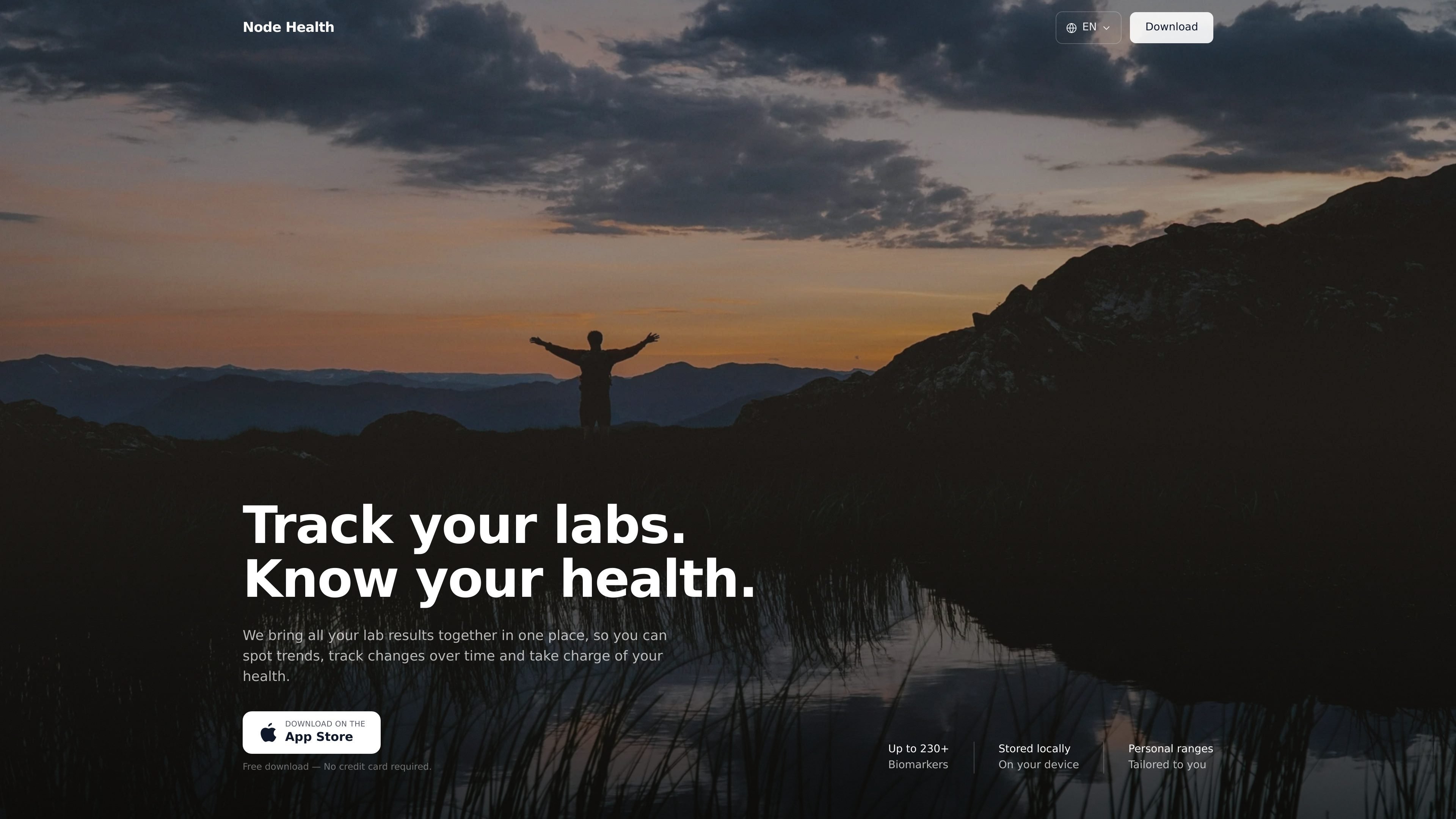
Node Health is an iPhone app for logging lab results and tracking biomarkers over time. It is built for people who want to keep blood values, reference ranges, and trend history in one private place on their device.
The app supports manual entry, PDF upload, and camera scanning of lab reports. It then matches readings to standard and personalized reference ranges, highlights an Optimal range where available, and presents the results in a way that makes longitudinal review and doctor discussions easier.
Add lab results by entering them yourself, uploading a PDF, or scanning a report with your camera.
The app reads biomarker values from reports and organizes them in one place for viewing and comparison.
See results against standard and personalized reference ranges, including an Optimal range where available.
Track biomarker changes across months and years so you can review long-term trends.
Manage more than 230 biomarkers across blood, urine, and body composition, including measurements imported from Apple Health.
Data is encrypted and stored on your iPhone, with optional iCloud sync for your own Apple devices.
Keep all of your lab results together and review them against reference ranges instead of reading each report in isolation.
Scan a lab report or upload a PDF after an appointment so the app can structure the values and preserve them for later comparison.
Watch how biomarkers move over months and years, making it easier to spot changes and bring informed questions to a clinician.
Prepare for doctor visits by reviewing which values are outside range and how they compare with prior readings.
Log related measurements from Apple Health alongside lab results to keep body composition and other biomarkers in one place.
You can add lab results manually, upload a PDF, or scan a report with your camera. The app reads values from the report, places them into personalized reference ranges, and shows trends over time.
It is designed for people who want to manage biomarkers proactively, understand their results in context, and use the app to prepare for conversations with healthcare professionals.
Node Health is available for all iOS devices, and the site says an iPad version is in development. Android is not supported yet.
Core logging and tracking features are free. The FAQ says certain premium features, including AI upload, require Node Health Plus.
Yes. You can export your data from within the app at any time.

Invited turns dates found in bills, cheques, invitations, renewals and other documents into reminders. It supports camera images, screenshots, PDFs and shared files on iPhone and Android, with review before saving and no account required.

Malyatko is a baby tracker for logging feeding, sleep, growth, teething, and milestones in one app. It works on iPhone, Apple Watch, and widgets, with no sign-up, offline use, and family sharing through iCloud.

MIRA vision develops synthetic-data-driven AI for pathology image analysis in medical diagnostics. Its website positions the product for teams that need privacy-compliant training data, automatic annotations, and controlled data generation.

nolainocr is an AI OCR tool that extracts structured data from PDF invoices, receipts, forms, contracts, and bank statements. It helps teams move document data into Excel, Google Sheets, JSON, or CSV without manual entry.

Letra is a menu bar OCR utility for macOS Sonoma 14 or later that copies text from screen regions, videos, PDFs, screenshots, and screen shares to the clipboard. It also supports on-device recognition, QR and barcode decoding, searchable capture history, and copied image or file input.
司马阅是一款面向企业的AI文档智能体平台,帮助团队把分散在文档中的知识转成可用于问答、检索、写作和审查的结构化能力。它适合对准确性和数据安全要求较高、且有大量文档工作流程的企业。