
Music controls
See what is playing, pause or skip tracks, view lyrics, and switch audio output from the notch without changing apps.

NotchMind is a native macOS utility that places music controls, file handling, clipboard tools, timers, downloads, and system information in the MacBook notch. It is designed for Apple silicon Macs running macOS 15 or later, especially users who want quick actions without switching apps.
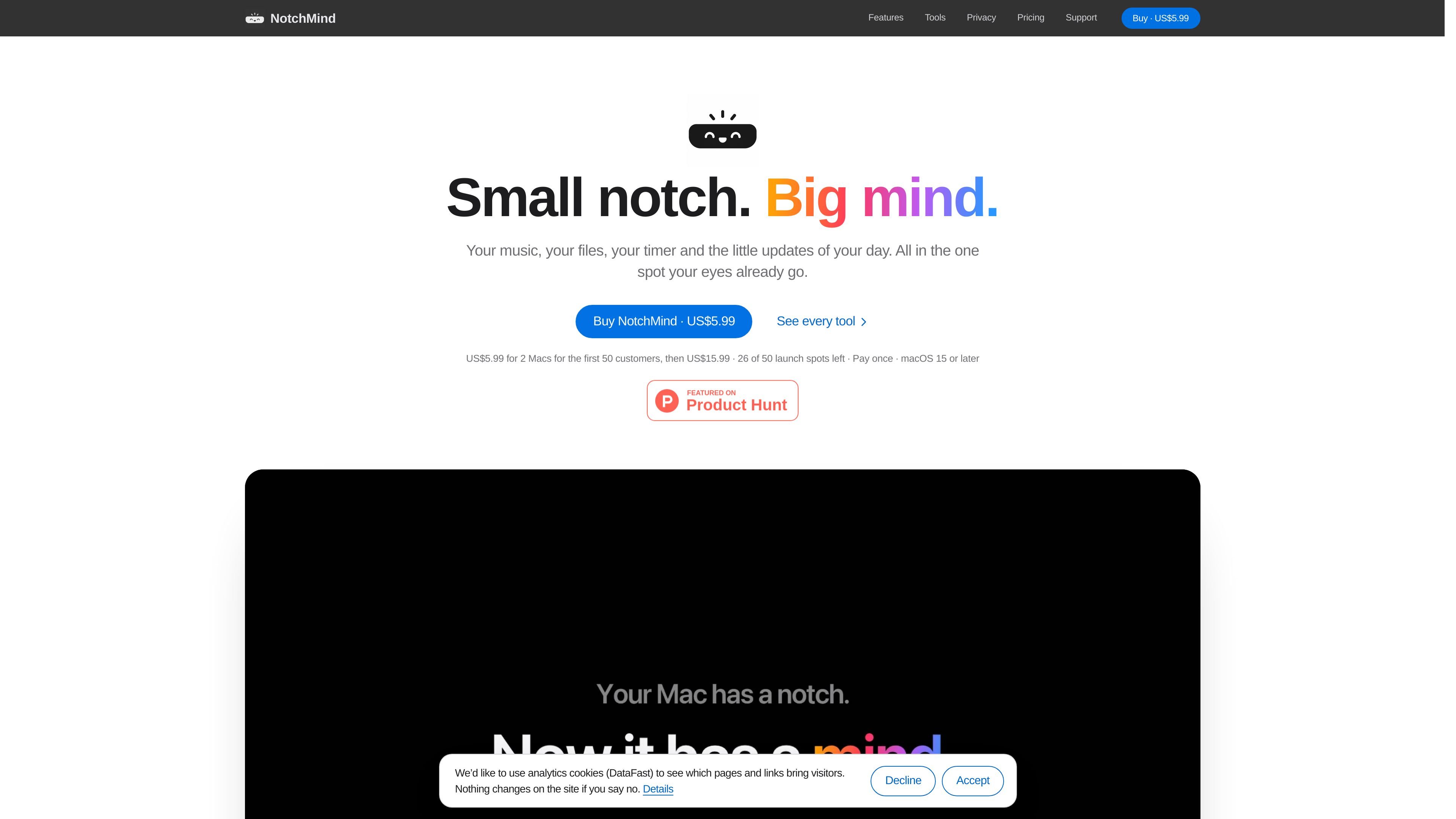
NotchMind is a native macOS utility that uses the MacBook notch as a contextual workspace for music controls, files, clipboard history, timers, downloads, system updates, and other everyday tools. Hovering over the top of the screen opens the interface, allowing brief actions without switching to a separate app or browser tab.
The app includes 28 tools, including a File Tray, AirDrop handoff, file conversion, clipboard actions, Secret Guard warnings, weather, calendar information, notifications, system controls, and developer utilities. Most processing is local: clipboard actions, Secret Guard checks, and text recognition in images run on the Mac, while optional Smart Mode is disabled by default.
See what is playing, pause or skip tracks, view lyrics, and switch audio output from the notch without changing apps.
Drag files to the top of the screen to park them in the File Tray, send them with AirDrop, or convert formats such as PNG, JPEG, HEIC, PDF, and ZIP on the Mac.
View up to 500 copied items and reuse them with one click. Recognized colors, JSON, links, emails, paths, and commands receive relevant actions.
Keep a countdown visible while working, create reminders using phrases such as “in 30m,” and see upcoming calendar information and weather.
Show download progress, screenshots and recordings, notifications, battery and volume changes, AirPods connections, drives, Focus, Wi-Fi, VPN, and live CPU and memory graphs.
Use local developer utilities for JSON formatting, Base64 and URL encoding, UUID generation, color tools, timestamps, and AI usage views for Codex and Claude Code.
Keep a file temporarily in the File Tray while moving between folders, then drag it back out or send it through AirDrop without opening a separate transfer utility.
Check a copied JSON payload, color value, URL, email address, path, or command and apply the relevant action from the notch instead of opening a separate developer or utility app.
Start a visible countdown or type a natural reminder such as “in 30m” while writing, coding, or attending to another task; the prompt remains accessible at the top of the screen.
Glance at downloads, battery, volume, connected AirPods, mounted drives, notifications, and system activity while keeping the main application in view.
Use music controls and audio-output switching while working, then check lyrics, the next calendar meeting, or weather without navigating through multiple apps.
NotchMind requires a Mac with Apple silicon running macOS 15 or later. It is built and tested for MacBooks with a physical notch; notchless Macs and external displays are not currently supported.
Download the app from the official NotchMind download page, move it to Applications, and open it from there. On first launch, macOS may require approval in System Settings → Privacy & Security → Open Anyway. Do not disable Gatekeeper or bypass malware warnings.
After purchase, the license key and download are shown on the purchase page and emailed by Dodo Payments. Open NotchMind, go to Settings → License, paste the key, and select Activate.
Yes. Smart Mode is off by default, and the other tools work without it. With Smart Mode enabled, short text snippets from supported clipboard and file features may be classified by NotchMind’s server; original files and images are not uploaded.
Activation and periodic license checks require internet access, but an activated license continues working offline for 14 days. Some features, including updates, lyrics, and weather, also use the network.

ArtDeck is a visual reference board app for iPhone, iPad, and Mac that lets artists collect mixed reference material on one canvas and study it with ToolBox lenses. It works offline, supports optional iCloud sync, and is sold as a one-time purchase with no account required.

Goldfish is an AI memory app for macOS that helps you reply, write, summarize, and continue using the context already on your Mac. It stores memory locally and writes in your tone.

Biji ist eine vielseitige Plattform, die entwickelt wurde, um die Produktivität durch innovative Werkzeuge und Funktionen zu steigern.

Malyatko is a baby tracker for logging feeding, sleep, growth, teething, and milestones in one app. It works on iPhone, Apple Watch, and widgets, with no sign-up, offline use, and family sharing through iCloud.

Codex Plugins bundle reusable skills, app integrations, and MCP servers into workflows you can install in the Codex app or use from Codex CLI. They help extend Codex with connected-service tasks, reusable instructions, and shared team workflows.

Redline is a budgeting tool for Claude Code that paces sessions to stay within time, token, cost, or plan-percentage limits. It uses Claude Code’s native hooks and statusline to help sessions finish with a usable result instead of stopping abruptly.