
Bring your own LLM
Point the app at an OpenAI-compatible base URL with your API key and model ID. Supported examples include OpenAI, OpenRouter, Ollama, LM Studio, and custom gateways.
OpenPilot is a local, open-source desktop AI agent that connects to the OpenAI-compatible model endpoint you choose. It helps developers work in a selected project folder with file operations, terminal commands, optional web research, MCP extensions, skills, and project memory.
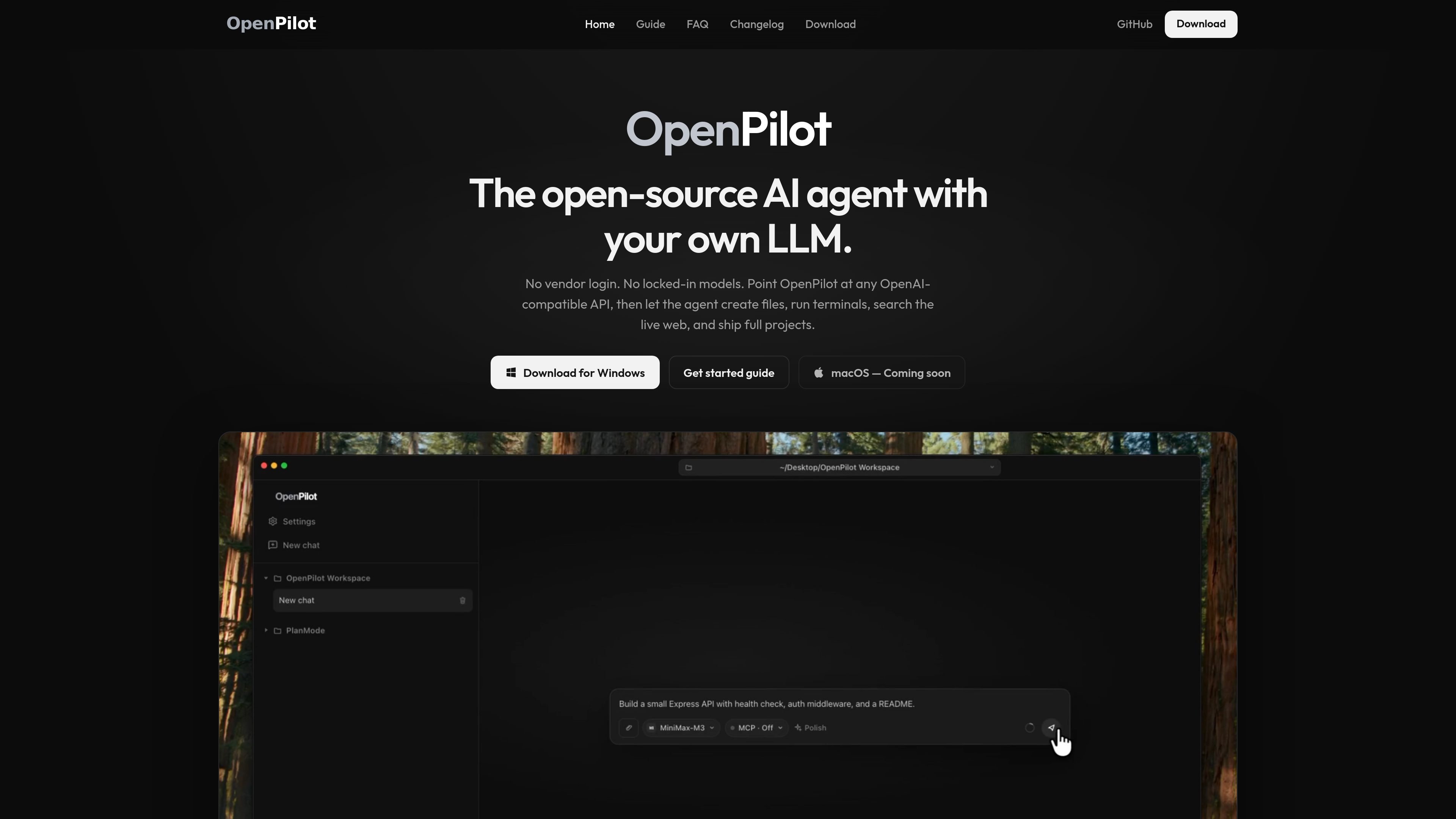
OpenPilot is a local, open-source AI agent harness for desktop use. Rather than supplying a hosted model or requiring a vendor account, it connects to an OpenAI-compatible endpoint that you configure, including cloud providers, local servers, and custom gateways.
After you select a workspace, the agent can work with files and run shell commands in that folder. Its tool set also includes optional live web research through TinyFish, MCP server connections, reusable skills, and project preferences stored in AGENTS.md. The intended workflow is to describe an outcome, review the tool activity, and refine the result with follow-up instructions.
Point the app at an OpenAI-compatible base URL with your API key and model ID. Supported examples include OpenAI, OpenRouter, Ollama, LM Studio, and custom gateways.
Within a selected workspace, the agent can read, create, edit, grep, and glob files, making it suitable for scaffolding projects and revising existing code.
Run installations, development servers, and tests from the chat while streaming terminal output back into the conversation.
With TinyFish configured, OpenPilot can search and fetch live web pages for documentation, API references, error messages, and other external information.
Add reusable playbooks as skills and store project preferences in AGENTS.md so the agent can load them into context and update memory when requested.
Connect MCP servers through mcp.json and toggle them per chat to extend the tool set with systems such as databases, browsers, and internal APIs.
Give the agent a project folder and ask it to scaffold an application, create configuration and source files, then refine the implementation through follow-up prompts.
Use the workspace and shell tools to investigate a failing test, modify the relevant files, install dependencies, and rerun the test suite while reviewing terminal output.
Ask for current library documentation, API references, or explanations of external errors when the answer is not contained in the local repository. TinyFish supplies the web search and fetch tools for this workflow.
Save conventions such as language preferences, package-manager choices, and repository rules in AGENTS.md so they remain available across later tasks.
Attach MCP servers for additional tools or resources, then enable them only in chats that need access to databases, browsers, documentation, or internal APIs.
OpenPilot runs as a local Electron desktop app. Windows 10 or later on x64 is supported now through an installer or portable executable; macOS builds for Apple silicon and Intel are listed as coming soon.
Open the model settings and enter an OpenAI-compatible base URL, API key, and model ID. The documented examples include OpenAI, OpenRouter, Ollama, LM Studio, and custom gateways.
Yes. Add an MCP server to mcp.json, restart OpenPilot, and enable the server for individual chats. Tools and resources are supported; MCP prompts are described as coming next.
The app stores keys in operating-system secure storage: Keychain on macOS and DPAPI on Windows. The product site says OpenPilot has no servers and does not send keys to OpenPilot.
OpenPilot can perform local filesystem and terminal work without TinyFish. A TinyFish API key is required before the web_search and web_fetch tools become available for live web research.

CreateOS Sandbox is an isolated compute environment for running code and agent workloads inside Firecracker micro-VMs. It is designed for workflows that need machine-level isolation, private networking between sandboxes, and programmatic control through SDK, CLI, or MCP.

GitBot is a local browser-based workspace for creating reusable coding bots powered by Claude Code, Codex, or OpenCode. It helps developers run those agents across repository folders with persistent threads and configurable permissions.

ByteAsk is a terminal-first AI coding agent for C and C++ that edits repositories and verifies changes with the real compiler, debugger, sanitizers, and tests before showing a diff. It offers a free tier plus paid plans, with editor connectors and zero-retention handling described in the source.

hob is an independent workspace for coding agents that keeps agent sessions, terminals, history, and follow-up work organized around the tools and providers you already use. It is aimed at developers who want local control over routing, history, and workspace structure rather than a bundled model stack.

Manta AI is an autonomous web app testing tool for teams that want to map application behavior, catch regressions, and generate tests without writing scripts or maintaining selectors. It works from a URL and supports plain-English test flows, run results with screenshots, and scheduled or deployment-triggered checks.

SonOf connects to your repo and PM tool, audits the codebase and surrounding product context, and turns approved work into shipped tickets with senior engineering review. It is aimed at founders and engineering leaders who need backlog help without hiring a full team immediately.