
Plain-language entry
Opviva can take a plain-language description of what you shipped or a pasted URL, then inspect the live app and code without requiring a dashboard setup.

Opviva is an AI security agent for AI-built apps and live web products. It scans a live app and code, reproduces confirmed vulnerabilities, opens fixes as pull requests, and keeps monitoring after launch.
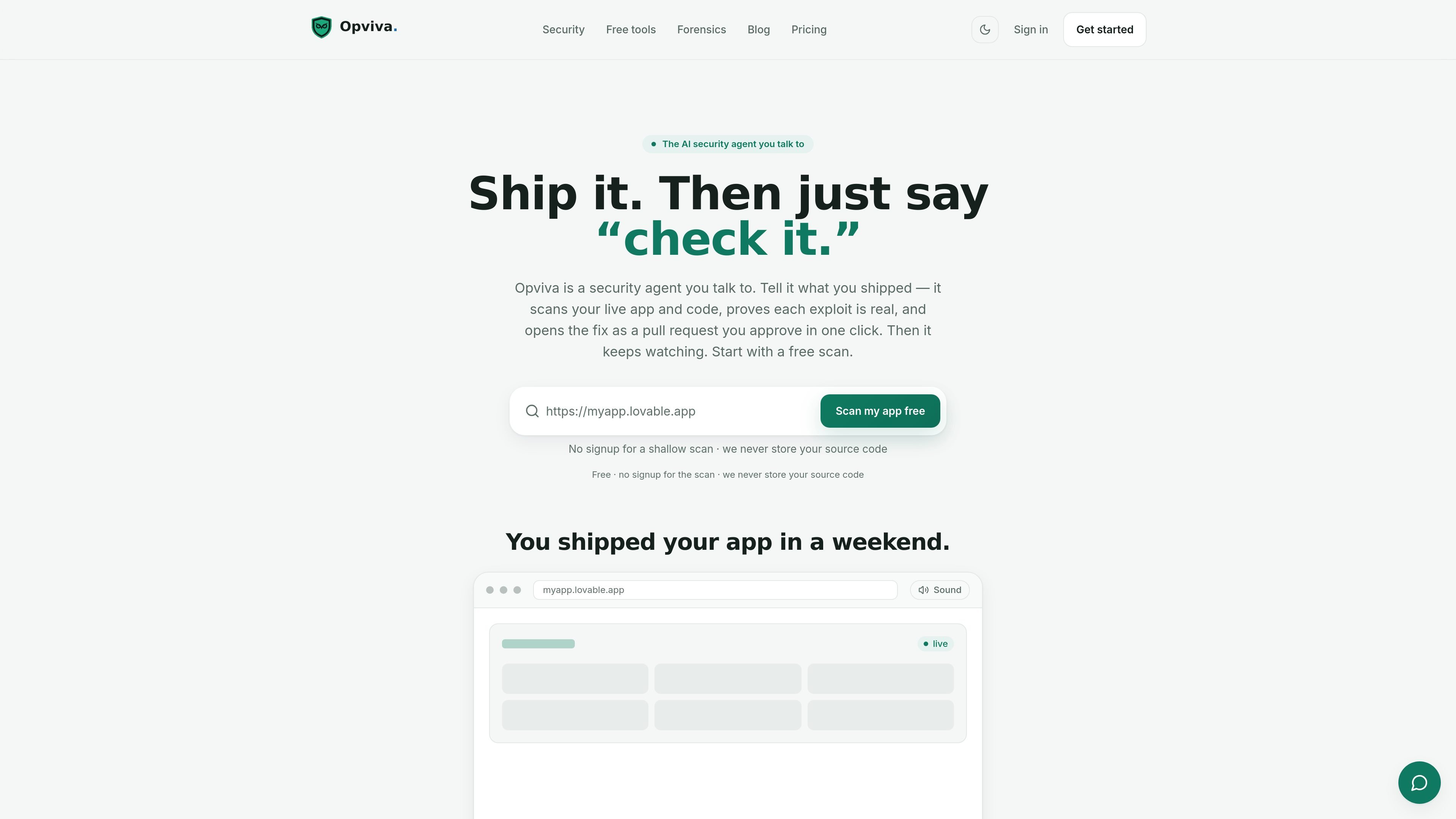
Opviva is an AI security agent for AI-built apps and live web products. You describe what you shipped in plain language or paste a URL, and the agent scans the app and code, reproduces confirmed vulnerabilities, opens a fix as a pull request, and keeps watching after launch.
The product is built around a scan → prove → fix → monitor workflow. Its source pages emphasize that it verifies exploits instead of surfacing guesses, keeps source code from being stored, and records findings on a tamper-evident Evidence Canvas that can be reconstructed and exported for review.
Opviva can take a plain-language description of what you shipped or a pasted URL, then inspect the live app and code without requiring a dashboard setup.
When it finds an issue, the agent reproduces the exploit rather than reporting a theoretical problem, so the result is a confirmed finding with evidence behind it.
The agent writes the remediation and opens a pull request for review. The site says small fixes can auto-merge, while riskier changes wait for one-click approval.
After launch, Opviva continues to monitor the app and attack surface, re-scanning on a schedule and returning when something new appears.
Findings are recorded on a tamper-evident, hash-chained Evidence Canvas so the exploit trail can be reconstructed and audited later.
The site says the record can be exported as a signed evidence bundle or auditor-ready PDF, and the Flight Recorder is available in TypeScript or Python.
For teams shipping AI-built apps quickly, Opviva can be used right after launch to check for exposed secrets, weak headers, and other issues common in rapid builds.
For teams that want proof before remediation, the agent reproduces a finding and records the session so security or engineering can review the evidence before acting.
For teams that prefer to ship fixes through code review, Opviva opens a pull request with the remediation so developers can approve or adjust it before merging.
For teams that need continuing oversight, the monitoring plans re-scan on a schedule and alert when regressions or new issues appear.
For compliance, audit, or internal investigation work, the Evidence Canvas and exportable evidence bundle provide a record of what the agent did and what it confirmed.
Opviva is an AI security agent for AI-built apps. You can describe what you shipped in plain language or paste a URL, and it scans the live app and code, reproduces confirmed vulnerabilities, opens fixes as pull requests, and keeps watching after launch.
The source says the free scan is available with no card required. Paid plans add continuous monitoring and the ability to have the agent open fixes on your behalf.
No. The site says scans run and the code is dropped, and that Opviva does not store your source code. GitHub access is least-privilege, and you review any fix before it merges.
Yes. The pricing page says Starter includes weekly automated re-scans and alerts, Growth includes daily re-scans and agent-opened fix PRs, and Scale adds priority queue handling and incident response.
The site says you can talk to the agent in plain language, paste your app URL, and stay in control while it does the security work. It also says risky fixes wait for your one-click approval.

ByteAsk is a terminal-first AI coding agent for C and C++ that edits repositories and verifies changes with the real compiler, debugger, sanitizers, and tests before showing a diff. It offers a free tier plus paid plans, with editor connectors and zero-retention handling described in the source.

Manta AI is an autonomous web app testing tool for teams that want to map application behavior, catch regressions, and generate tests without writing scripts or maintaining selectors. It works from a URL and supports plain-English test flows, run results with screenshots, and scheduled or deployment-triggered checks.

CreateOS Sandbox is an isolated compute environment for running code and agent workloads inside Firecracker micro-VMs. It is designed for workflows that need machine-level isolation, private networking between sandboxes, and programmatic control through SDK, CLI, or MCP.

hob is an independent workspace for coding agents that keeps agent sessions, terminals, history, and follow-up work organized around the tools and providers you already use. It is aimed at developers who want local control over routing, history, and workspace structure rather than a bundled model stack.

ClawTick is an AI agent automation platform for scheduling jobs from the CLI, dashboard, or REST API. It is aimed at developers and teams running LangChain, CrewAI, webhook, or custom agent workflows that need monitoring, alerts, and logs.

Redline is a budgeting tool for Claude Code that paces sessions to stay within time, token, cost, or plan-percentage limits. It uses Claude Code’s native hooks and statusline to help sessions finish with a usable result instead of stopping abruptly.