
Reactive desktop companion
The character reacts to system-wide typing and clicks, and clicking it can play a short line. Paw-Paw counts activity without recording the text entered.

Paw-Paw is a free native desktop pet for macOS that reacts to typing and clicks while you work, write, code or study. It adds collectible characters, items and optional progression without ads or a required account.
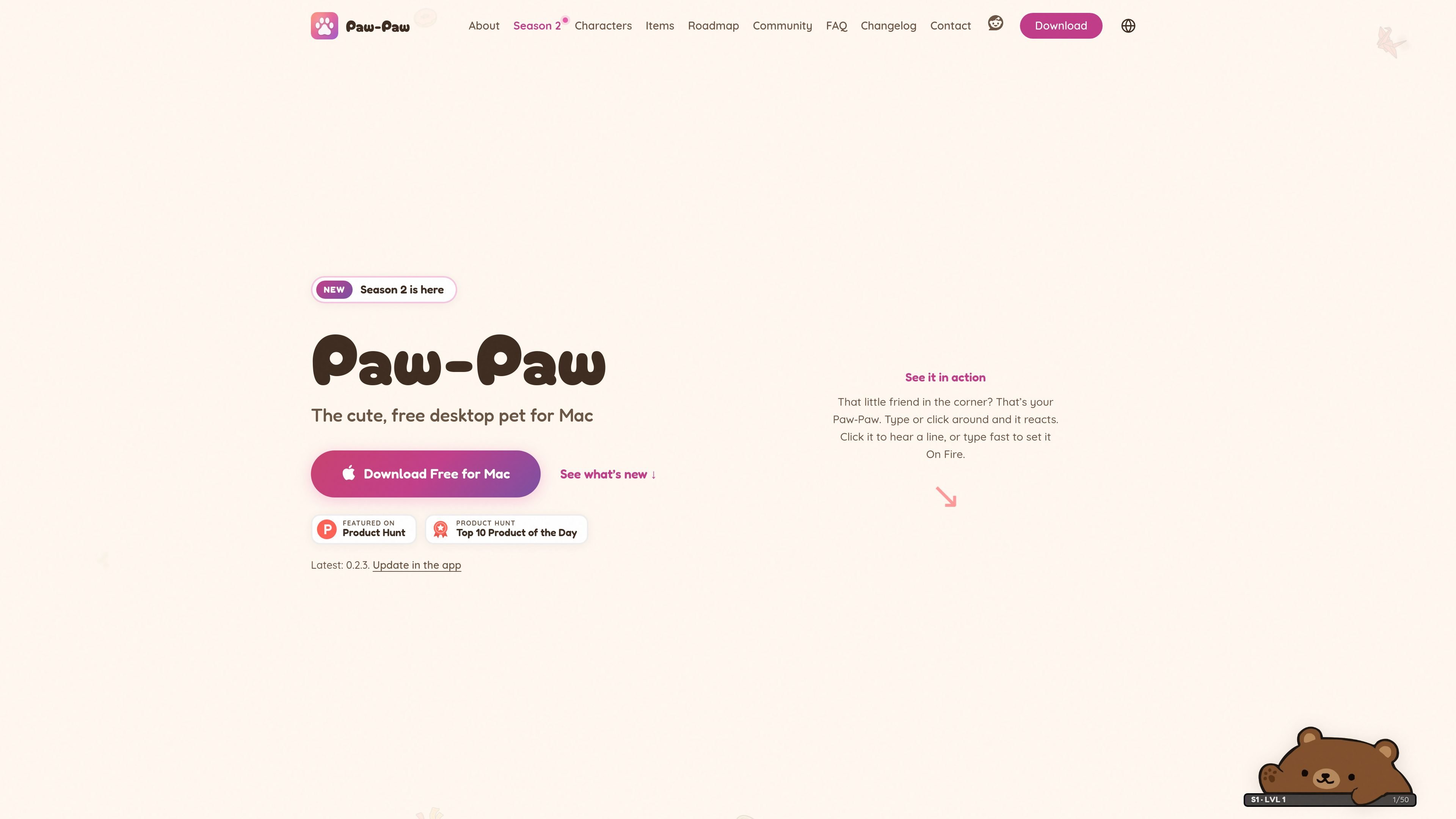
Paw-Paw is a native desktop pet for macOS. It stays on the screen while you work and reacts to typing and clicks, providing a small animated companion for activities such as coding, writing and studying. The app is designed to remain unobtrusive and does not require an account to use its free core experience.
The app combines its companion behavior with a collection system. Paw-Paws, items, seasonal level tracks, gifts, achievements and secret item pairings give users optional goals to pursue during normal computer use. Paw-Paw is free with no ads or subscription; the separate Illustrain Collection is an optional one-time USD 2.99 purchase.
Paw-Paw supports macOS 13 Ventura or later on Apple silicon and Intel Macs. Installation is through a signed and notarized DMG rather than the Mac App Store, and macOS Accessibility access is required so the app can notice typing and clicks. It counts activity but does not record the text entered.
The character reacts to system-wide typing and clicks, and clicking it can play a short line. Paw-Paw counts activity without recording the text entered.
Season 1 and Season 2 include free Paw-Paws and collectible items that unlock as you type, click and work. Items range from common to legendary and can be used with every Paw-Paw.
The Library brings Paw-Paws, items, achievements, seasons and collections into one window. Items can be searched, filtered by category, starred as favorites and checked by source season or collection.
Choose Small, Medium or Large, use Mirror Mode, adjust opacity, switch Paw-Paws or items from the context menu, and enable Click-Through or hide the companion when needed.
Choose which season or collection earns XP, earn 2× XP while On Fire, open multiple waiting gifts together, and discover achievements and secret Paw-Paw-and-item pairings.
The optional Illustrain Collection adds five Paw-Paws and 57 items on a separate level track for a one-time USD 2.99 purchase. The core seasons remain free, without ads or a subscription.
Keep a small animated companion in a corner of the screen while drafting documents, coding or handling routine computer work. Size, opacity and Click-Through controls help it fit around other windows.
Use typing and clicking as low-effort progress inputs while collecting Paw-Paws and items. Seasonal tracks, gifts and achievements add optional milestones without changing the main work session.
Browse the Library to search and filter items, mark favorites, inspect seasonal collections and change the companion or its equipment. This suits users who prefer collecting and organizing cosmetic content.
Install the app on another compatible Mac and sign in when progress needs to follow the user. Paw-Paw combines local and account progress and restores the higher progress for seasons and collections.
Paw-Paw runs on macOS 13 Ventura or later, including Sonoma, Sequoia, Tahoe and macOS 27. It supports both Apple silicon and Intel Macs, and the universal app can run on MacBook, iMac, Mac mini or Mac Studio models that meet the macOS requirement.
Download the signed and notarized DMG directly, drag Paw-Paw into Applications, approve the first launch, and complete the Get started window. The app requests macOS Accessibility access so it can notice key presses and clicks. An account is optional.
No. Paw-Paw counts key presses and clicks but does not see, store, log or transmit the text you type. Usage analytics and crash diagnostics are separate optional choices, and progress sync occurs only when you sign in.
No account is required for the free desktop pet. Signing in is optional and is used for syncing progress across Macs or buying the Illustrain Collection.
The free app includes both seasons, their Paw-Paws and items, with no ads or subscription. The optional Illustrain Collection costs USD 2.99 as a one-time in-app purchase and adds five Paw-Paws and 57 items on its own level track.

DANCING CATS App turns cat pictures into dancing kitty clips. The public homepage is sparse, so the core use case is clear while pricing, outputs, and feature depth remain undocumented.

Cats Lock is a macOS app that locks the keyboard with one shortcut so a cat can sit on the keys without typing into your active app. It also offers a silent Stealth Lock mode, a menu bar workflow, and optional function-key locking.

Kima is a shared pet-care app for households that coordinate meals, walks, medications, reminders, and health notes together. It offers a live timeline, tracking tools, and Premium reporting features for iPhone users.

Kitiz is a free mobile cat collection game for iOS and Android. Players collect unique cats, care for them, and watch their relationships and conversations grow over time.
Clawd is an open-source browser pet companion that reacts to page content, user actions, and page errors directly in the browser. It is designed for local-only use with an optional local AI mode and controls for performance, scheduling, and distraction management.

WaterMe is a browser-based plant care app for logging watering and other routine tasks, with shareable sitter sessions for travel. It offers a free plan for smaller collections and a paid plan with unlimited plants and additional insights.