
Usage windows and reset timing
Reads provider-reported usage for Claude Code and Codex, including 5-hour and weekly windows where available, with reset times and pace information.

Peras is a local CLI and hook guard for Claude Code and Codex that monitors provider usage and applies configurable warnings, holds, or pauses. It helps developers manage shared usage windows, daily or weekly allowances, and unattended coding sessions; an optional macOS menu bar app shows both agents together.
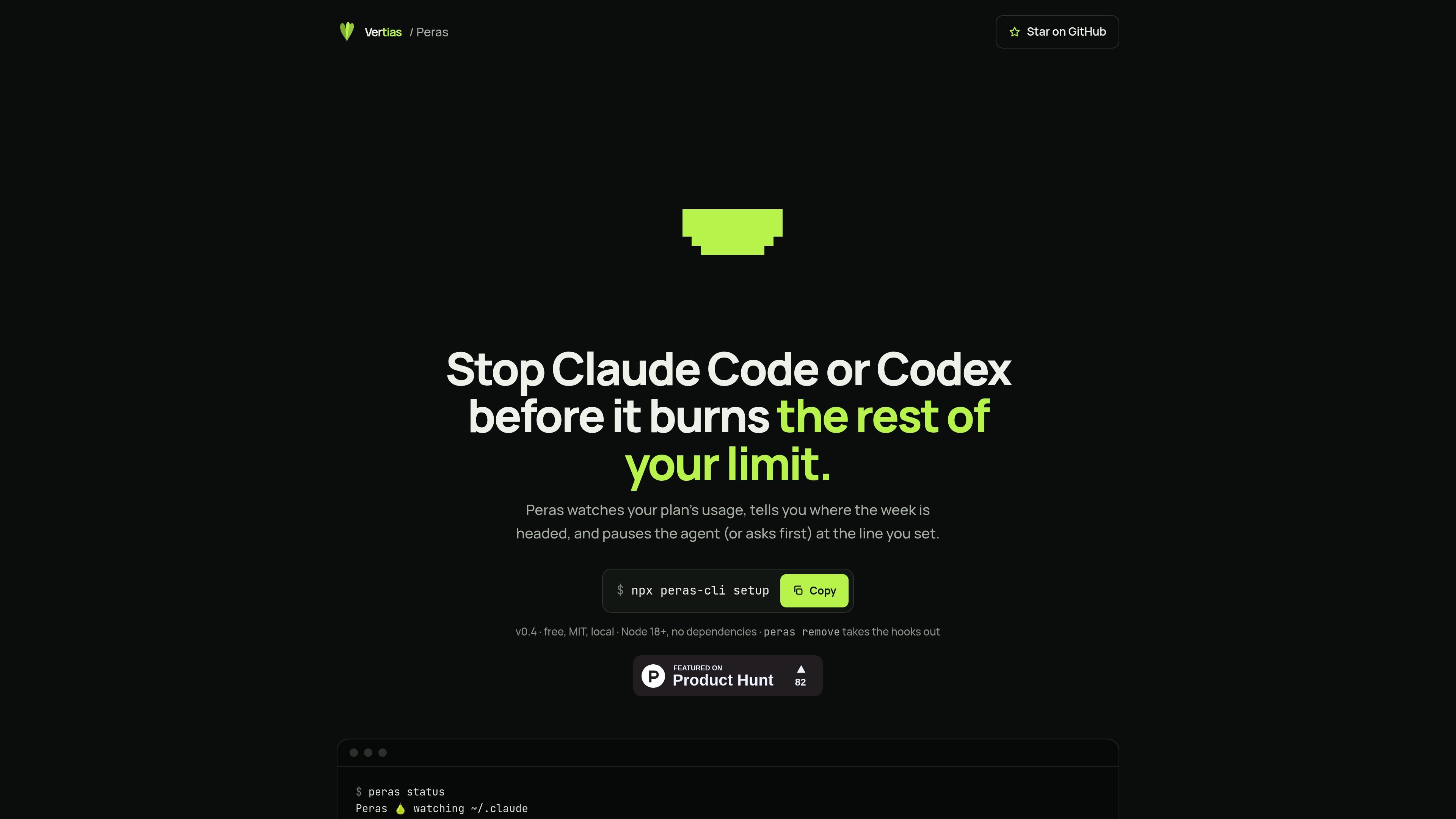
Peras is a local usage monitor and hook guard for Claude Code and Codex. It reads the usage information exposed by each agent, shows current and projected consumption against configured lines, and can warn, hold, or refuse guarded tool calls when a rule is reached.
The free CLI, hooks, SwiftBar menu, and MIT-licensed source run locally. An optional signed and notarized macOS app provides a unified menu bar view for both agents, with reset times, weekly and five-hour bars, separate pause controls, and a keyboard shortcut for opening the panel. Peras is designed to help manage limited provider usage, but it does not change quotas or guarantee that every request will stop exactly at a configured percentage.
Reads provider-reported usage for Claude Code and Codex, including 5-hour and weekly windows where available, with reset times and pace information.
Set weekly or daily allowances, prompt thresholds, time ranges, folder-specific rules, reserves, and saved profiles to shape when guarded work should stop.
At a configured line, Peras can notify you, wait for an approval decision, or refuse supported guarded tool calls and end the turn. Manual pause and resume commands are also available.
The optional macOS menu bar app displays both agents, offers separate pause controls, supports the ⌃⌥P shortcut, and lets users choose notification behavior.
Review status, reasons, events, sessions, histories, comparisons, recording gaps, and interventions from the command line; diagnostic and test commands help check hook operation.
Codex setup uses its local app-server for ChatGPT plan usage and keeps Codex data separate from Claude Code. Peras does not read login files or tokens.
Set a weekly pace or percentage line so a long coding session can be warned, held, or stopped before projected provider usage reaches the reset boundary.
Give an agent a daily allowance or restrict work to a defined overnight window, helping structure autonomous runs without changing the provider's underlying quota.
Apply a separate estimated allowance to a folder or project, then inspect sessions and observed increases to understand how shared account activity affects that work.
Use the shared menu bar view to watch Claude Code and Codex independently, pause one agent, and decide whether the other has enough remaining allowance to continue.
Review events, histories, comparisons, recording gaps, and diagnostic results after a week to understand when rules acted and whether hooks have been running.
Install Node.js 18 or later and use the free CLI with `npx peras-cli setup`; configure only the providers you use, review and trust Codex hooks in its `/hooks` settings when applicable, then restart agent sessions. The optional app is installed separately after downloading and unzipping it.
At a configured line, supported hooks can warn, wait for approval, or refuse guarded tool calls and end the turn. Claude Code supports an approval-style ask action; Codex has no approval prompt, so an ask line holds tools until you run the relevant resume command.
No. Peras keeps Claude Code and Codex usage windows, rules, pauses, and history separate, while presenting both agents in the same optional macOS menu bar app.
The guard, CLI, hooks, SwiftBar menu, and source are free and MIT-licensed. The signed and notarized macOS app costs €4.99 as a one-time purchase, with updates included.
Peras is intended as a guard for your own sessions, not a guaranteed hard cap. Usage is account-wide, estimates can be affected by parallel activity, stale readings may delay a pause, in-flight requests are not canceled, and clients or tools outside hook coverage may continue.

ByteAsk is a terminal-first AI coding agent for C and C++ that edits repositories and verifies changes with the real compiler, debugger, sanitizers, and tests before showing a diff. It offers a free tier plus paid plans, with editor connectors and zero-retention handling described in the source.

Epherem is a static security scanner for web apps built with AI coding tools such as Lovable, Bolt, v0, Replit, Cursor, and Claude Code. It checks source files and dependencies for common security mistakes, then provides categorized findings and suggested fixes without running the app.

CreateOS Sandbox is an isolated compute environment for running code and agent workloads inside Firecracker micro-VMs. It is designed for workflows that need machine-level isolation, private networking between sandboxes, and programmatic control through SDK, CLI, or MCP.

GitBot is a local browser-based workspace for creating reusable coding bots powered by Claude Code, Codex, or OpenCode. It helps developers run those agents across repository folders with persistent threads and configurable permissions.

hob is an independent workspace for coding agents that keeps agent sessions, terminals, history, and follow-up work organized around the tools and providers you already use. It is aimed at developers who want local control over routing, history, and workspace structure rather than a bundled model stack.

Ably Chat is a chat API platform for building custom realtime chat applications. It supports room-based messaging, typing indicators, presence, reactions, and message updates, with usage-based pricing options for different deployment stages.