
AI agent guard
Rates shell commands, file reads and writes, web fetches, and MCP calls before execution, with actions classified from Info to Critical. Protect mode blocks High and Critical actions; Strict mode also stops Medium actions.

Plango is a local Mac security tool for developers using AI coding agents. It checks agent actions, MCP servers, plugins, credentials, Mac privacy settings, and network connections, then explains and logs security decisions in plain English.
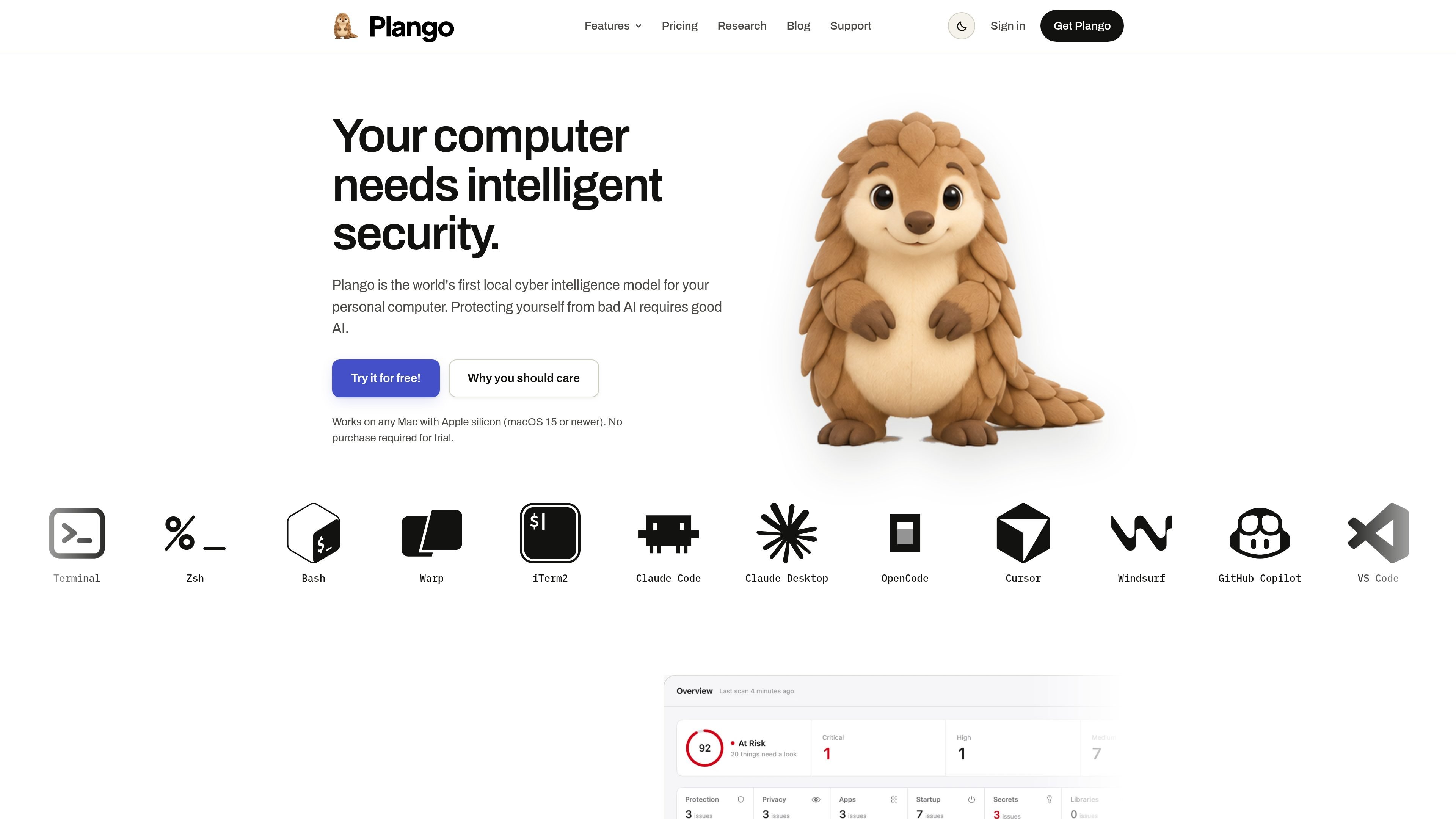
Plango is a local Mac security tool for developers using AI coding agents and related tools. It examines security settings, installed apps, internet connections, agents, MCP servers, plugins, and skills, then presents security information and decisions in plain English.
Its agent controls evaluate actions before they run, including commands, file operations, web fetches, and MCP calls. Plango also provides Mac-level checks for permissions, privacy settings, startup items, extensions, and phishing risks. The product says its AI runs on the Mac, with an option to use another local agent or a user’s own API key.
Rates shell commands, file reads and writes, web fetches, and MCP calls before execution, with actions classified from Info to Critical. Protect mode blocks High and Critical actions; Strict mode also stops Medium actions.
Finds MCP servers configured in Claude Code, Claude Desktop, and Cursor, presents them in one list, and shows whether each is wrapped by Plango or running unguarded.
Checks skills, commands, and plugins before an AI agent trusts them, helping surface hidden instructions and hooks that could expose work.
Moves plain-text keys out of .env files and into the macOS Keychain, while also identifying tokens stored in MCP configuration.
Audits Mac app permissions, privacy settings, startup items, and extensions, including access to the camera, microphone, screen, and keystrokes.
Monitors internet connections and lets users decide which app or agent destinations are allowed, alongside warnings for suspected phishing login pages.
Review commands, file access, web requests, and MCP calls from coding agents before they execute, then use Protect or Strict mode to set the blocking threshold.
Inventory MCP servers configured across Claude Code, Claude Desktop, and Cursor, check which are guarded, and investigate tokens left in plain-text configuration.
Inspect skills, commands, and plugins before allowing an agent to rely on them, particularly when a project uses third-party extensions or automation.
Check application access to sensitive Mac resources, startup items, extensions, and outgoing connections when tightening a developer workstation.
Use the event log to review what an agent did and why Plango allowed or blocked an action after testing a workflow.
Plango supports Macs with Apple silicon, including M1, M2, M3, and M4 models. The Mac must run macOS 15 or newer and have at least 16 GB of memory.
Plango offers a seven-day free trial without requiring a payment card. The trial does not automatically become a paid plan.
During the trial, an account is limited to one device. A subscription also works on one Mac at a time, and the account can be moved to a new Mac.
Plango rates shell commands, file reads and writes, web fetches, and MCP calls before they run. Protect mode blocks High and Critical actions, while Strict mode also blocks Medium actions.
Plango identifies MCP servers configured in Claude Code, Claude Desktop, and Cursor, shows whether they are wrapped by Plango, and flags access tokens stored in plain-text configuration.

ByteAsk is a terminal-first AI coding agent for C and C++ that edits repositories and verifies changes with the real compiler, debugger, sanitizers, and tests before showing a diff. It offers a free tier plus paid plans, with editor connectors and zero-retention handling described in the source.

Epherem is a static security scanner for web apps built with AI coding tools such as Lovable, Bolt, v0, Replit, Cursor, and Claude Code. It checks source files and dependencies for common security mistakes, then provides categorized findings and suggested fixes without running the app.

CreateOS Sandbox is an isolated compute environment for running code and agent workloads inside Firecracker micro-VMs. It is designed for workflows that need machine-level isolation, private networking between sandboxes, and programmatic control through SDK, CLI, or MCP.

GitBot is a local browser-based workspace for creating reusable coding bots powered by Claude Code, Codex, or OpenCode. It helps developers run those agents across repository folders with persistent threads and configurable permissions.

hob is an independent workspace for coding agents that keeps agent sessions, terminals, history, and follow-up work organized around the tools and providers you already use. It is aimed at developers who want local control over routing, history, and workspace structure rather than a bundled model stack.

Ably Chat is a chat API platform for building custom realtime chat applications. It supports room-based messaging, typing indicators, presence, reactions, and message updates, with usage-based pricing options for different deployment stages.