
Prompt-to-extension generation
Turn a plain-English request into a working Manifest V3 Chrome extension without writing the code by hand. The generated package includes the pieces Chrome expects, not just a mockup.

PlugThis is an AI Chrome extension builder that turns plain-English prompts into working Manifest V3 extensions. It supports ZIP export, full code ownership, and optional Supabase or AI-backed builds.
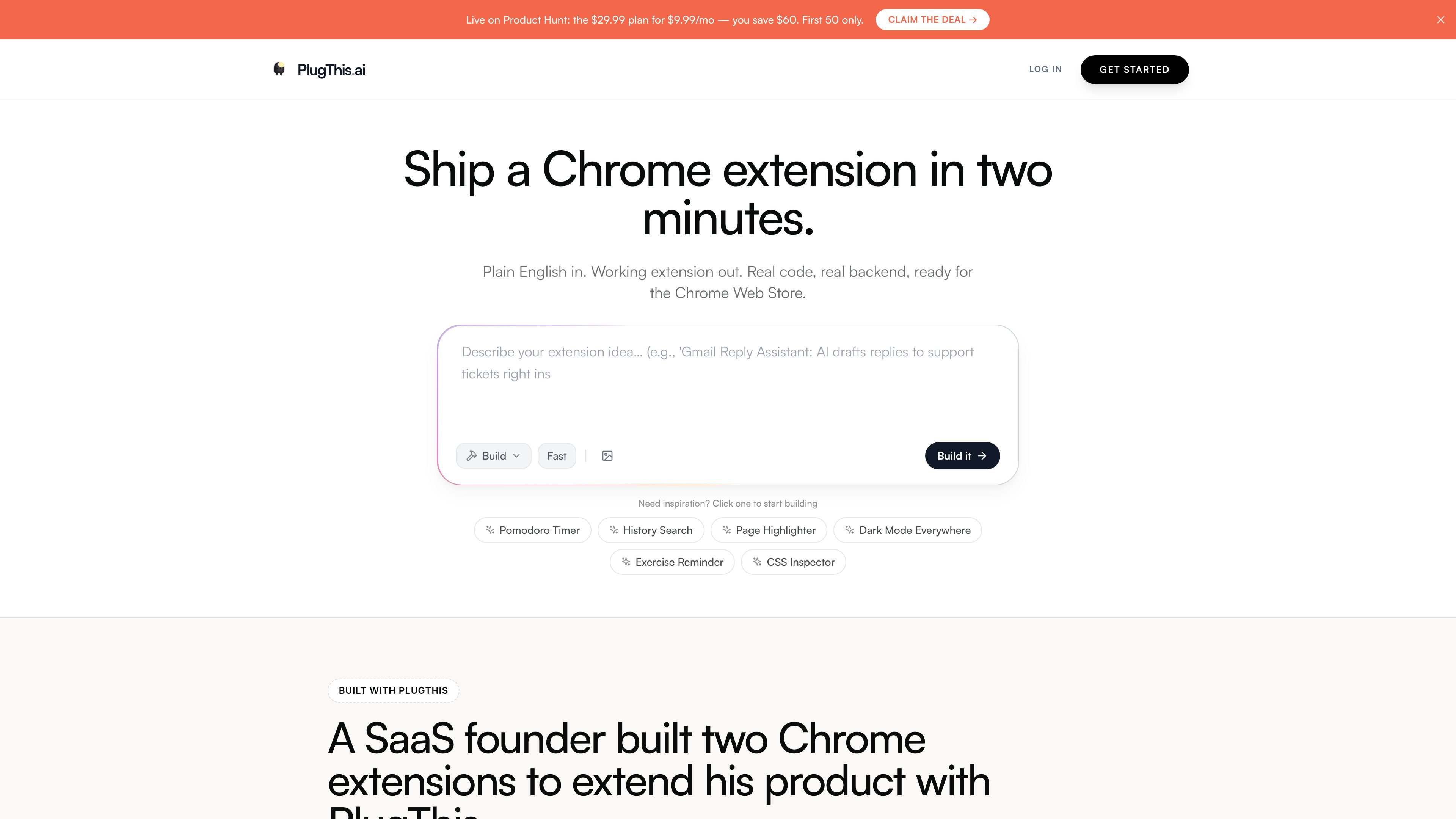
PlugThis is an AI Chrome extension builder that turns a plain-English idea into a working Manifest V3 extension. It is designed for people who want to ship browser extensions without assembling the manifest, scripts, popup UI, packaging, and backend wiring themselves.
The product focuses on complete outputs rather than prototypes. Its workflow includes prompt-based generation, downloadable ZIP export, install instructions for Chrome, and optional support for Supabase backends or AI features powered by the user’s own API key. The site also provides templates, prompt examples, documentation, and a live preview so builds can be refined before installation.
Turn a plain-English request into a working Manifest V3 Chrome extension without writing the code by hand. The generated package includes the pieces Chrome expects, not just a mockup.
Generate the manifest, content scripts, background service worker, popup, icons, and packaging files as one build. The site positions this as a complete extension architecture rather than a UI-only generator.
Connect a Supabase account when the extension needs user login, database storage, or server-side logic. PlugThis writes the backend code as part of the build flow.
Use your own AI key for extensions that summarize, translate, reply, or otherwise generate text. The site names OpenAI, Anthropic, and Gemini as supported model providers.
Export a downloadable ZIP, unpack it, and load it into Chrome as an unpacked extension. The generated code is described as yours to keep and modify.
Work from templates, prompt examples, uploaded images, and manual edits in the built-in editor. The docs also describe real-time preview updates and multi-file editing.
Build a browser helper that reacts to page content, adds buttons, or runs on specific websites like Reddit, LinkedIn, X, Gmail, GitHub, or a custom CMS. The site frames this as a plain-English path to a working extension instead of a manual Chrome APIs project.
Create extensions that summarize pages, draft replies, translate text, or answer questions using the user's own API key. The product names OpenAI, Anthropic, and Gemini as supported model sources.
Generate browser-facing tools such as lead extractors, CSS inspectors, page highlighters, privacy blur tools, or sticky notes. The homepage lists these as ready-to-use templates and example prompts.
Start from a template or uploaded mockup, then ask for changes in chat or edit multiple files in the built-in editor. The docs describe live preview updates and multi-file editing for this refinement loop.
Use Supabase when the extension needs sign-in, persistence, or server-side logic. The product positions this as a full-stack path for extensions that need more than local browser code.
PlugThis returns a complete Manifest V3 extension bundle from a plain-English description, including the manifest, scripts, popup UI, icons, and, when needed, backend code. The docs also describe a built-in code editor, live preview, ZIP export, and install steps for loading the unpacked extension in Chrome.
The docs say you can start by signing in with Google, describing the extension in plain English, then downloading and installing the ZIP as an unpacked extension. The homepage also says you can begin from templates or prompt examples.
Yes. The pricing and docs pages say extensions can be downloaded as a ZIP, loaded into Chrome, and prepared for the Chrome Web Store. The site also states that the generated code is yours to keep.
PlugThis supports backend extensions through Supabase and AI-enabled extensions through your own API key. The docs mention OpenAI, Anthropic, and Gemini as model options, depending on the workflow.
The documentation says the live preview shows the popup UI in an isolated frame and updates while files are generated, but it does not display every browser-level capability. For content scripts, network rules, and context-menu behavior, you need to download and load the extension in Chrome.

ByteAsk is a terminal-first AI coding agent for C and C++ that edits repositories and verifies changes with the real compiler, debugger, sanitizers, and tests before showing a diff. It offers a free tier plus paid plans, with editor connectors and zero-retention handling described in the source.

CreateOS Sandbox is an isolated compute environment for running code and agent workloads inside Firecracker micro-VMs. It is designed for workflows that need machine-level isolation, private networking between sandboxes, and programmatic control through SDK, CLI, or MCP.

hob is an independent workspace for coding agents that keeps agent sessions, terminals, history, and follow-up work organized around the tools and providers you already use. It is aimed at developers who want local control over routing, history, and workspace structure rather than a bundled model stack.

Manta AI is an autonomous web app testing tool for teams that want to map application behavior, catch regressions, and generate tests without writing scripts or maintaining selectors. It works from a URL and supports plain-English test flows, run results with screenshots, and scheduled or deployment-triggered checks.

SonOf connects to your repo and PM tool, audits the codebase and surrounding product context, and turns approved work into shipped tickets with senior engineering review. It is aimed at founders and engineering leaders who need backlog help without hiring a full team immediately.

Ghost ist ein terminalbasierter KI-Assistent für Chats, Code-Generierung und Aufgaben direkt in der Kommandozeile. Mit kostenlosen Modellen, Linux, macOS und Windows. Open Source.