
MCP-based infrastructure control
Use natural language through MCP to deploy, scale, tune alerts, debug environments, and inspect infrastructure from MCP-compatible clients like Cursor, Claude, or Codex.

Quave ONE is an infrastructure management platform that supports bring-your-own-cloud and Quave-hosted deployments. It helps teams deploy, scale, roll back, restore backups, and troubleshoot through MCP clients or a dashboard, with direct access to DevOps experts.
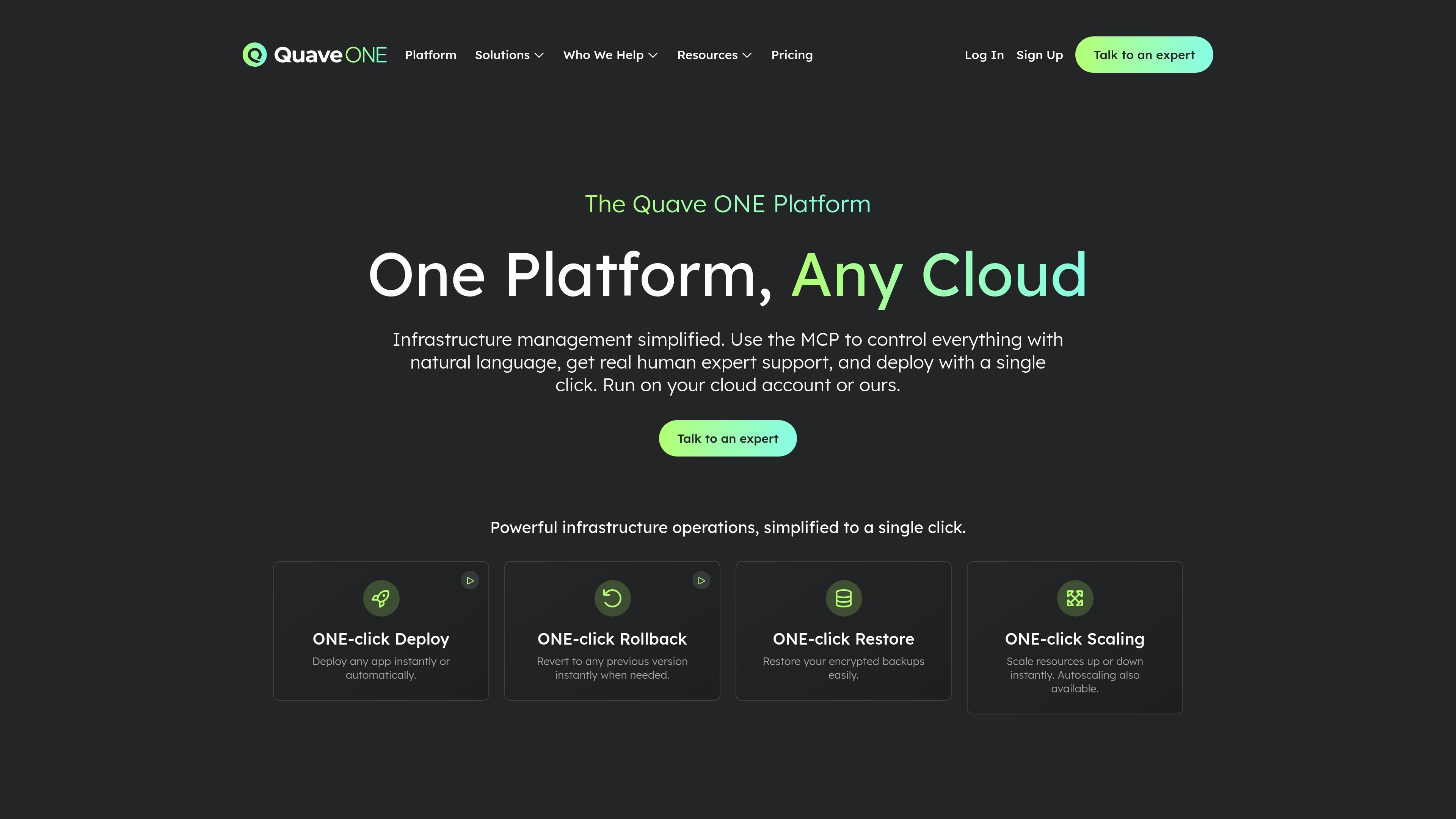
Quave ONE is an infrastructure management platform that lets teams deploy and operate applications on either their own cloud accounts or Quave’s regions. The platform is organized around two paths: Quave ONE Connect for AWS, GCP, Azure, OCI, or on-premise infrastructure, and Quave ONE Direct for running on Quave regions with zero setup.
The platform centers on MCP-based control, so users can manage deploys, scaling, rollbacks, restores, logs, alerts, and troubleshooting through natural language in MCP-compatible clients such as Cursor, Claude, and Codex. The site also emphasizes direct access to real DevOps experts and one-click operations for common infrastructure tasks.
Use natural language through MCP to deploy, scale, tune alerts, debug environments, and inspect infrastructure from MCP-compatible clients like Cursor, Claude, or Codex.
Deploy any app, roll back to a previous version, restore encrypted backups, and change resource allocation with one-click actions from the platform.
Quave ONE Connect runs on your own AWS, GCP, Azure, OCI, or on-premise infrastructure so you can preserve existing cloud relationships and credits.
Quave ONE Direct runs on Quave regions with zero setup and streamlined defaults for teams that want to start fast.
The platform includes Prometheus metrics and Grafana dashboards from the first deploy, and Connect exposes node-level views and historical metrics through MCP.
The site says real DevOps experts provide direct access, instant help, and strategic guidance when you need support.
Teams that already have cloud credits or must stay on a specific provider can connect Quave ONE to their existing AWS, GCP, Azure, OCI, or on-premise setup and keep their current account relationships.
Startups or product teams that want to ship quickly can use Quave ONE Direct on Quave regions with zero setup and a usage-based model.
Teams that want to work from Cursor, Claude, Codex, or another MCP client can deploy, scale, inspect logs, and troubleshoot by describing the task in natural language.
Teams that need rollback, restore, or scaling actions during normal operations can use the platform’s one-click flows instead of switching between separate consoles and scripts.
Organizations that want hands-on assistance can use the platform’s access to real DevOps experts for guidance, setup, and migration support.
Quave ONE Connect connects to your existing cloud account on AWS, GCP, Azure, OCI, or on-premise infrastructure. Your apps run in your own environment while Quave ONE adds a unified interface for deploys, scaling, backups, and MCP-based control.
The pricing page says Connect starts at $399/month as a fixed license, and you pay your cloud provider directly. Direct starts at $7.5 per zcloud with hourly usage billing.
The platform says you can deploy, scale, roll back, restore backups, and troubleshoot from one dashboard or through MCP clients such as Cursor, Claude, Codex, or other MCP-compatible tools.
Yes. The pricing page states that you can start on Direct and move to Connect later, and that Quave handles migrations with zero-cost white-glove migration in most cases, with transparent fees if an exception applies.
Connect is described as the fit for teams with cloud credits, provider requirements, or compliance needs. Direct is positioned for teams that want to skip cloud-account setup and start quickly with Quave regions.

ClawTick is an AI agent automation platform for scheduling jobs from the CLI, dashboard, or REST API. It is aimed at developers and teams running LangChain, CrewAI, webhook, or custom agent workflows that need monitoring, alerts, and logs.

OpenFlags is an open-source, self-hosted feature flag platform for modern JavaScript teams. It supports local evaluation, targeted rollouts, and controlled launches while keeping flag data in your own infrastructure.

ByteAsk is a terminal-first AI coding agent for C and C++ that edits repositories and verifies changes with the real compiler, debugger, sanitizers, and tests before showing a diff. It offers a free tier plus paid plans, with editor connectors and zero-retention handling described in the source.

PromptScout tracks how ChatGPT, Gemini, Google AI Overviews, and Perplexity mention your brand or competitors, then pairs those results with source analysis and website audits. It helps teams decide what to fix in content, positioning, or site readiness next.

CreateOS Sandbox is an isolated compute environment for running code and agent workloads inside Firecracker micro-VMs. It is designed for workflows that need machine-level isolation, private networking between sandboxes, and programmatic control through SDK, CLI, or MCP.

Sleek Analytics is a privacy-friendly web analytics tool with real-time visitor tracking, Core Web Vitals, and revenue attribution. It helps site owners understand traffic and conversions without cookie banners or a heavy setup.