
A workflow built for product video marketing
Optimized around product showcase, scenario-based appeal, and human experience presentation needs, making it suitable for marketing-oriented product videos.

灵视是一款面向产品营销的 AI 视频生成平台,可将产品图片和卖点快速转成宣传视频。它支持从零开始或使用样板创建,并允许在生成后继续修改分镜、配音、音乐和品牌信息。
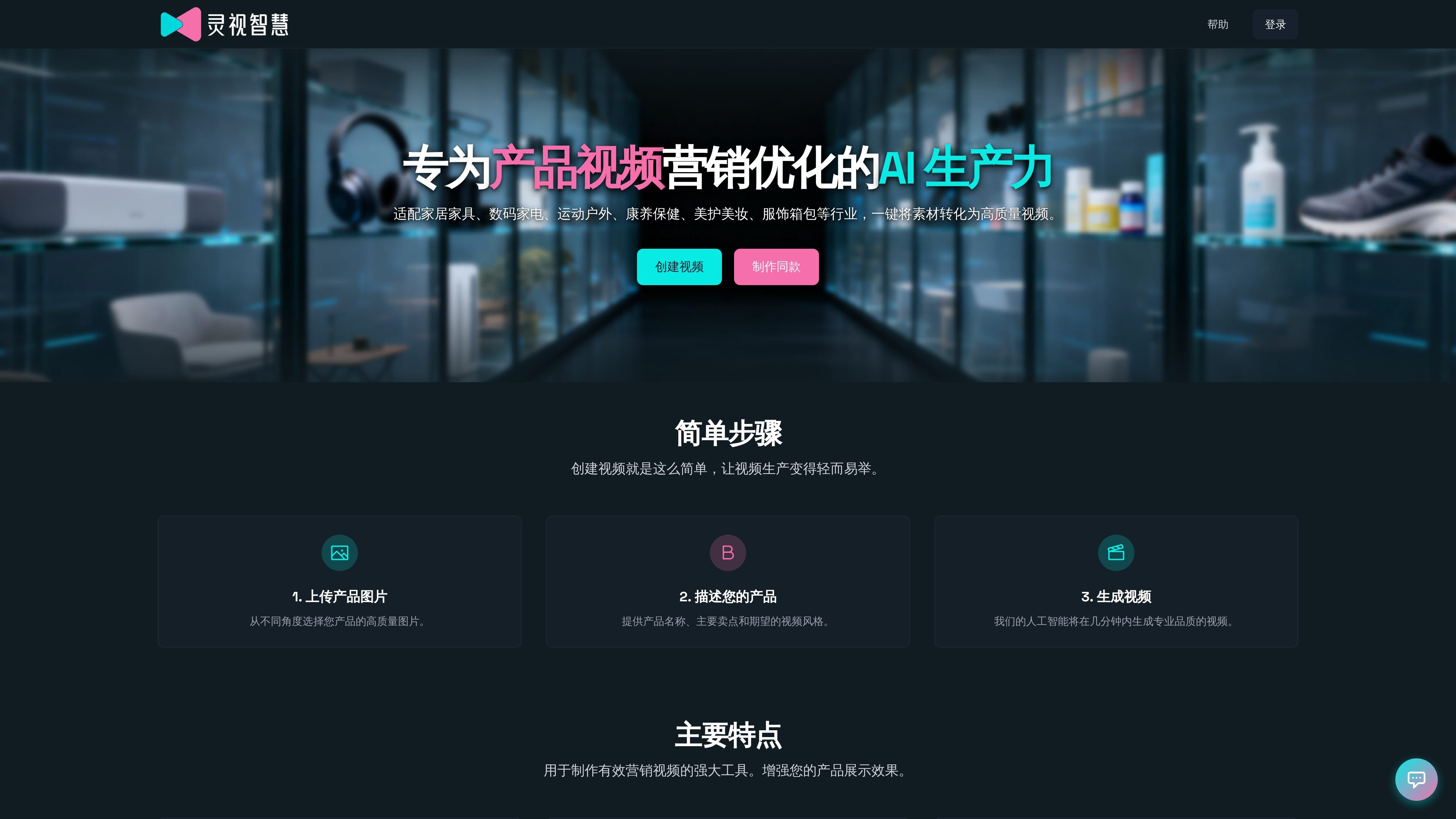
灵视 is an AI product video generation platform focused on product marketing scenarios. It helps users quickly turn product images and basic copy into usable video content. The official site says its main goal is to lower the barrier to creating product videos so that users without a complex editing workflow can still produce videos quickly.
The platform is suited to home furnishings, consumer electronics, sports and outdoor, health and wellness, beauty and cosmetics, apparel, and bags and luggage. Users can start from scratch or choose a template video directly; after generation, they can continue editing the creative concept, shots, voiceover, music, and brand information before recomposing the final video.
Optimized around product showcase, scenario-based appeal, and human experience presentation needs, making it suitable for marketing-oriented product videos.
Supports uploading product images from different angles, then entering the product name, main selling points, and desired video style; the AI generates a video within minutes.
Offers one-click generation and step-by-step generation modes; the former lets AI handle everything automatically, while the latter allows previewing and adjusting at each stage.
After generation, you can edit the creative plan, storyboard images, storyboard videos, voiceover, background music, and brand information separately, instead of remaking the entire video every time.
The template library is organized by industry, style, and type, including product showcases and brand promotion, making it easy to apply a suitable structure quickly.
Suitable for operations, advertising, or ecommerce teams that need to quickly turn existing product images into short videos. Users only need to upload images and add selling points to quickly get a finished video for promotion.
Suitable for teams that need to produce materials in batches with a consistent style. Starting from template videos lets them replace product information within a similar structure and reduce the cost of designing from scratch each time.
Suitable for content teams that want finer control over visuals. Step-by-step generation allows previewing and adjusting each stage, including the creative concept, storyboard images, storyboard videos, voiceover, and music.
Suitable for stores, factories, or situations with limited on-site shooting conditions. The website says it supports use on both computers and mobile devices, making it easy to upload materials and generate videos from different work locations at any time.
The homepage and help center show that 灵视 supports two ways to create videos: start from scratch by uploading product images and filling in product details, or quickly begin with a template video.
The help center says the full video generation process takes about 3-5 minutes, including creative generation, storyboard image generation, storyboard video generation, and final compositing.
You can modify the creative plan, storyboard images, storyboard videos, voiceover, background music, and brand information. After editing, you only need to regenerate the relevant parts and then recompose the final video.
The help center recommends PNG/JPG files, with each file no larger than 6MB. The product subject should be prominent and details should be clear; there are no special requirements for image aspect ratio or background.
The help center provides this contact information: [email protected]. Online customer support is available on weekdays from 9:00 to 18:00.

VIDEOAI.ME is an AI video generator for making spokesperson-style videos, ads, explainers, and social content from a script. It is aimed at founders, marketers, agencies, and creators who want to produce videos without filming.

Wisry is an AI advertising studio for ecommerce brands that researches competitor ads, develops evidence-backed campaign concepts, and generates static and video creatives. It also supports editing and connected campaign workflows for Meta and Google.

艺映AI is a free AI video creation tool for generating video from text, images, or existing footage. It is positioned for short-form social content, promotional clips, and stylized AI video projects.

讯飞绘镜 (iFlytek Huijing) ist eine KI-gestützte Videokreationsplattform, die kreative Ideen schnell und effizient in Skripte, Storyboard-Bilder und dynamische Videos umwandelt.

Lasso is an ecommerce product data platform for enriching catalog records, processing supplier files, generating product content, and monitoring competitors. It combines a web app with a REST API, SDK, and MCP server for teams and developers.

DailyPlay.ai is a behavioral growth platform that uses AI site scanning and micro-games to help brands improve engagement and conversion. It supports web, mobile, and other digital touchpoints, with a one-line script setup and a free engagement scan.