
Teleprompter
Use a self-scrolling teleprompter so your script stays in view as you present, while your audience never sees it.
Sales Studio is a macOS app for running live demos from a private presenter view, with teleprompter, notes, annotations, and source switching. It outputs a clean screen-share window for Zoom, Google Meet, Teams, and other video tools.
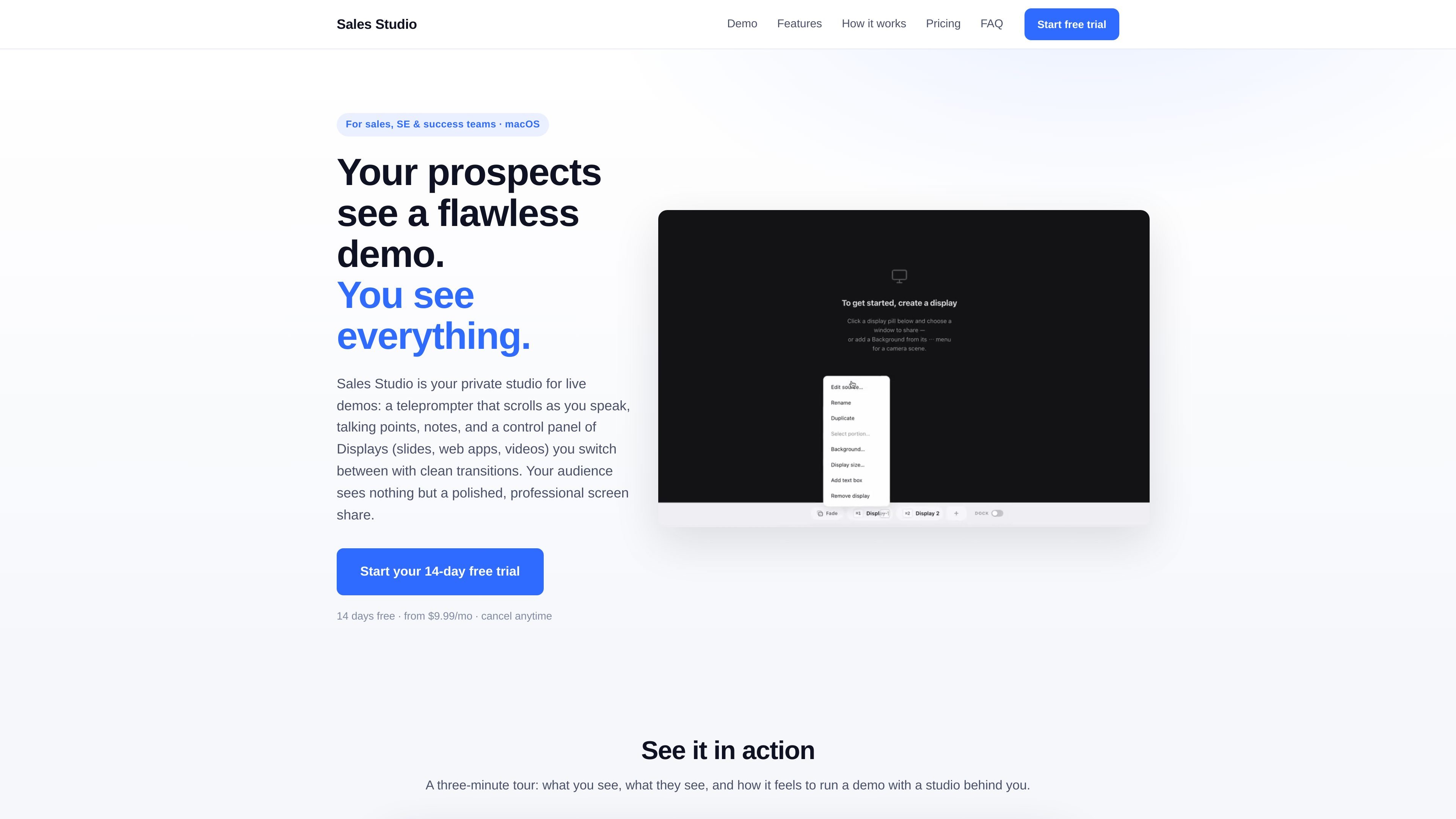
Sales Studio is a macOS app for running live demos from a private studio view. It gives the presenter a teleprompter, talking points, notes, annotation tools, and a control panel for switching between preloaded Displays such as slides, web apps, and videos.
The product is built so the audience only sees a clean shared window in Zoom, Google Meet, or Teams, while the presenter keeps the full demo workflow private. The site positions it for sales, sales engineering, and customer success teams that need to present live content with less clutter and fewer manual transitions.
Use a self-scrolling teleprompter so your script stays in view as you present, while your audience never sees it.
Keep reminders and key messages beside your live view so you can stay on script without switching away from the demo.
Draw, highlight, and point on screen during a live presentation, with annotations fading out automatically when you are done.
Place your camera on the shared screen, and adjust its position, shape, size, and border for each Display.
Pre-load screens as Displays and switch between them with smooth transitions, including keyboard shortcuts ⌘1–9.
Pause what the audience sees on a frozen frame while your camera keeps running, giving you time to prepare off-screen.
Run a customer-facing sales demo with a script, notes, and quick source changes while keeping the audience on a single polished screen share.
Switch between product screens, slides, and videos during a technical or solution-selling presentation without exposing your prep tools to the audience.
Use the clean Present window to present status, walkthroughs, or training material in a customer success call while keeping reminders and annotations private.
Record or rehearse a live presentation with the same studio controls, then use the camera overlay and timer to stay paced and on message.
Sales Studio runs on a Mac with Apple Silicon (M1 or later) and macOS 15 (Sequoia) or newer. After installing the .dmg, you add the app to Applications and grant Screen Recording and Camera permissions the first time you use it.
The app creates a clean Present window that you share like any other screen, so it works with Zoom, Google Meet, Teams, and other video tools that accept a screen share.
You get full access for 14 days. You are not charged until the trial ends, and you can cancel anytime before then from the billing portal.
One subscription can be used on up to 3 Macs. You can deactivate a device if you need to move to a different machine.
Support is available by email at [email protected], and there is also a Help button inside the app.

Notewarp is an AI note-taking tool that turns voice notes, uploads, or pasted text into cleaner notes, transcripts, summaries, and action items. It helps people capture rough ideas quickly and then edit, export, or share the result.

QuickQuill is a macOS dictation and transcription app that runs locally on the device. It helps users record meetings, transcribe audio, generate summaries, and export notes without using a cloud service.

Flunkey is a voice-first productivity layer for Windows that converts speech into text, AI-assisted outputs, and remembered context. It is built for users who want to capture ideas and actions without leaving the app they are working in.

MeetStream is a meeting bot API for Zoom, Google Meet, Microsoft Teams, and Webex. It helps developers record, stream, and analyze meetings programmatically, with usage-based pricing and a $5 free credit to start.

Slidesgo is a presentation template platform for Google Slides, PowerPoint, and selected Canva workflows. It offers free and Premium templates, plus AI-assisted presentation creation and team-friendly access options.

Contextbergは、画面・入力・ブラウザ・AIエージェントの利用履歴をローカルで記録し、MCP経由でClaude CodeやCursorなどに作業コンテキストを渡すデスクトップアプリです。中断した作業の再開、過去ログの検索、日次レビューに利用できます。