SandyWP icon

SandyWP

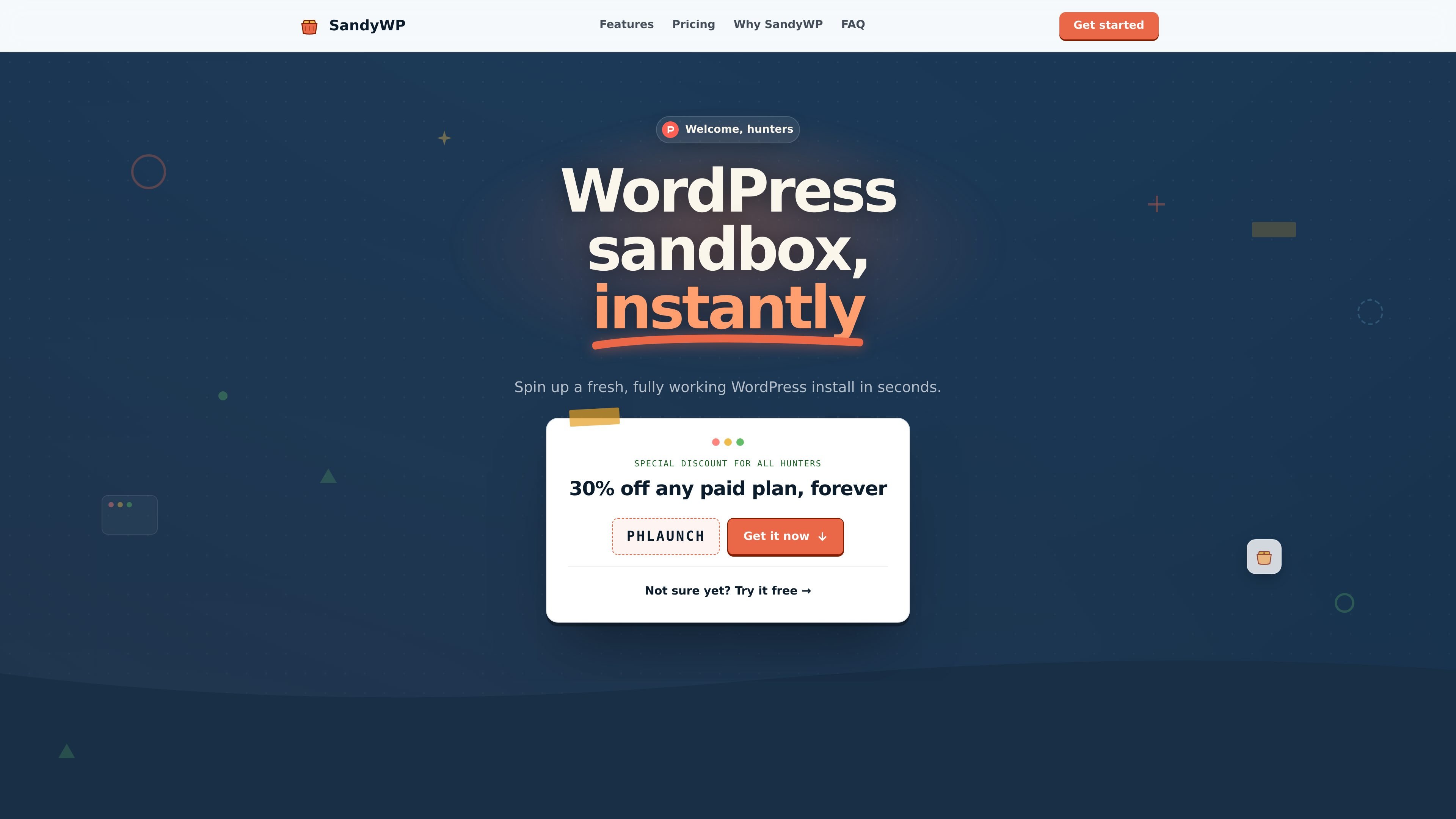
SandyWP is a WordPress sandbox service that creates real WordPress installs in seconds for testing plugins, themes, bug fixes, and demos. It also supports cloning, Git deploys, CLI/API access, and Slack-based workflows.

SandyWP

WordPress sandboxes for testing and demos

SandyWP is a WordPress sandbox platform for creating disposable, real WordPress installs in seconds. It gives you a live URL, wp-admin access, and a working database so you can test plugins, themes, ideas, and bug fixes without touching production sites.

The product is aimed at WordPress builders who need quick throwaway environments as well as repeatable test setups. The site and docs show workflows for cloning a live site, deploying from Git, launching from templates, using the CLI or HTTP API, and triggering deployments from Slack.

Core features

Instant sandbox creation

Create a fresh WordPress install in seconds with a real server, database, wp-admin, and live URL. The docs say the platform provisions the database, files, route, TLS, and admin user, then lets you open the dashboard already logged in.

One-click admin access

Use the built-in magic login link to jump straight into wp-admin as an admin. This removes password handling when you just need to inspect or change a site quickly.

Site cloning into isolated sandboxes

Clone an existing WordPress site into a disposable sandbox, including database, themes, plugins, and media. The site that gets cloned is not touched.

Git-based deployment

Deploy plugins or themes from a Git repository, including branch-based test runs. The docs also note that a connected repo can be deployed from the dashboard or via terminal workflows.

Multiple control surfaces

Work from the dashboard, CLI, HTTP API, or Slack. SandyWP exposes the same core actions through browser tools, terminal commands, scripts, and mention-based Slack commands.

Per-sandbox runtime and file tools

Adjust PHP version and common runtime limits such as memory, execution time, and upload size per sandbox. The homepage also shows built-in file editing and database management through Adminer.

Common use cases

  • Test changes safely

    Create a clean WordPress environment to try a plugin update, new theme, or configuration change before applying it to a production site.

  • Debug real-site issues

    Copy a client’s live site into a disposable sandbox to reproduce bugs or inspect behavior without altering the original site.

  • Validate Git-based builds

    Deploy a plugin or theme repository, including a specific branch, to see how the current code behaves on WordPress.

  • Create repeatable demo environments

    Share a template or launch link so a customer, teammate, or reviewer can start from the same preconfigured sandbox.

  • Automate WordPress workflows

    Run sandbox creation, listing, deletion, or Slack-triggered deploys from scripts, the CLI, or a channel workflow when you want to avoid the browser.

Pros and Cons

Pros

  • Creates real WordPress installs rather than a simulated preview.
  • Includes direct wp-admin access through a magic login link.
  • Supports cloning, Git deploys, templates, CLI/API access, and Slack workflows.
  • Can isolate tests from production when cloning a site or experimenting with plugins and themes.
  • Offers per-sandbox controls for PHP version and runtime settings.

Cons

  • Guest sandboxes are limited to one at a time and expire after 7 hours.
  • The free account tier is still limited compared with paid plans, which are needed for permanent sandboxes and higher capacity.

FAQ

How do I get started with SandyWP?

You can create a free sandbox from the homepage without an account. The docs say you click Create a free sandbox, optionally choose a name and WordPress/PHP stack, then wait for provisioning and open wp-admin when it is ready.

What is SandyWP used for?

The homepage and docs both describe SandyWP as disposable WordPress sandboxes with real WordPress installs. It is meant for testing plugins, themes, bug reproduction, demos, and experimentation without affecting a live site.

What are the main limits on free usage?

The docs say guest sandboxes last 7 hours and allow one active sandbox at a time. With a free account, sandboxes can last up to one week and you can run several at once; paid plans add permanent sandboxes and higher limits.

Can teams or automation use SandyWP?

Yes. The docs and Slack page say you can create, list, and delete sandboxes from the dashboard, terminal, or Slack. The Slack workflow works through @mentions in a channel the bot belongs to.

What tools are available after a sandbox is created?

SandyWP says the dashboard includes File Manager, database access, PHP settings, Git deployment, Templates, Clone a site, Push a local site, and Slack app workflows. The exact tools available depend on whether you are using guest access, a free account, or a paid plan.

Quick Facts

Category
Developer Tool
Platform
Web-based WordPress sandbox service
Primary users
WordPress builders, plugin/theme developers, and site testers
Source domain
sandywp.com
Notable workflows
Create sandbox, clone site, deploy from Git, manage from CLI or Slack
Pricing shape
Free guest access and free account options; paid plans add higher limits and permanent sandboxes

SandyWP Alternativen

ByteAsk icon

ByteAsk

ByteAsk is a terminal-first AI coding agent for C and C++ that edits repositories and verifies changes with the real compiler, debugger, sanitizers, and tests before showing a diff. It offers a free tier plus paid plans, with editor connectors and zero-retention handling described in the source.

Manta AI icon

Manta AI

Manta AI is an autonomous web app testing tool for teams that want to map application behavior, catch regressions, and generate tests without writing scripts or maintaining selectors. It works from a URL and supports plain-English test flows, run results with screenshots, and scheduled or deployment-triggered checks.

ClawTick icon

ClawTick

ClawTick is an AI agent automation platform for scheduling jobs from the CLI, dashboard, or REST API. It is aimed at developers and teams running LangChain, CrewAI, webhook, or custom agent workflows that need monitoring, alerts, and logs.

Falconer icon

Falconer

Falconer is an AI-powered company brain that keeps internal documentation accurate, searchable, and up to date by syncing with tools like GitHub, Slack, and Linear. It helps engineering and cross-functional teams centralize knowledge and answer questions from a shared source of truth.

OpenFlags icon

OpenFlags

OpenFlags is an open-source, self-hosted feature flag platform for modern JavaScript teams. It supports local evaluation, targeted rollouts, and controlled launches while keeping flag data in your own infrastructure.

Speculos icon

Speculos

Speculos is a deployment tool for Claude Code that publishes what you built to a shareable URL. It supports private, org-wide, or public apps and adds team controls for company domains, data connections, and customer-cloud deployments.