
Memory operations
Save a memory, append to an existing entry, replace an entry entirely, recall by meaning, list recent items, or delete an entry. The API is built around a small set of actions instead of a large interface surface.

Second Brain Cloudflare is a self-hosted memory layer for AI tools, designed to store notes, decisions, and project context once and recall them across connected clients. It runs on Cloudflare and supports semantic retrieval plus multiple capture paths.
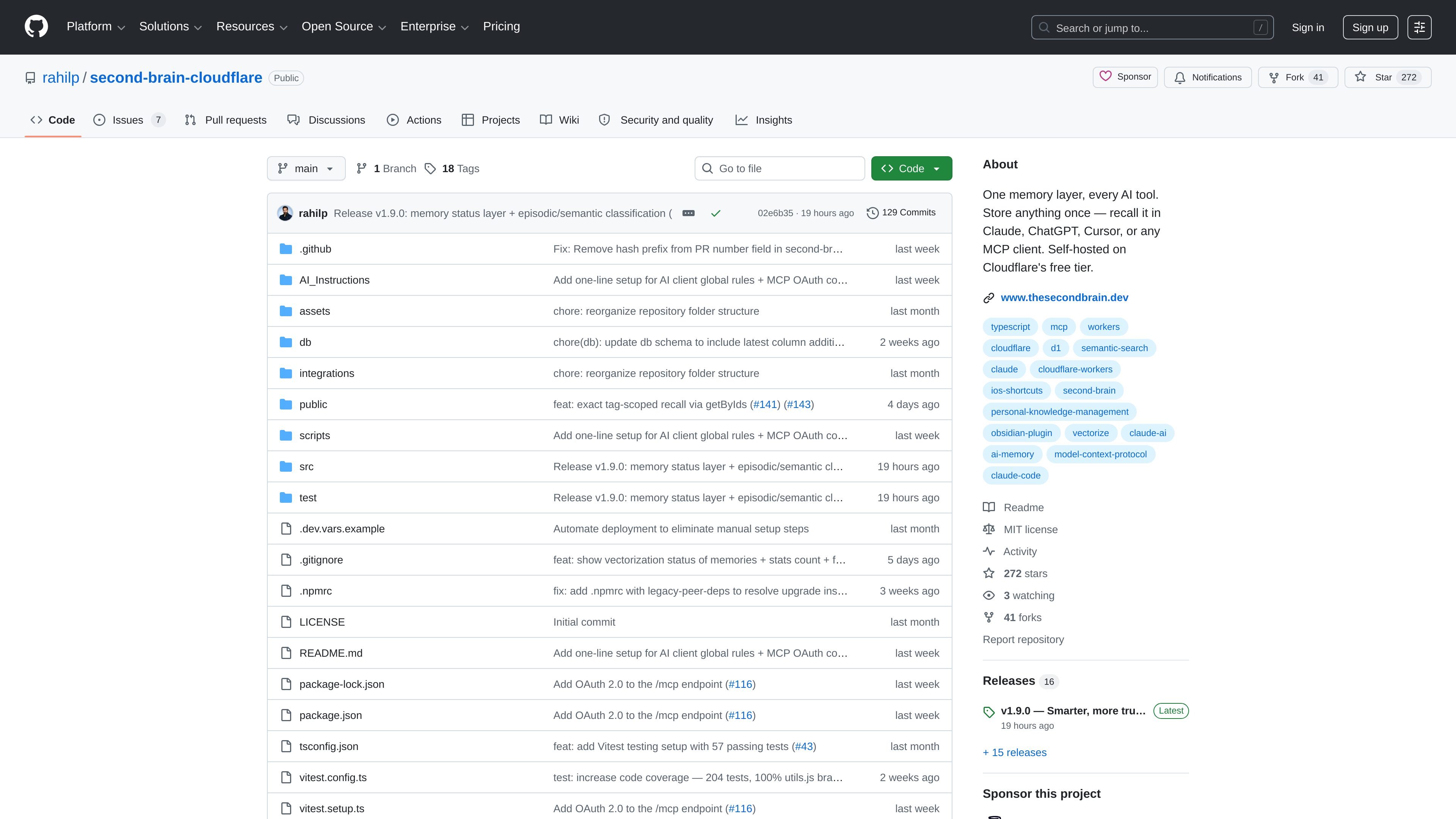
Second Brain Cloudflare is a self-hosted memory layer for AI tools. It lets you store notes, decisions, project context, and other snippets once, then retrieve them later from connected clients such as Claude, ChatGPT, Cursor, and other MCP-compatible tools. The project is built to keep your memory in your own Cloudflare account rather than inside a single AI app.
The system centers on semantic recall instead of exact-match search. That means you can ask for information using different wording than you used when saving it, and the service can still surface the relevant memory. The repository also documents ways to capture information from the terminal, Obsidian, iOS Shortcuts, a browser extension, a bookmarklet, and direct AI client commands.
Save a memory, append to an existing entry, replace an entry entirely, recall by meaning, list recent items, or delete an entry. The API is built around a small set of actions instead of a large interface surface.
Use semantic search so retrieval depends on meaning rather than exact wording. The documentation gives an example where a question about a pricing decision finds the right note even if the original phrasing differs.
Connect through MCP so AI clients can read and write the same memory layer. The README specifically mentions Claude, ChatGPT, Cursor, Claude Code, and Codex CLI.
Capture context from multiple input surfaces, including the terminal, Obsidian, iOS Shortcuts, a browser extension, and a bookmarklet. This makes it easier to save information where it first appears.
Deploy to Cloudflare with automated provisioning for the database, vector index, and Worker. The setup guide says the database schema auto-creates on the first request, reducing manual setup steps.
Support OAuth 2.0 for browser-based MCP clients, with a fallback bearer-token flow for tools that cannot open a browser. The README notes that OAuth requires a KV namespace and is provisioned automatically by the one-click deploy.
Keep project decisions, preferences, and working notes in one place so they can follow you between ChatGPT, Claude, Cursor, and other clients.
Save a thought once from the terminal, a browser page, an Obsidian note, or an iOS Shortcut, then retrieve it later without retyping it into each app.
Query memories by intent instead of exact phrasing when you need to find an earlier decision, reference, or note with different wording.
Run the system on your own Cloudflare account when you want to keep the memory layer under your control and avoid relying on a single AI vendor's built-in memory.
It is designed to connect with Claude, ChatGPT, Cursor, and other MCP-capable clients. The README also lists support paths for Claude Code and Codex CLI, plus manual setup for ChatGPT and Claude desktop or web through a custom MCP connector.
The recommended path is the one-click Cloudflare deployment. Cloudflare provisions a D1 database and Vectorize index, prompts for an AUTH_TOKEN, and deploys the Worker automatically. Manual setup is also documented for users who want to run it from a local clone.
The source lists a browser-based dashboard, a mobile interface, an Obsidian community plugin, a browser extension, iOS Shortcuts, a bookmarklet, a CLI, and direct AI client access through MCP.
The repository states that the system stores memories in your own Cloudflare account and is self-hosted on Cloudflare's free tier at personal scale. The pricing page confirms GitHub hosting for the project itself, but not product pricing beyond the hosting platform used for the codebase.
The setup docs note that local development can store entries in D1, but Vectorize and Workers AI are only available remotely. Embedding calls fail gracefully during local development, so semantic recall features may be limited there.

Falconer is an AI-powered company brain that keeps internal documentation accurate, searchable, and up to date by syncing with tools like GitHub, Slack, and Linear. It helps engineering and cross-functional teams centralize knowledge and answer questions from a shared source of truth.

recall is an AI flashcard app that turns reading and notes into study cards through Claude, ChatGPT, or another MCP client. It uses one-time lifetime access pricing and spaced repetition review.

Theneo is a developer portal and API documentation platform for publishing references, guides, changelogs, and private customer portals. It supports collaborative editing, automated changelogs, and AI-facing doc features for technical teams.

Goldfish is an AI memory app for macOS that helps you reply, write, summarize, and continue using the context already on your Mac. It stores memory locally and writes in your tone.

Lasso is an ecommerce product data platform for enriching catalog records, processing supplier files, generating product content, and monitoring competitors. It combines a web app with a REST API, SDK, and MCP server for teams and developers.

Struere is an AI-native platform for turning spreadsheet data into structured operational software with dashboards, alerts, and automations. It is aimed at teams that want to replace manual spreadsheet workflows without building custom tools from scratch.