
Developer-focused storage scan
Shedi identifies developer-related storage such as Xcode DerivedData, simulator data, Docker images and build cache, project node_modules, package caches, and build folders.

Shedi is a native Mac cleaner for developers that identifies storage used by Xcode, Docker, node_modules, package caches, build output, and app leftovers. It explains each result and lets users review selected items before moving supported deletions to the Trash.
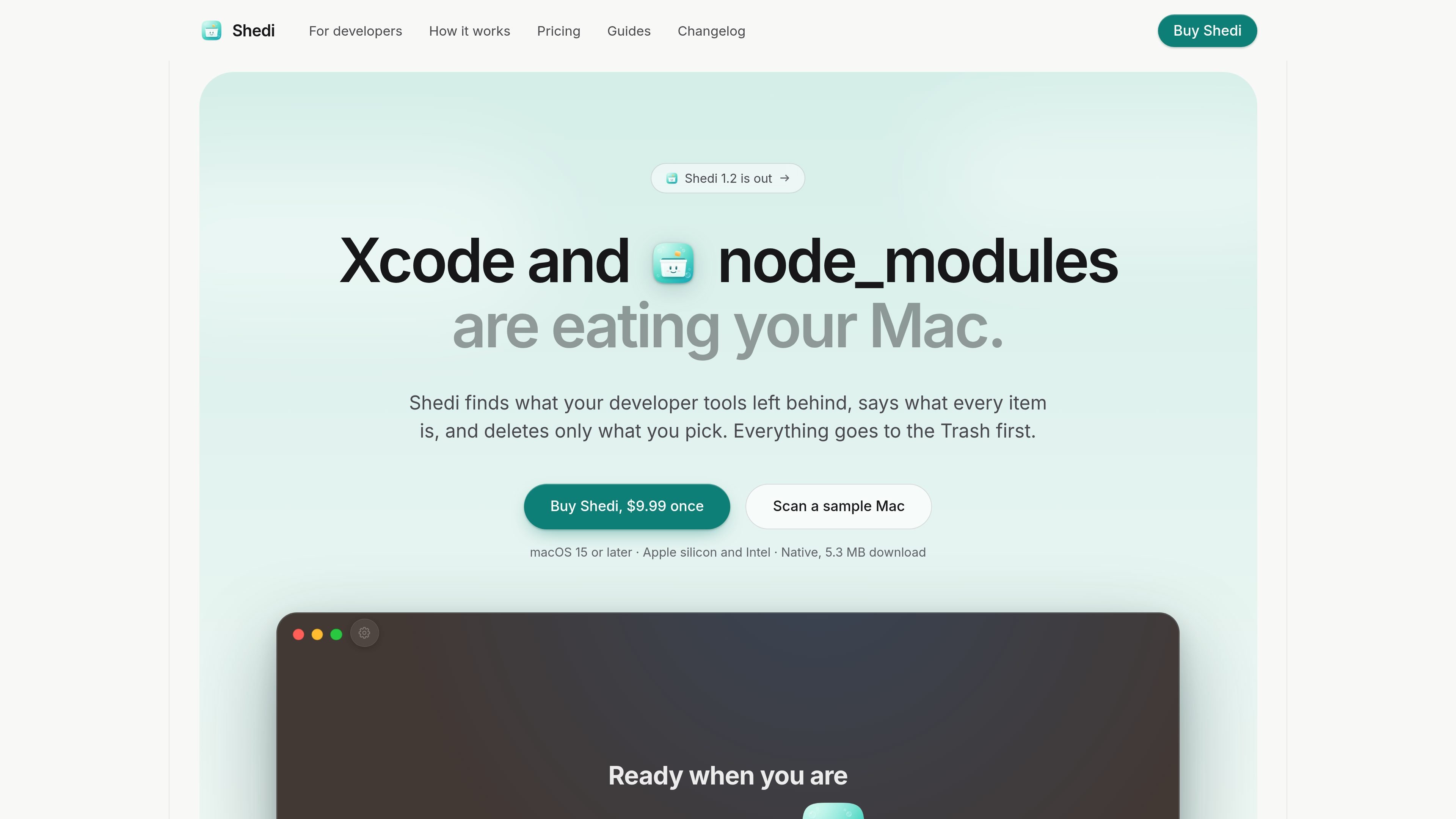
Shedi is a native Mac cleaner designed around developer storage. It finds space used by Xcode builds and simulator data, Docker storage, node_modules, package-manager caches, project build output, app caches and logs, and other files left behind by development tools. Results explain what each item is and whether it is likely to come back after cleaning.
The workflow is scan, read, then clean: Shedi shows the results before taking action, selects only items marked Safe by default, and sends ordinary deletions to the Trash first. It is intended for developers who want to reclaim disk space without treating every cache or project folder as disposable.
Shedi runs on macOS 15 or later on Apple silicon and Intel Macs. It is sold as a one-time purchase with free updates for life; the site also lists a 14-day refund policy.
Shedi identifies developer-related storage such as Xcode DerivedData, simulator data, Docker images and build cache, project node_modules, package caches, and build folders.
Results explain what each item is, what created it, and whether it is expected to return after cleaning. Items are grouped as Safe, Check first, or Your files.
The app does not remove anything during scanning. You choose what to clean, and ordinary deletions go to the Trash first so they can be restored.
Shedi can show app caches and logs, large and old files, and apps with associated Library leftovers. Its uninstaller includes search, filters, sorting, and last-used information.
Shedi reports storage in the menu bar and keeps a reviewable result after cleaning, including the disk state before and after the operation. It also records clean history.
The licensed app includes a read-only Terminal command: “Shedi scan” lists categories largest first, while “Shedi scan --json” outputs individual items.
Review Xcode DerivedData, old simulator runtimes, device support files, archives, and related build data when a Mac is running short on space.
Inspect project-by-project node_modules and rebuildable output such as .next, Pods, Python .venv, Rust target, or Gradle folders from projects that are no longer active.
Understand the size and likely recurrence of npm, pnpm, Yarn, Bun, Homebrew, CocoaPods, SwiftPM, Cargo, Gradle, Maven, pip, Go, and other package caches before removing them.
Find Docker images and build cache, app caches and logs, old downloads, and application leftovers when general disk usage—not just development folders—is the problem.
Shedi runs on Macs with macOS 15 or later, including both Apple silicon and Intel Macs.
Shedi scans first and removes nothing until you press Clean. You review the full results, and selected items normally go to the Trash so they can be restored. Shedi skips symbolic links, leaves files from open apps alone, and does not touch system files or anything outside your home folder, with documented exceptions for Docker and Xcode tools and an app selected in the uninstaller.
Shedi labels results Safe, Check first, or Your files. Only items marked Safe are selected by default. Docker images and some broken simulator runtimes cannot go to the Trash; Shedi identifies them before using the relevant tool command.
Full Disk Access lets Shedi measure protected app caches, logs, and parts of your Library. Without it, Shedi still works and reports what it could not inspect. File names and paths remain on your Mac.
Shedi is sold as a one-time purchase with free updates for life. The site lists a 14-day refund policy, and support requests can be sent to [email protected].

ByteAsk is a terminal-first AI coding agent for C and C++ that edits repositories and verifies changes with the real compiler, debugger, sanitizers, and tests before showing a diff. It offers a free tier plus paid plans, with editor connectors and zero-retention handling described in the source.

Epherem is a static security scanner for web apps built with AI coding tools such as Lovable, Bolt, v0, Replit, Cursor, and Claude Code. It checks source files and dependencies for common security mistakes, then provides categorized findings and suggested fixes without running the app.

CreateOS Sandbox is an isolated compute environment for running code and agent workloads inside Firecracker micro-VMs. It is designed for workflows that need machine-level isolation, private networking between sandboxes, and programmatic control through SDK, CLI, or MCP.

GitBot is a local browser-based workspace for creating reusable coding bots powered by Claude Code, Codex, or OpenCode. It helps developers run those agents across repository folders with persistent threads and configurable permissions.

hob is an independent workspace for coding agents that keeps agent sessions, terminals, history, and follow-up work organized around the tools and providers you already use. It is aimed at developers who want local control over routing, history, and workspace structure rather than a bundled model stack.

Ably Chat is a chat API platform for building custom realtime chat applications. It supports room-based messaging, typing indicators, presence, reactions, and message updates, with usage-based pricing options for different deployment stages.