
Multi-input idea capture
Capture ideas by typing, speaking, or photographing handwritten notes, whiteboards, book pages, or printed documents. The product uses OCR for photo inputs and real-time transcription for voice.

SocraDraft is an AI writing workspace that captures ideas by typing, voice, or photo input, then uses Socratic dialogue to refine them into structured drafts. It is aimed at knowledge workers, writers, students, founders, educators, and other people who turn raw thinking into reusable content.
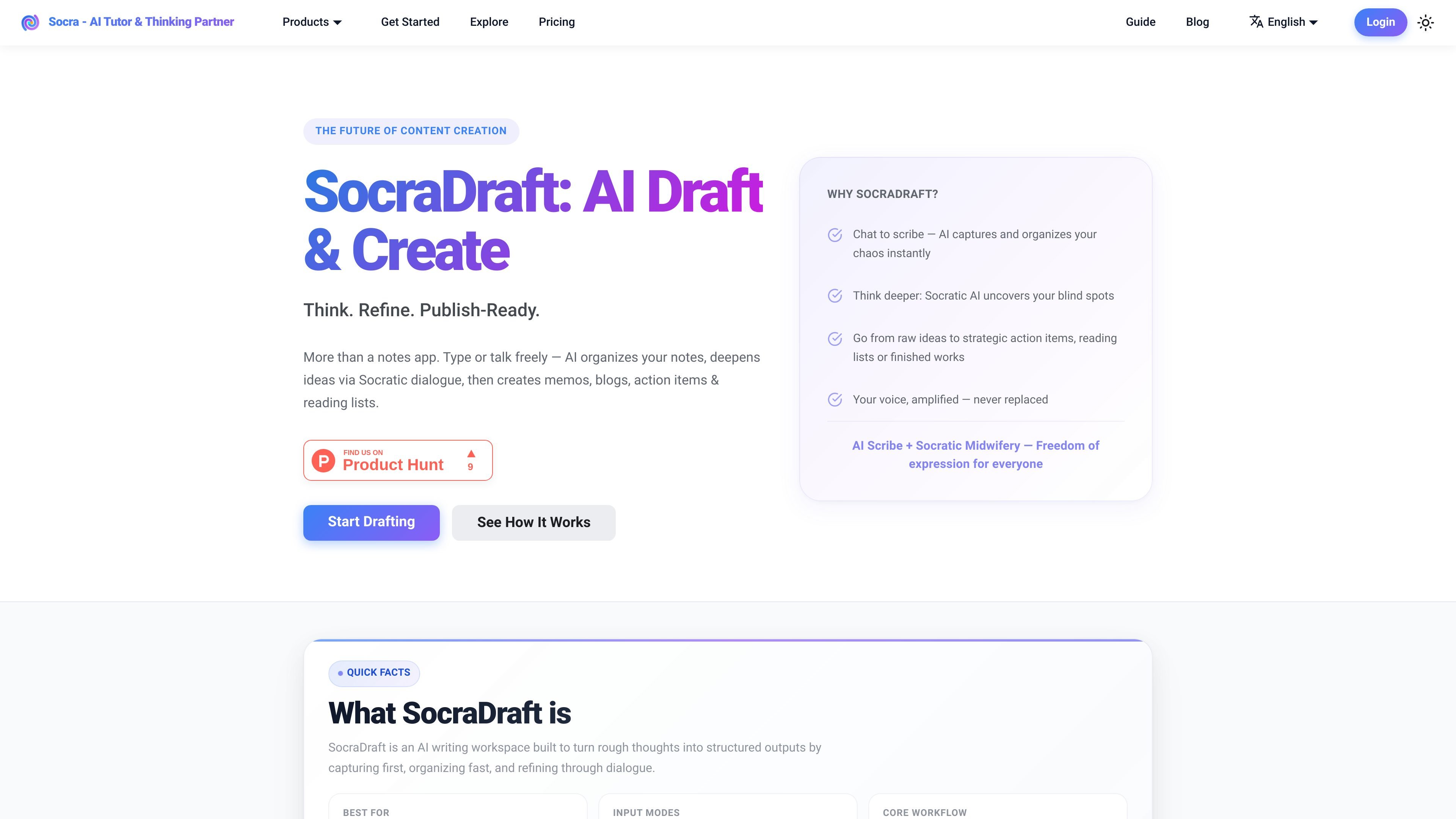
SocraDraft is an AI writing workspace from Socra that helps users capture rough thoughts, organize them quickly, and refine them through Socratic dialogue. It is positioned as more than a notes app: the product combines free-form input with AI structuring so ideas can move from raw capture to a usable draft or plan.
The workflow described on the site starts with typing, talking, or photographing source material, then continues with guided questioning that deepens the thinking behind the draft. From there, SocraDraft can generate outputs such as memos, blog posts, podcast scripts, action items, reading lists, and other structured artifacts.
The product is aimed at people who think and write for work or study, including writers, creators, podcasters, students, researchers, founders, educators, and knowledge workers. Across those use cases, the stated purpose is the same: reduce friction during capture, improve the quality of the idea through dialogue, and produce something reusable at the end of the session.
Capture ideas by typing, speaking, or photographing handwritten notes, whiteboards, book pages, or printed documents. The product uses OCR for photo inputs and real-time transcription for voice.
As you draft, SocraDraft organizes the material into clear sections instead of leaving it as a raw transcript or unstructured notes.
When you pause, Socra can offer three follow-up suggestions to deepen the current idea, such as adding evidence, a counterpoint, or an example.
The dialogue mode is designed to probe assumptions, surface blind spots, and strengthen arguments before you generate the final output.
A single session can turn into multiple formats, including memos, blog posts, podcast scripts, strategic action items, and reading lists.
Users can define custom writing skills with prompt templates to control tone, structure, and style for different content needs.
Turn meeting reflections, strategy notes, or scattered work thoughts into a structured memo that can be reviewed or shared with a team.
Capture a rough article idea, ask SocraDraft to deepen the argument, and generate a blog draft or article outline in one session.
Brainstorm a podcast topic, organize the talking points, and export a script with a clearer narrative flow.
Work through a chapter, concept, or research question by answering Socratic prompts and keeping the resulting notes for later review.
Use voice or photo capture to record handwritten notes, whiteboards, or spontaneous thoughts without stopping to format them first.
SocraDraft starts with free-form typing, voice input, or photographed source material. It then organizes the input, uses Socratic dialogue to probe the idea, and can generate a final output such as a memo, blog post, podcast script, or action blueprint.
The source materials describe SocraDraft as a tool for knowledge workers, writers, creators, podcasters, students, researchers, founders, and educators who want to move from raw ideas to structured outputs.
Yes. The getting started guide says you can choose an output format such as Memo, Blog Post, Podcast Script, or a custom skill, then preview and tweak the generated content before exporting or sharing it.
The feature page says SocraDraft supports custom writing skills, which let you define tone, structure, and style for specific kinds of writing. The getting started guide also mentions custom skills and platform-specific templates.
The FAQ page says SocraDraft offers a free way to get started. It also indicates the product is available across web, iOS, and Android on the broader Socra site, though the exact pricing details are not provided on the available pages.

PaperBetterAI ist ein intelligentes Schreibwerkzeug, das akademische Arbeiten und verschiedene Schreibmaterialien in Chinesisch und Englisch mit fortschrittlicher KI-Technologie generiert.

心流AI助手是一款面向知识获取与内容处理的 AI 助手,可用于实时问答、长文总结和写作辅助。公开页面显示它覆盖日常百科、生活信息和学术论文相关场景,并提供 App 体验入口。

Goldfish is an AI memory app for macOS that helps you reply, write, summarize, and continue using the context already on your Mac. It stores memory locally and writes in your tone.

Eine All-in-One AI-Plattform, die Werkzeuge für Bild, Video, Sprache, Schreiben und Chat kombiniert, um Kreativität und Zusammenarbeit zu fördern.

Slidesgo is a presentation template platform for Google Slides, PowerPoint, and selected Canva workflows. It offers free and Premium templates, plus AI-assisted presentation creation and team-friendly access options.

ProWritingAid is a writing assistant for storytellers that offers grammar checking, style editing, paraphrasing, and story analysis inside popular writing apps. It includes a free plan, paid tiers, and tools for chapter critique, manuscript review, and collaborative editing.