
Delegated job execution
Start with a goal, files, and ground rules in plain language. The agent plans the steps, checks the result, and reports back when the work is complete.

Solid is an AI agent platform for builders, operators, and teams that want to delegate multi-step work across software, computers, phones, and online services. Agents can set up tools, continue long-running jobs, manage approved purchases within budgets, and report completed results.
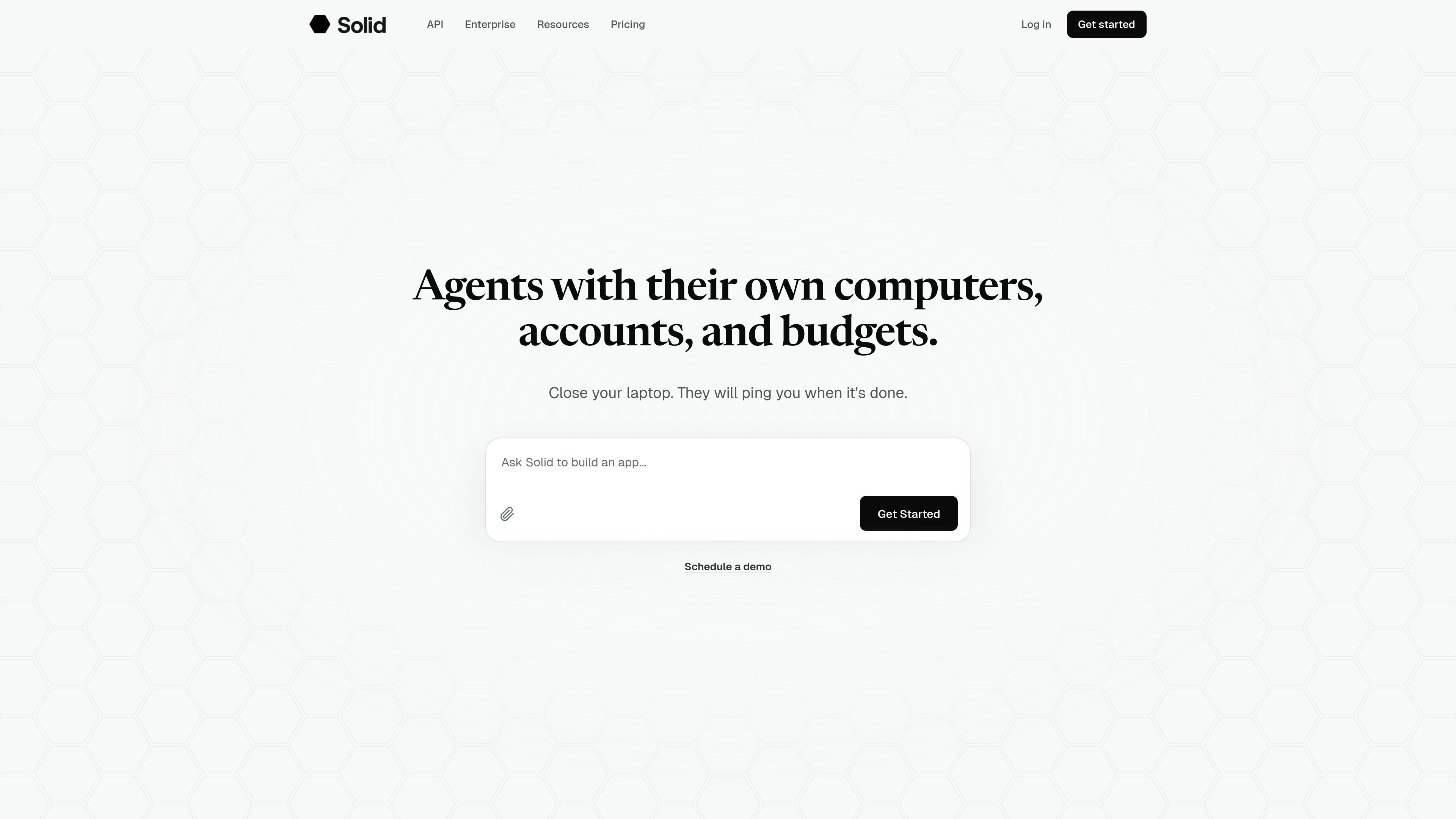
Solid is an agent-work platform that gives AI agents their own computers, accounts, and budgets. A user describes a desired result, supplies relevant files or instructions, and sets access, spending, and approval rules; the agent then works through the required steps and reports the outcome.
The platform is designed for long-running jobs that may involve multiple services and devices rather than a single chat response. Agents can set up tools, build missing connections, operate software, troubleshoot failures, and keep working after the user closes their laptop. Solid also provides a shared balance for AI usage, machines, and approved purchases, with a $20 trial and monthly Starter, Pro, and Max subscriptions.
Start with a goal, files, and ground rules in plain language. The agent plans the steps, checks the result, and reports back when the work is complete.
Agents can select tools, connect through APIs, build missing integrations, or operate websites, desktop software, and phone apps when access is approved.
Use Linux servers, Windows and macOS computers, iPhones, and Android phones as part of a job. Machine usage comes from the shared account balance.
Agents can sign up for and pay for services within the budgets and approval rules you set, giving each job controlled access to required purchases.
When a tool or setup fails, agents can investigate, repair the problem, and verify that the job works again. They explain blockers when they need human help.
Agents can create additional Solid agents or involve agents such as Codex and Claude Code, divide work across tools, and return one checked result.
Turn customer meeting notes into a sales demo using sample data. The agent maps the buyer workflow, builds and hosts the app, tests it, and returns a link and test results, with approval requested before buying services.
Research accounts and buying signals against an ideal customer profile, prepare evidence and draft outreach, then follow up on approved messages and update the CRM.
Build evaluations for an AI product, simulate users completing key tasks after releases or changes, judge outcomes against expected behavior, and report what passed or failed.
Investigate a production alert, reproduce the issue, assess affected customers, write and test a fix, and open it for engineer approval before deployment verification.
Trace a stalled support ticket through customer history and connected systems, apply an allowed fix, ask about exceptions, and confirm the resolution with the customer.
No. You describe the result you want and provide any required access, files, or instructions. Solid's agents can choose tools, handle setup and connections, and write code when needed.
Yes. Agents can connect through an API, build a missing integration, or operate a website, desktop application, or phone app directly, subject to the access and approvals you provide.
You set budgets and approval rules for agent purchases. The agent can explain the cost of a job, including AI work, machine usage, tools, and services, and can show what remains active afterward.
Solid provides Linux servers, Windows and macOS computers, iPhones, and Android phones. Machine usage is deducted from the same balance as AI usage and approved purchases.
Solid offers a $20 free trial, followed by monthly Starter, Pro, and Max subscriptions priced at $40, $160, and $640. The full subscription amount is added to the account balance, and AI, machines, and approved purchases draw from it.

CreateOS Sandbox is an isolated compute environment for running code and agent workloads inside Firecracker micro-VMs. It is designed for workflows that need machine-level isolation, private networking between sandboxes, and programmatic control through SDK, CLI, or MCP.

GitBot is a local browser-based workspace for creating reusable coding bots powered by Claude Code, Codex, or OpenCode. It helps developers run those agents across repository folders with persistent threads and configurable permissions.

Codex Plugins bundle reusable skills, app integrations, and MCP servers into workflows you can install in the Codex app or use from Codex CLI. They help extend Codex with connected-service tasks, reusable instructions, and shared team workflows.

Wallie is an open-source AI streamer that watches your screen, hears chat, and generates live commentary in a configurable persona. It runs locally on your machine with your own keys and is aimed at faceless content, autonomous streams, and real-time reactions.

AakarDev AI helps teams manage AI provider access, project-level setups, logs, and analytics from one dashboard. It supports BYOK workflows and lists providers including OpenAI, Google Gemini, Anthropic, Groq, Mistral AI, and Perplexity AI.

Trigger.dev chat agent is a durable AI chat backend for developers building stateful conversations that can survive refreshes, crashes, and long-running turns. It connects with the AI SDK `useChat` flow and runs on managed infrastructure with no timeout on a turn.