
Flexible voice capture
Hold a shortcut, double-tap for hands-free capture, use a mouse button, or say a configurable wake phrase. Speech recognition runs on the Mac, and recording stops when speaking stops.

Speek is a macOS voice assistant that lives in the Mac’s notch, turning speech into dictated or edited text, answers, and actions across supported apps and tools. It is aimed at Mac users who want hands-free writing, conversational help, and voice-controlled workflows.
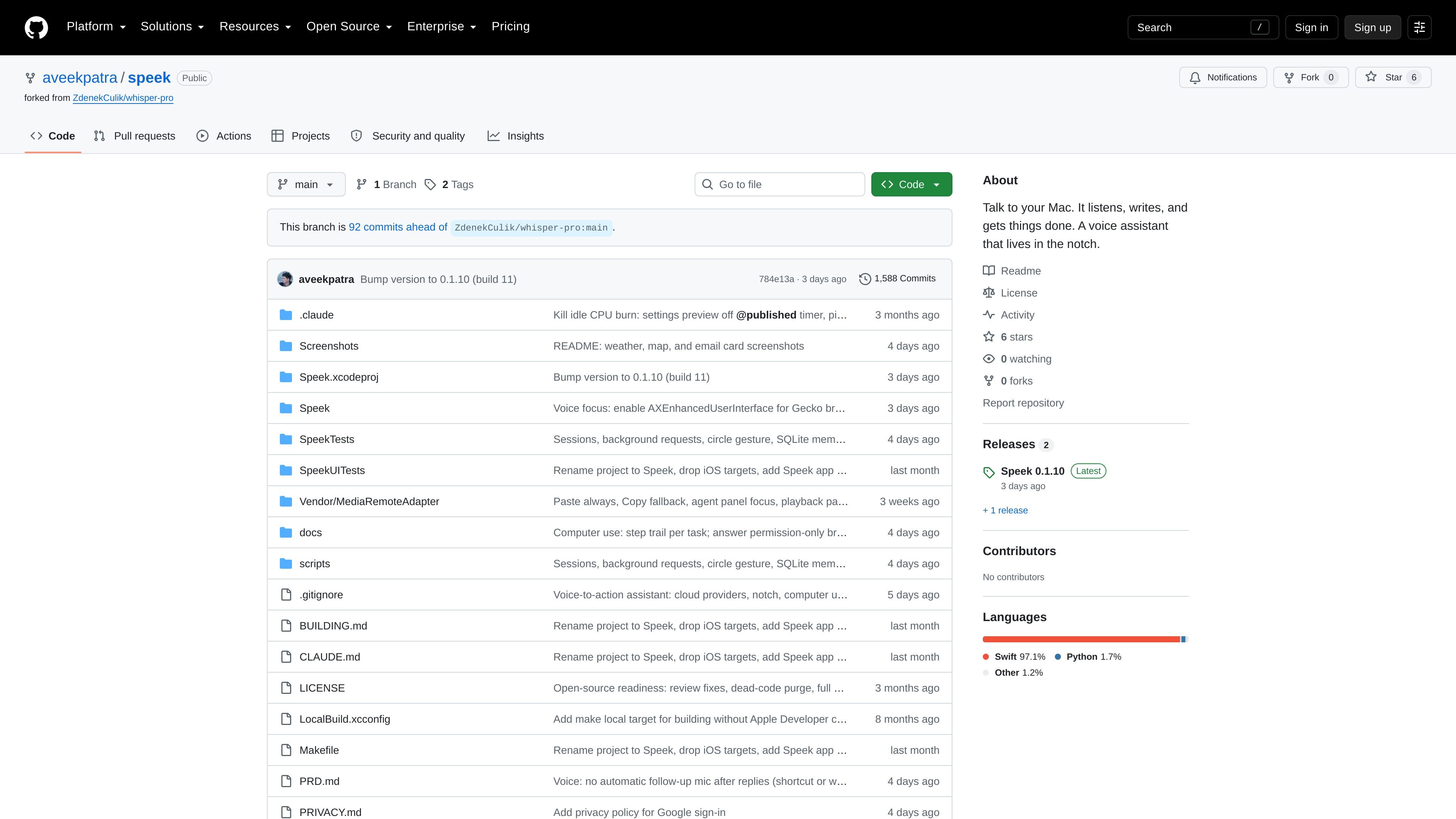
Speek is a voice-to-action assistant for macOS that is designed to live in the Mac’s notch. It combines dictation, conversational questions, and requests to operate connected apps or the visible computer interface, so users can speak without switching away from the active application.
A shortcut, hands-free gesture, or wake phrase starts a request. Speek can transcribe into the current text field, rewrite selected text, answer with speech and cards, or carry out actions such as drafting messages, managing calendar items, searching connected services, and controlling media. The project is cloud-connected, supports selectable model providers, and exposes settings for permissions, integrations, voice, dictation, privacy, and memory.
Hold a shortcut, double-tap for hands-free capture, use a mouse button, or say a configurable wake phrase. Speech recognition runs on the Mac, and recording stops when speaking stops.
Insert transcription into the current text field and choose raw, lightly cleaned, or polished writing. Speek can adapt output to the surrounding text and edit selected text by voice.
Ask questions, receive spoken replies, continue a conversation, and submit requests for actions. Short requests appear in the notch while longer computer tasks can run in the background and report back.
Use screen context, a pointer-circle gesture, pasted or dropped images and files, and selected text to give requests more context. Screen sharing for requests can be turned off.
Connect supported Mac apps, MCP servers, plugins, local command-line tools, and skills. Listed connections include Mail, Messages, Calendar, Reminders, Notes, music, Files, Gmail, Google Calendar, GitHub, Notion, and Linear, with additional services available through Composio.
Store facts, preferences, procedures, vocabulary, corrections, and spoken shortcuts. Dictation history, reusable prompts, schedules, and optional recovery of failed recordings are also listed.
Speak into Mail, Slack, Notes, a browser, or a terminal and insert the resulting text into the active field. Choose a writing mode when you want a raw transcript, cleanup, or a more polished draft.
Select existing text and ask Speek to shorten, translate, or otherwise revise it, while retaining the captured selection checks described in the project requirements.
Ask for a calendar lookup, create or change reminders, search notes, draft a message, or control music without manually navigating each app. Consequential actions can appear for review before execution.
Provide screen, pointer, file, image, or PDF context when a question depends on what is visible or attached. Speek can use computer interaction when a connected tool is not available.
Use MCP plugins, local CLI tools, skills, and coding-assistant hooks to route tool-related requests or respond to an existing Claude Code or Codex session by voice. The source says Speek does not start coding tasks itself.
Speek is a macOS application that runs from the Mac notch. Users can hold a shortcut to speak, enable double-tap hands-free capture, or use voice activation with a chosen wake name. The source also lists permissions for microphone, accessibility, and screen recording where applicable.
Dictated text can be inserted into the active text field, including in apps such as Mail, Slack, Notes, browsers, and terminals. Speek can also rewrite selected text, with modes ranging from raw transcription to polished writing and configurable style.
Speek can answer questions aloud, continue a conversation, and return copyable or insertable answers. It can also present cards for workflows such as editable email drafts, weather, and map results.
The repository describes Speek as cloud-connected and lets users choose providers including OpenRouter, OpenAI, or a local Codex login. It also supports local speech recognition and lists optional screen, file, and app context, so the exact data flow depends on the selected model, integrations, and enabled settings.
The project is a public GitHub repository, but the supplied sources do not establish product-specific pricing, a packaged distribution model, or whether any connected model providers require separate paid accounts.

SpeakoFlow is a free, open-source desktop voice-to-text app for Windows, macOS, and Linux. It supports dictation into any app, voice-driven writing with Flow, cleanup, translation, and a screen-aware assistant.

Flunkey is a voice-first productivity layer for Windows that converts speech into text, AI-assisted outputs, and remembered context. It is built for users who want to capture ideas and actions without leaving the app they are working in.

Sanota is an app that turns spoken memories, reflections, and interviews into clear written stories. It supports personal storytelling, family history, and shared memories, with guided prompts and subscription pricing.

Carbon Voice is an asynchronous voice messaging app for teams and individuals, with transcripts, AI catch-up, and cross-device access. It helps people and agents communicate without needing a live call.

Lemon is a Mac voice assistant that turns spoken instructions into finished writing tasks and other actions. It offers a free Basic plan, a paid Pro plan, and a workflow centered on pressing fn, speaking, and staying in the same tab.

QuickQuill is a macOS dictation and transcription app that runs locally on the device. It helps users record meetings, transcribe audio, generate summaries, and export notes without using a cloud service.