
Hidden Dock and App Launcher
Keep selected apps near the edge of the screen without leaving them permanently visible. Hidden Dock works alongside the existing Mac Dock, and its App Launcher expands access to additional apps.

Stash is a macOS utility that keeps apps and system controls accessible from the edges and corners of the screen without permanently cluttering the desktop. It also includes App Profiles and an iPhone companion, Stash Deck, with controls for supported creative applications.
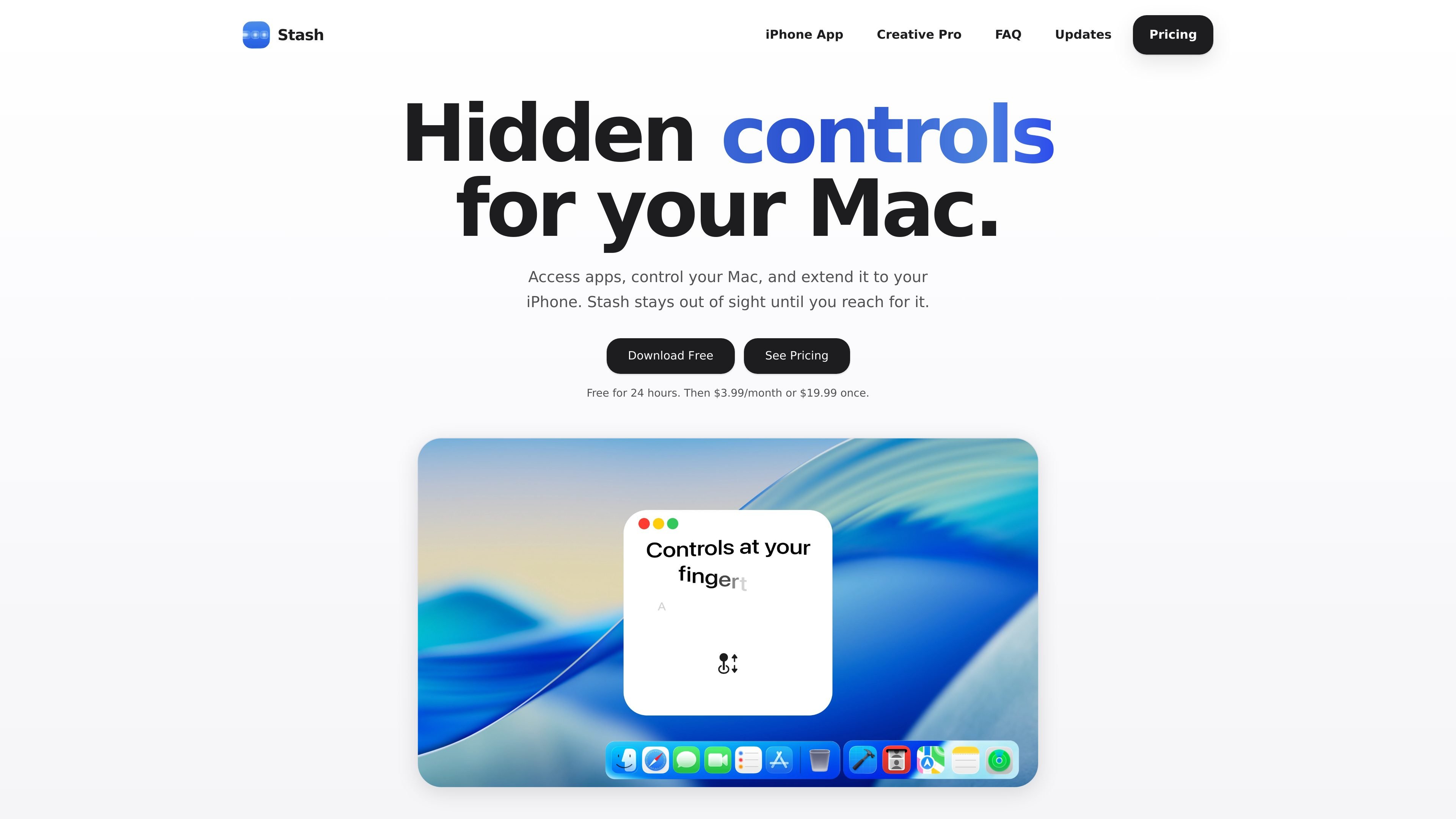
Stash is a macOS utility for keeping apps and frequently used Mac controls accessible without permanently occupying visible screen space. It runs from the menu bar and places controls at screen edges and corners, including a Hidden Dock, Edge Sliders, and Corner Dials.
The app also adapts its available controls to the application in use through App Profiles. Stash Deck extends the system to an iPhone for Mac control, app launching, and widgets; its included Creative Pro feature provides contextual controls for Photoshop, Illustrator, After Effects, Premiere Pro, and Blender.
Keep selected apps near the edge of the screen without leaving them permanently visible. Hidden Dock works alongside the existing Mac Dock, and its App Launcher expands access to additional apps.
Assign the left or right screen edges to controls such as volume, brightness, or appearance, then reach them without opening a separate settings panel.
Use screen corners to adjust volume, brightness, keyboard backlight, and audio output.
Automatically change the apps and controls shown by Stash according to the application currently in use.
Extend Stash to an iPhone for Mac control, app launching, and widgets. Creative Pro adds contextual tools, precision controls, and color controls for Photoshop, Illustrator, After Effects, Premiere Pro, and Blender.
Keep a selected set of frequently opened applications close at hand through Hidden Dock while leaving the standard Dock available for its normal use.
Assign volume, brightness, appearance, or audio output to screen edges and corners so adjustments are available during work without navigating through system menus.
Use App Profiles to switch the apps and controls presented by Stash when moving between different applications, reducing the need to reconfigure the interface for each task.
Use an iPhone as a secondary control surface for the Mac, launch an app from the phone, or keep selected widgets available. Creative users can use contextual controls and sliders in supported Adobe apps and Blender.
Stash requires macOS Tahoe. Older macOS versions are not supported according to the product site.
No. Hidden Dock works alongside the existing macOS Dock and holds the apps you want available without keeping them visible all the time.
Stash Deck is the free iPhone companion to Stash for Mac. It can control the Mac, send an app from the iPhone to open on the Mac, and provide widgets such as Spotify, Timer, Claude Code, and Codex. Creative Pro is included with Stash Deck and adds controls for supported creative apps.
Creative Pro is included with Stash. It turns Stash Deck into contextual tools, precision sliders, color controls, and app-specific tool controls for Photoshop, Illustrator, After Effects, Premiere Pro, and Blender. The Creative Pro page describes the feature as coming soon.
The 24-hour trial includes the full Stash feature set. After the trial, the site lists a $3.99-per-month Monthly option or a $19.99 one-time Lifetime option, with use on up to three Macs for either plan. Monthly access can be cancelled at any time.

MacSpoof ist ein MAC-Adressenwechsler für macOS: WLAN-MAC ändern oder randomisieren, um Verbindungen zu erneuern und die Protokollierung auf öffentlichem WLAN zu reduzieren.

DemoTV is an audience-ranked station for discovering and comparing independent product demos. Founders can submit videos, embed approved demos on their websites, collect viewer inquiries and optionally commission demo production or labelled promotion without buying ranking.

Ship It: Idle Dev Tycoon is an iPhone incremental simulation game about building apps, managing a software studio, and selling it for lasting progression benefits. It supports offline play, automated builds, adviser collection, and optional in-app purchases.

NomNak ist eine kostenlose Restaurant-Discovery-App für iPhone, mit der du Orte über Empfehlungen von Freunden statt über anonyme Bewertungen findest.

CAPTA is a mobile GPS waypoint app for quickly saving, organizing, and revisiting locations. It supports offline use, camera-based coordinate capture, optional cross-device synchronization, and GPX export for fishermen, explorers, and field professionals.

Ctrl+Shift+3 is a calm, text-first community platform with a chronological feed, profiles, RSS, and private groups called Clicks. It is built for reading, posting, and joining smaller communities without algorithmic ranking or vanity counts.