
AI-assisted course creation
Turn uploaded lectures or lesson materials into lesson descriptions, modules, and homework assignments. The homepage also says SubSchool can create course covers and subtitles when adding lessons.

SubSchool is an online teaching platform for creating and selling courses, running tutoring, and managing homework in one place. It uses AI to help structure lesson materials into lessons, assignments, and grading workflows.
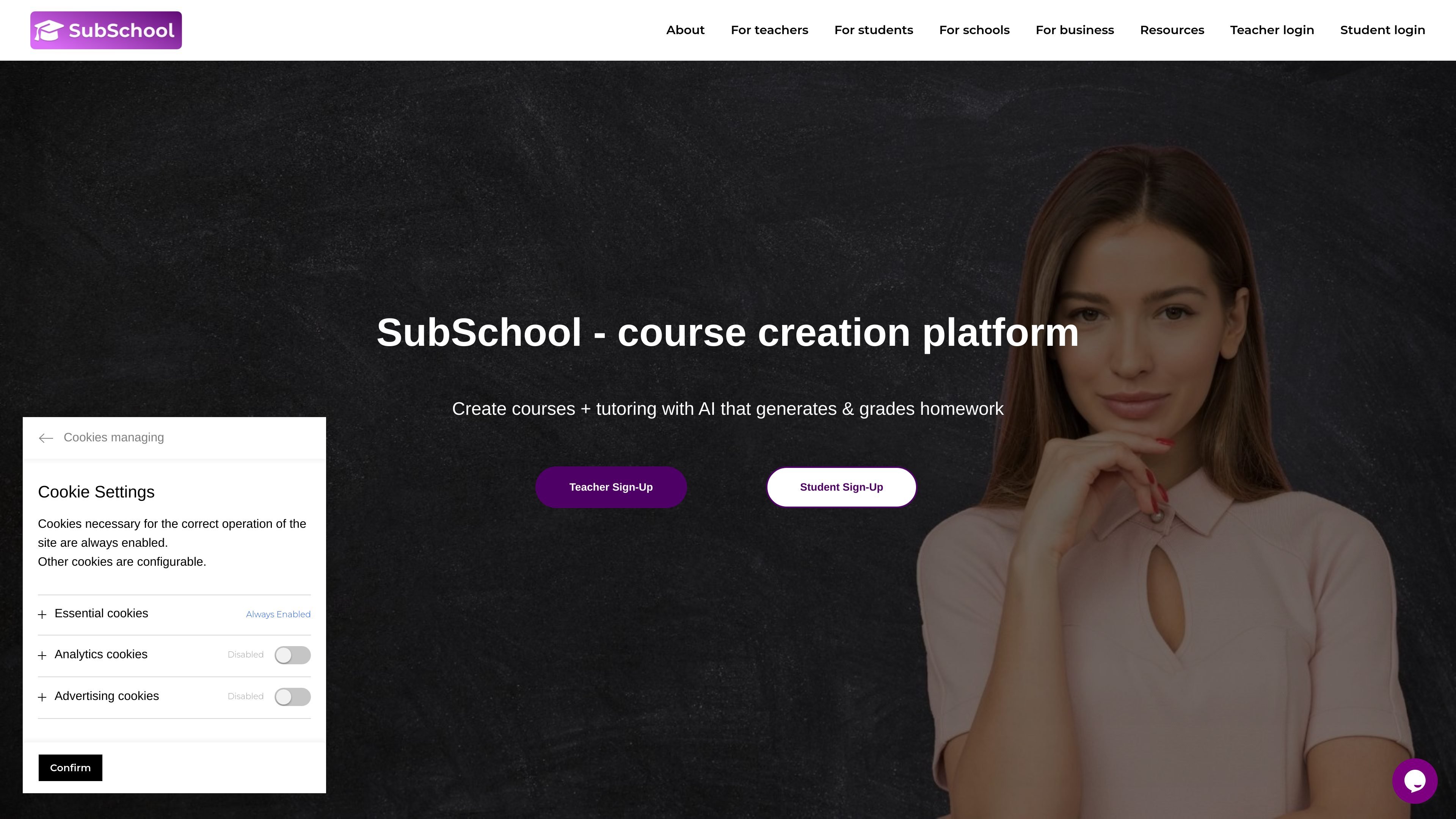
SubSchool is an all-in-one platform for online teaching that combines course creation, tutoring, homework, and payments in one system. It is designed for teachers who want to publish lessons and sell access without building a separate website or wiring payment systems.
The homepage positions the product around an AI-assisted teaching workflow: upload lecture materials such as video, slides, or an article, and SubSchool helps turn that content into structured lessons, homework, and a course flow. It also supports live tutoring, student submissions, recordings, and course access sold by course, module, or single lesson.
Turn uploaded lectures or lesson materials into lesson descriptions, modules, and homework assignments. The homepage also says SubSchool can create course covers and subtitles when adding lessons.
Generate tasks and homework, then have the platform grade written or video-based responses. Teachers can still review the student work and adjust the AI assessment if needed.
Assign different work based on performance so learners get more or less challenge as needed. The homepage frames this as a way to avoid students getting bored or stuck.
Offer access by full course, module, or single lesson. The product page says this lets students try one lesson first and choose only the material they need.
Set up one-on-one tutoring with availability and booking, and run live lessons from the same place. The platform automatically creates a session link and keeps the lesson thread connected to homework and recordings.
Run live lessons for individual students or groups within courses, with recordings saved alongside homework and chat. This keeps teaching, feedback, and progress tracking in one thread.
An educator uploads video, slides, or an article and uses SubSchool to organize that material into lessons, modules, and assignments without building a separate site.
A teacher sells a full course, a module, or even a single lesson so prospective students can sample before committing to more content.
A tutor sets availability, approves bookings, and conducts one-on-one or group lessons while keeping the session link and lesson thread inside SubSchool.
Students complete homework, submit work in chat, and revisit lesson recordings in the same place, which keeps course materials and feedback together.
An instructor uses the platform's grading tools to review essays or video answers, inspect AI-generated assessment notes, and correct them manually when needed.
SubSchool is designed for online teaching workflows where a teacher can create courses, sell access, and run tutoring from one platform without building a separate website or payment setup.
The homepage shows a simple setup flow: register, click Create Course, add lesson materials such as video, slides, or an article, and SubSchool helps turn that content into structured lessons and homework.
SubSchool supports both self-paced courses and live tutoring. The homepage says students can buy a course from a single lesson, join lessons in chat, and book tutors for specific times.
The product page highlights AI-powered creation and grading, including homework generation, grading essays and video answers, and creating lesson visuals. The privacy policy also says AI tools may be used for course structuring, homework generation, and grading assistance.
The source does not show pricing details. The /pricing URL currently returns a 404 page, so pricing structure and plan limits are not confirmed from the available pages.

BeFreed is a personalized audio learning app that turns books and other knowledge sources into narrated listening experiences. It helps people learn on demand through interactive audio, voice selection, and built-in learning tools.

Padel Chess is a web-based learning platform for improving padel tactical skills through puzzle-based practice. It helps players work on positioning, shot selection, and decision-making in realistic court scenarios.

Framework First Academy is an online learning platform focused on choosing and applying the right framework for the situation at hand. It offers 30 courses across Diagnose, Automate, Manage, and Deliver, plus a free decision map, individual course access, annual all-access, and team plans.

Sidegent is a hands-on learning platform for building AI agents and apps through browser-based courses and labs. It offers a free starting path, then a Pro subscription that unlocks the full catalog, live coding machines, and weekly lesson updates.

NerdSip is an AI microlearning app that generates custom 7-lesson courses on almost any topic. It supports short, gamified learning sessions on iOS and Android with quizzes, key takeaways, and visual summaries.

GameGrad turns PDF study material into quiz questions that appear inside arcade games, so users can practice active recall while they play. It offers a free tier with one PDF and a Pro plan with more uploads, more questions, and answer explanations.