
Image format conversion
Convert between common image formats including WebP, PNG, JPG, SVG, and HEIC, with tools such as WebP to PNG, PNG to JPG, and HEIC to JPG.

SupaTools.AI is a browser-based collection of free tools for image, text, developer, video, and audio tasks. It processes files locally in the browser with no sign-up and no server upload.
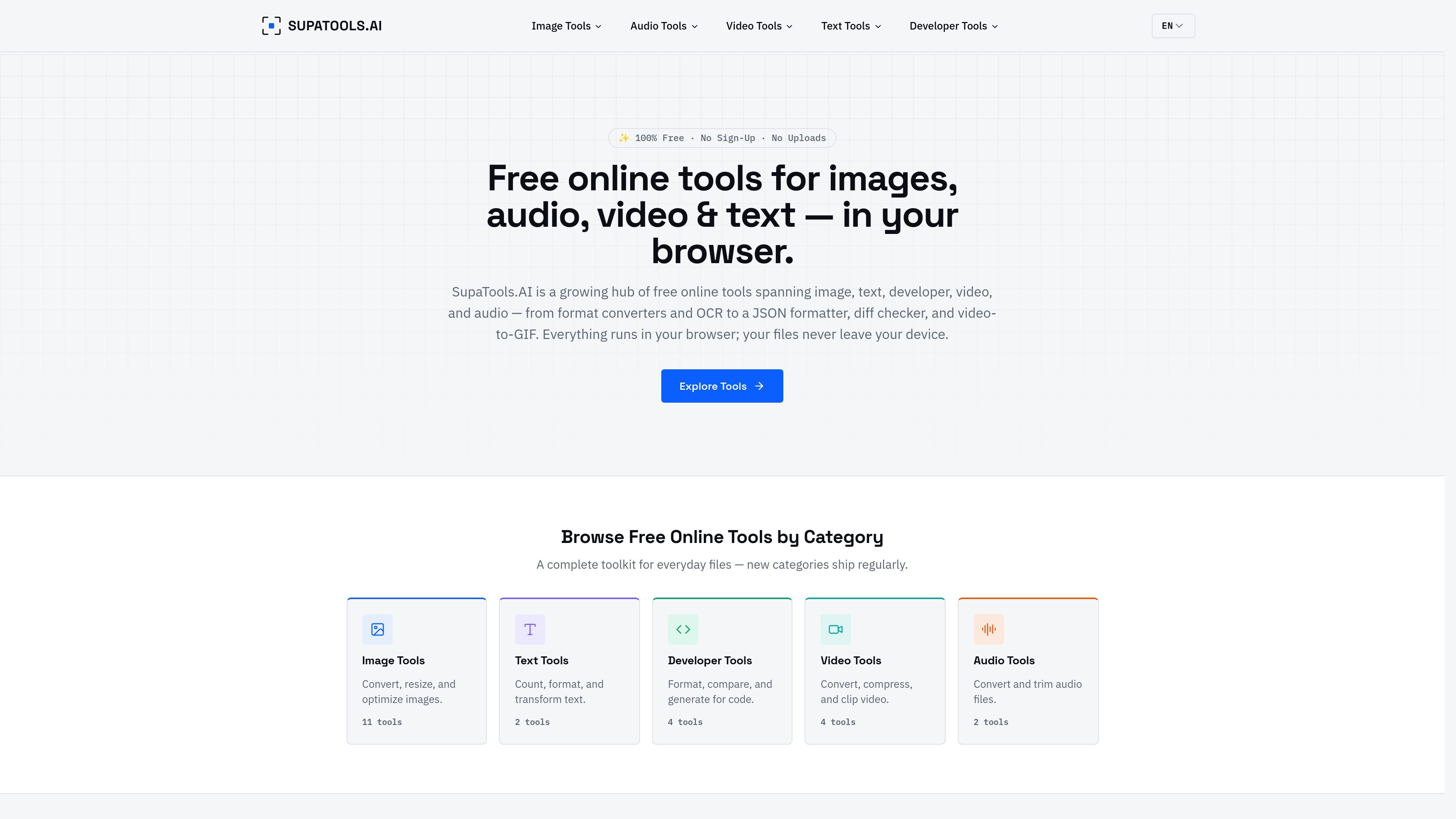
SupaTools.AI is a collection of free online utilities for working with images, text, code, video, and audio. The site combines multiple small tools in one browser-based hub, including format converters, OCR, JSON formatting, diff checking, and media conversion.
The main purpose of the product is to let people process files or text without uploading them to a server. According to the site, the tools run locally in the browser, require no sign-up, and are presented as private, fast, and free to use.
Convert between common image formats including WebP, PNG, JPG, SVG, and HEIC, with tools such as WebP to PNG, PNG to JPG, and HEIC to JPG.
Resize images, compress JPG/PNG/WebP files, add text overlays, strip metadata, and extract text from images using in-browser OCR.
Format, validate, and minify JSON, compare text diffs, generate passwords, and encode or decode Base64 for development workflows.
Convert or trim video and audio files, including video compression, video-to-GIF conversion, MP4-to-MP3, M4A-to-MP3, and audio trimming.
All tools run in the browser using Canvas API, WebAssembly, or plain JavaScript depending on the workflow, so files are processed locally instead of uploaded to a server.
Convert common image formats, compress files, remove metadata, or resize graphics without sending source files to a server. This is useful for quick file preparation before sharing or uploading elsewhere.
Use the OCR and text tools to extract readable text from screenshots or adjust raw copy with counts, formatting, or transformations. This fits drafting, cleanup, and lightweight content analysis.
Format JSON, compare two blocks of text, encode or decode Base64, and generate passwords in a browser-only workflow. These are standard tasks for developers handling snippets, configs, or API-related text.
Trim audio, convert M4A to MP3, compress video, or turn video clips into GIFs directly in the browser. That makes the site useful for simple media conversions and quick edits.
Use the tools when privacy matters and you want to avoid uploading files to external services. The site positions local processing as the default workflow for both files and text.
SupaTools.AI provides browser-based tools for images, text, developer tasks, video, and audio. The site highlights converters, OCR, JSON formatting, diff checking, and file trimming or conversion workflows.
Yes. The site repeatedly describes the tools as free, with no sign-up, no uploads, no accounts, and no watermarks mentioned for the core tools shown.
No account is required according to the site copy. The tools are presented as instant, in-browser utilities you can use directly.
The site states that processing happens locally in the browser and that your files or text are never uploaded to a server. That is the clearest privacy claim supported by the source.
The FAQ headings ask which browsers are supported and whether mobile is supported, but the source text does not provide a definitive compatibility list. Browser support appears to be tied to running the tools in a modern web browser.

ByteAsk is a terminal-first AI coding agent for C and C++ that edits repositories and verifies changes with the real compiler, debugger, sanitizers, and tests before showing a diff. It offers a free tier plus paid plans, with editor connectors and zero-retention handling described in the source.

GitBot is a local browser-based workspace for creating reusable coding bots powered by Claude Code, Codex, or OpenCode. It helps developers run those agents across repository folders with persistent threads and configurable permissions.

Ghost ist ein terminalbasierter KI-Assistent für Chats, Code-Generierung und Aufgaben direkt in der Kommandozeile. Mit kostenlosen Modellen, Linux, macOS und Windows. Open Source.

Vi3ecode is a maintained development environment for working with AI coding agents. It keeps project context, terminal, Git, memory, flows, review, and communication connected around the agent you already use.

Lucid Train is a local-first AI coding harness that turns repository code into architecture diagrams and uses those diagrams as specifications for coding agents. It is available as a desktop app and a lightweight Rust CLI, and it can run with local models or your own API keys.

Epherem is a static security scanner for web apps built with AI coding tools such as Lovable, Bolt, v0, Replit, Cursor, and Claude Code. It checks source files and dependencies for common security mistakes, then provides categorized findings and suggested fixes without running the app.