
Menu bar item hiding and rehiding
Hide icons you do not need, keep an always-hidden section for the rest, and rehide items automatically after they are revealed.

Thaw is a macOS menu bar management app for hiding, revealing, rearranging, and styling menu bar items. It is free and open source, with a privacy-first design that avoids tracking, accounts, analytics, and telemetry.
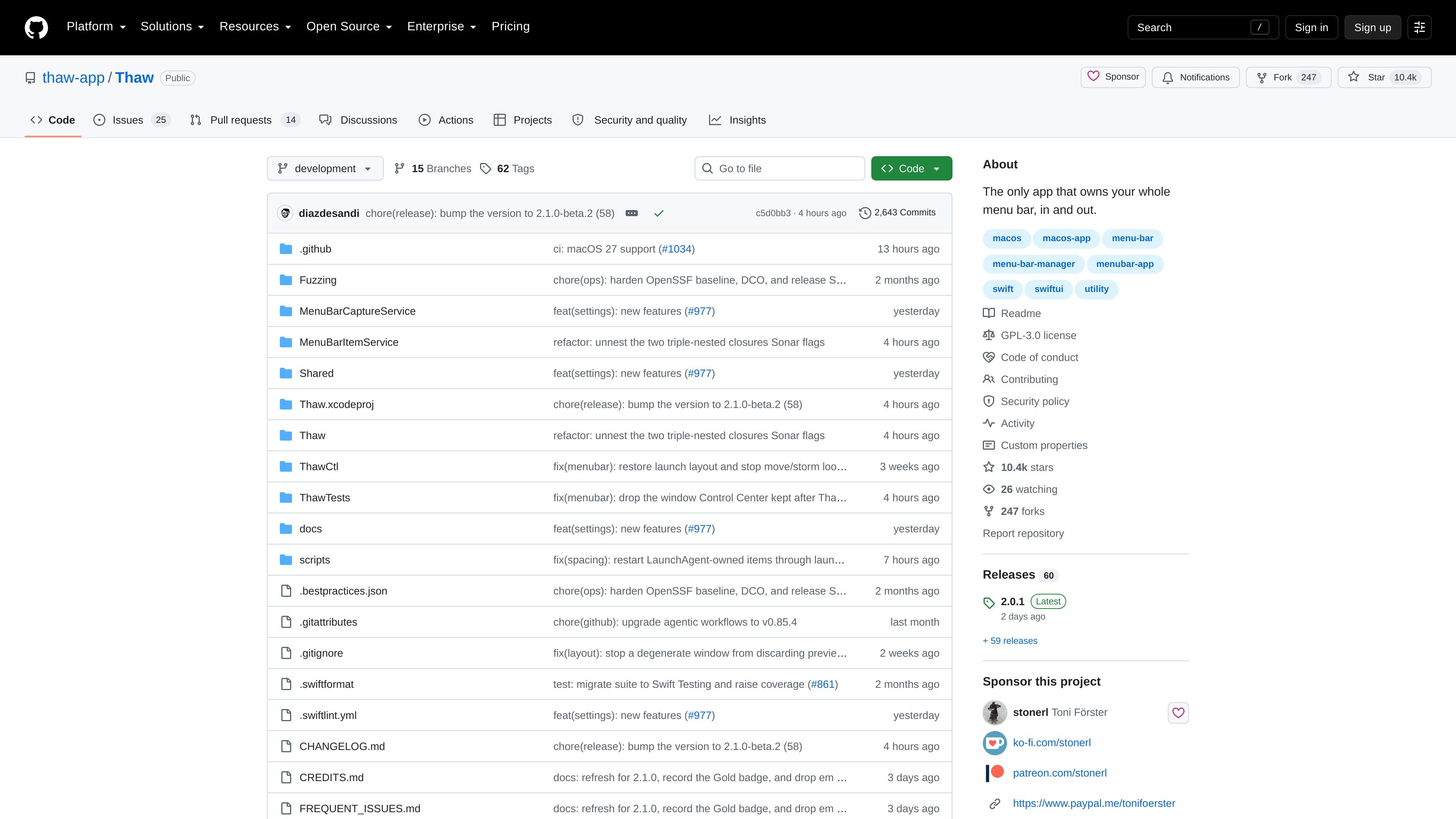
Thaw is a macOS menu bar management app for hiding, revealing, rearranging, and styling menu bar items. Its stated aim is to let you take back control of the menu bar so you can keep only the items you want visible and surface the rest when needed.
The app is free and open source under GPL-3.0, with a privacy-first design that avoids tracking, accounts, analytics, and telemetry. The README also says it is signed and notarized by Apple, and that screen recording is optional rather than required for basic hiding and rearranging.
Hide icons you do not need, keep an always-hidden section for the rest, and rehide items automatically after they are revealed.
Reveal hidden items by hovering, clicking an empty area, scrolling or swiping, or using a hotkey. A keyboard search panel lets you jump to an item directly.
Show or hide items based on conditions such as battery level, Focus, Wi‑Fi network, Bluetooth device, audio output, external display, time schedule, location, or script result.
Save the full configuration as a profile and bind it to a display, Space, or Focus filter. Profiles can be imported and exported, with pre- and post-apply script hooks.
Adjust the bar’s tint, gradient, shadow, border, and shape, with separate settings for light and dark mode and per-Space overrides. The Thaw Bar can use its own shape, tint, and border.
Use deep links for core actions, and connect them to Raycast, Droppy, Alfred, Shortcuts, Keyboard Maestro, BetterTouchTool, or shell scripts.
Keep rarely used menu bar icons out of sight, then bring them back only when you need them so the menu bar stays less crowded during normal work.
Search for a menu bar item from the keyboard, or reveal it with a quick gesture when you do not want to scan the bar manually.
Bind a configuration to a display, a Space, or a Focus filter so the menu bar can change when you move between work contexts or presentation modes.
Use triggers to show or hide items when conditions change, such as battery level, Wi‑Fi network, external display, or a script result.
Pair Thaw with Raycast, Alfred, Shortcuts, Keyboard Maestro, BetterTouchTool, or shell scripts to launch menu bar actions from tools you already use.
Thaw is designed for macOS 26 and later. The README says it supports macOS 26 and 27, and installation instructions note that it needs macOS 26+.
Thaw asks for Accessibility on first launch to move menu bar items. Screen Recording is optional and is only needed for live item previews and wallpaper-derived tinting.
The README lists several ways to reveal hidden items, including hovering, clicking an empty area in the menu bar, scrolling or swiping, or using a hotkey. It also supports search from the keyboard.
Yes. Thaw can save the whole configuration as a profile and bind a profile to a display, a Space, or a Focus filter. It also supports importing and exporting profiles.
Yes. The integration section says every core action is a thaw:// deep link, and mentions official support for Raycast plus compatibility with tools such as Alfred, Shortcuts, Keyboard Maestro, BetterTouchTool, and shell scripts.

MacSpoof ist ein MAC-Adressenwechsler für macOS: WLAN-MAC ändern oder randomisieren, um Verbindungen zu erneuern und die Protokollierung auf öffentlichem WLAN zu reduzieren.

DemoTV is an audience-ranked station for discovering and comparing independent product demos. Founders can submit videos, embed approved demos on their websites, collect viewer inquiries and optionally commission demo production or labelled promotion without buying ranking.

Ship It: Idle Dev Tycoon is an iPhone incremental simulation game about building apps, managing a software studio, and selling it for lasting progression benefits. It supports offline play, automated builds, adviser collection, and optional in-app purchases.

NomNak ist eine kostenlose Restaurant-Discovery-App für iPhone, mit der du Orte über Empfehlungen von Freunden statt über anonyme Bewertungen findest.

CAPTA is a mobile GPS waypoint app for quickly saving, organizing, and revisiting locations. It supports offline use, camera-based coordinate capture, optional cross-device synchronization, and GPX export for fishermen, explorers, and field professionals.

Ctrl+Shift+3 is a calm, text-first community platform with a chronological feed, profiles, RSS, and private groups called Clicks. It is built for reading, posting, and joining smaller communities without algorithmic ranking or vanity counts.