
Three-agent build pipeline
PM Bob gathers requirements, prioritizes features, maps user stories, and produces a structured build specification before implementation.

The Forge is an autonomous AI application development and operations platform that turns plain-language ideas into deployed applications through a PM, architect, and engineer agent workflow. It is aimed at solopreneurs, agencies, and enterprise teams that need to build, update, and operate software.
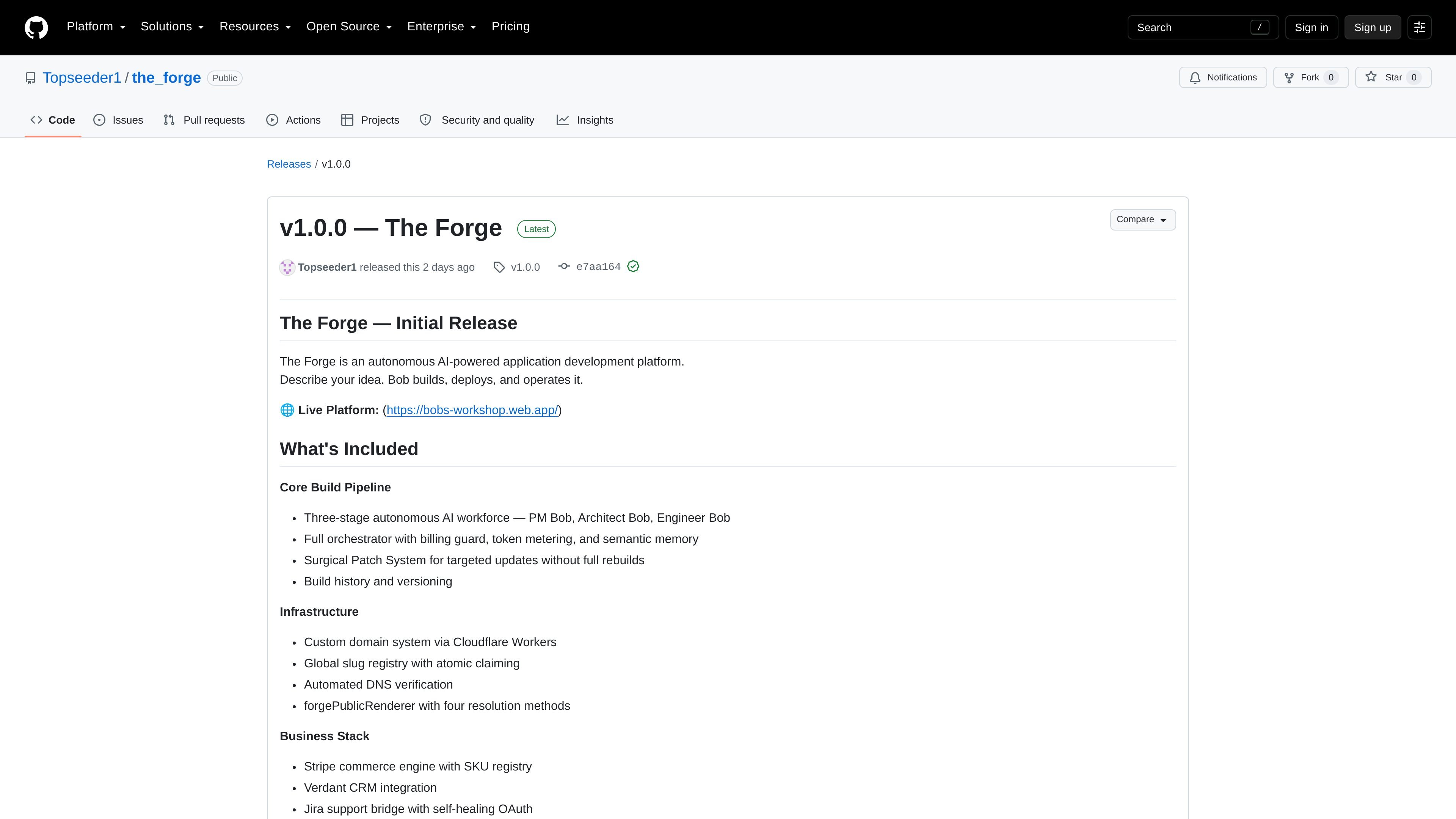
The Forge is an autonomous AI-powered application development and operations platform. Users describe an application idea in plain language, then a three-agent workforce—PM Bob, Architect Bob, and Engineer Bob—moves from requirements and architecture to code, testing, and deployment.
The platform is designed to cover more than initial app generation. Its release includes versioned builds, targeted patches, semantic memory, custom-domain infrastructure, commerce and CRM tooling, documentation generation, and export options. The repository describes solopreneurs, agencies, and enterprise teams as intended users, with use cases ranging from launching products to delivering client software and handling internal application backlogs.
PM Bob gathers requirements, prioritizes features, maps user stories, and produces a structured build specification before implementation.
Architect Bob defines database schemas, API contracts, component hierarchies, authentication flows, and security models for the planned application.
Engineer Bob writes, tests, and deploys the application to a live environment; the release also lists build history, versioning, and targeted surgical patches.
The platform records decisions in semantic memory so later changes can retain context from the original build.
The business stack includes a Stripe commerce engine with an SKU registry, Verdant CRM integration, and a Jira support bridge with self-healing OAuth.
The release lists custom domains through Cloudflare Workers, automated DNS verification, a global slug registry, GitHub export, ZIP download, and showcase publishing.
A founder can submit a product concept in plain language and use the staged workflow to move from requirements to a deployed application without assembling a traditional software team.
An agency can use the build pipeline and export options to create custom applications for clients, package project documentation, and deliver the resulting code.
An enterprise team can use the platform for internal tools and application backlog work, while the repository describes features such as access control, audit logging, SSO, and data-sovereignty controls.
A team can apply focused changes through the surgical patch system and retain build history and versioning instead of rebuilding an application for every update.
A product operator can use the listed commerce, CRM, support, brand, and documentation capabilities to prepare an application for ongoing business operations after deployment.
The Forge uses a three-stage workflow: PM Bob gathers requirements and creates a build specification, Architect Bob defines the technical design, and Engineer Bob writes, tests, and deploys the application.
The source describes plain-language idea submission followed by review or approval of the resulting plan before implementation. It also provides a live platform link, but the release text does not document a complete setup checklist.
The Forge is presented for solopreneurs, agencies, and enterprise teams. The described workflows include launching products, delivering client applications, and addressing internal software backlogs.
The release lists GitHub export with README packaging and ZIP project download, indicating that generated projects can be delivered as code rather than remaining only in the hosted platform.

Speculos is a deployment tool for Claude Code that publishes what you built to a shareable URL. It supports private, org-wide, or public apps and adds team controls for company domains, data connections, and customer-cloud deployments.

ByteAsk is a terminal-first AI coding agent for C and C++ that edits repositories and verifies changes with the real compiler, debugger, sanitizers, and tests before showing a diff. It offers a free tier plus paid plans, with editor connectors and zero-retention handling described in the source.

MeetStream is a meeting bot API for Zoom, Google Meet, Microsoft Teams, and Webex. It helps developers record, stream, and analyze meetings programmatically, with usage-based pricing and a $5 free credit to start.

CreateOS Sandbox is an isolated compute environment for running code and agent workloads inside Firecracker micro-VMs. It is designed for workflows that need machine-level isolation, private networking between sandboxes, and programmatic control through SDK, CLI, or MCP.

GitBot is a local browser-based workspace for creating reusable coding bots powered by Claude Code, Codex, or OpenCode. It helps developers run those agents across repository folders with persistent threads and configurable permissions.

hob is an independent workspace for coding agents that keeps agent sessions, terminals, history, and follow-up work organized around the tools and providers you already use. It is aimed at developers who want local control over routing, history, and workspace structure rather than a bundled model stack.