
Screen-aware guidance
Roger watches what is on your screen and uses AI to plan the next steps in a task.

Roger is an AI-guided software assistant that watches your screen and walks you through tasks step by step. The site presents it as a download with a 14-day free trial.
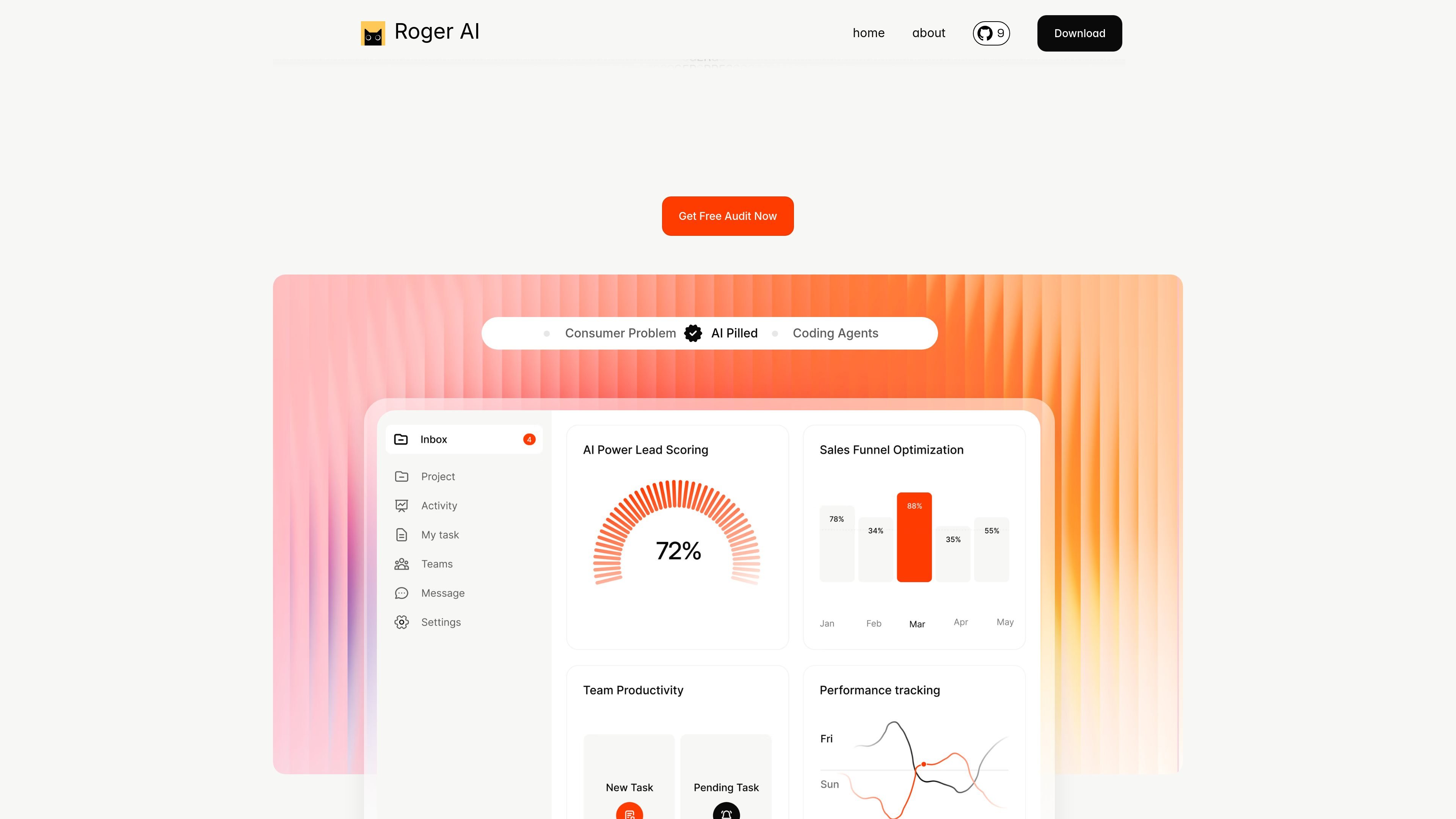
Roger is an AI-guided software helper that walks people through tasks step by step by watching what is on screen and giving real-time instructions. The product positions itself as a way to learn by doing inside software, rather than relying on video walkthroughs or written explanations alone.
The site describes Roger as an interactive assistant that helps users become more capable while they work. The homepage and about page emphasize guided tours, task-by-task support, and a focus on helping people complete software tasks more confidently and efficiently.
Roger watches what is on your screen and uses AI to plan the next steps in a task.
It walks users through tasks step by step instead of asking them to learn from static documentation or video.
The product is framed as guidance that helps users complete work on software rather than replacing them.
If a step appears wrong, users can flag it so the guidance can be corrected.
The pricing page presents a downloadable product with a 14-day free trial callout.
Use Roger when you need help completing an unfamiliar task in software and want the steps presented while you work.
Use it as an in-app guide when you prefer doing the task yourself but want each next action explained as you go.
Use it for tasks that may be easy to miss or forget, since the guidance is intended to watch the screen and direct the next step.
Use Roger when you want a guided experience instead of sitting through a recorded tutorial or reading long instructions.
The site says Roger uses state-of-the-art AI to understand your screen and plan steps, but it is not perfect every time. If a step does not look right, you can flag it and it will be corrected.
The homepage asks whether Roger works with any software, but it does not list supported apps or platforms in the source provided.
The homepage asks whether Roger can guide tasks that span multiple software, but it does not provide a detailed explanation in the source provided.
The homepage asks whether user data is safe with Roger, but the provided source does not include a published answer or policy details.

GameGrad turns PDF study material into quiz questions that appear inside arcade games, so users can practice active recall while they play. It offers a free tier with one PDF and a Pro plan with more uploads, more questions, and answer explanations.

LangPanda is a browser extension for learning languages from streaming video and other supported sites. It combines instant subtitle lookup, flashcard creation, vocabulary tracking, and spaced-repetition review for 36 languages.

Spotit ist eine macOS-App, die Ihren Bildschirm liest und per Sprachfragen genau zeigt, wo Sie klicken sollen – mit On-Screen-Anleitung.

recall is an AI flashcard app that turns reading and notes into study cards through Claude, ChatGPT, or another MCP client. It uses one-time lifetime access pricing and spaced repetition review.

Talkpal is an AI-powered language learning web and mobile app for practicing speaking, listening, writing, and pronunciation. It offers guided courses, roleplays, and call-style conversation practice across 130+ languages.

TubeKit turns public YouTube videos and playlists into AI-powered tools that creators can customize and share. It is free to try and requires no signup for the initial workflow.