
In-browser geometry viewer
Upload STL, OBJ, STEP, IGES, GLB, or FBX files and inspect them in a WebGL viewer with orbit, wireframe, transparent, bounding-box, and measurement modes.

Ventorah is a browser-based CFD tool for running virtual wind tunnel simulations on 3D models. It helps aerospace, automotive, and drone users inspect flow fields, coefficients, and comparison results without installing local software.
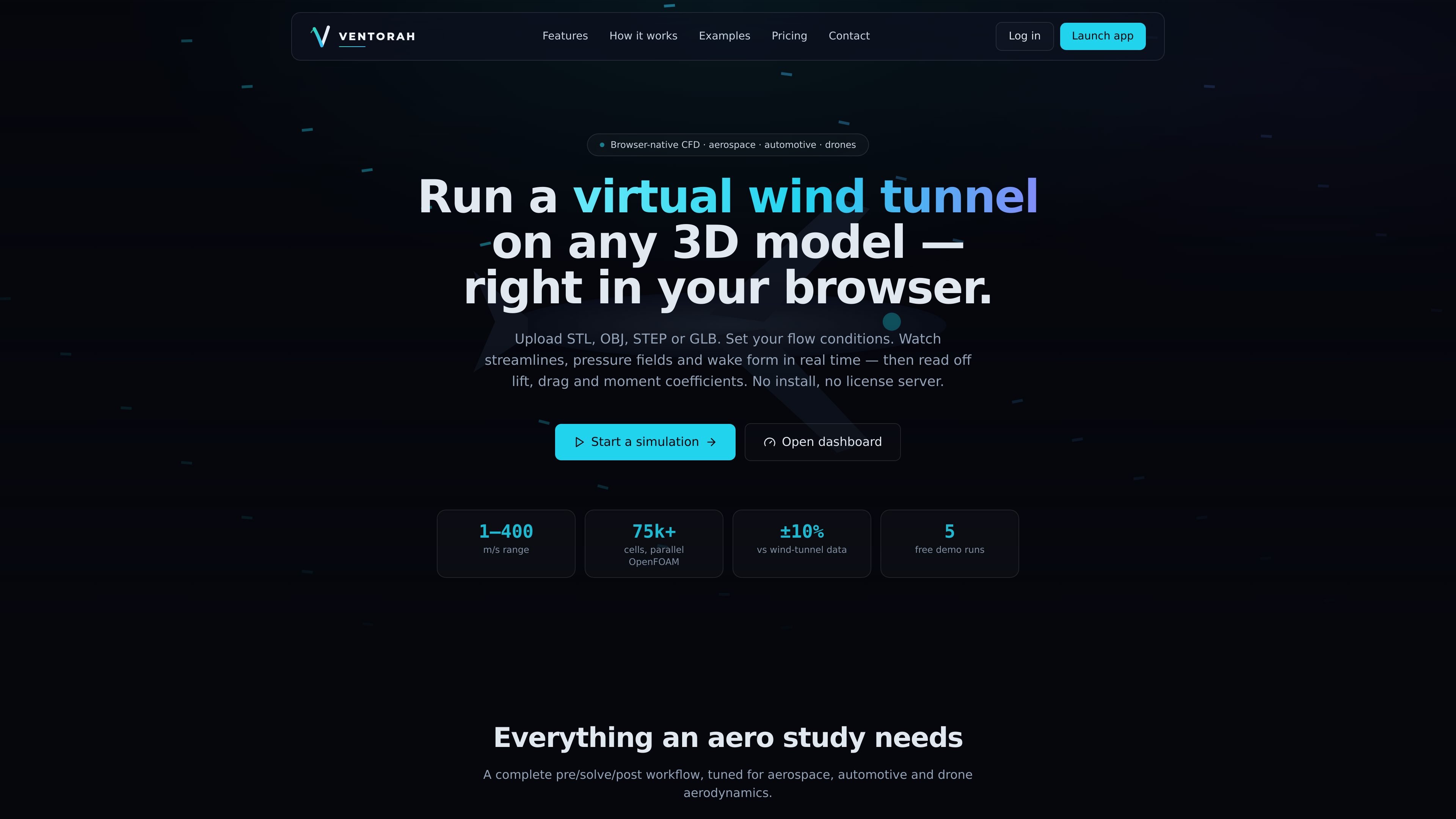
Ventorah is a browser-based CFD product for running virtual wind tunnel analysis on 3D models. It is positioned for aerospace, automotive, and drone aerodynamics, and the site says you can upload models, set flow conditions, and watch the simulation update in real time without installing software or using a license server.
The workflow covers geometry upload, flow setup, solving, and reporting. Ventorah says it supports common CAD and mesh formats, uses an OpenFOAM backend, and provides coefficients, charts, flow-field visualizations, and exportable reports for review and comparison.
Upload STL, OBJ, STEP, IGES, GLB, or FBX files and inspect them in a WebGL viewer with orbit, wireframe, transparent, bounding-box, and measurement modes.
Configure wind speed, direction, density, temperature, pressure, humidity, altitude, fluid choice, turbulence model, and mesh resolution before launching a solve.
Run a virtual wind tunnel that shows streamlines, velocity vectors, pressure and velocity contours, vorticity, wake, and flow separation while the solver iterates.
Read engineering outputs such as Cl, Cd, Cm, Reynolds, Mach, forces, centre of pressure, and surface maps, then export results to CSV or PDF.
Compare two runs side by side, overlay pressure and airflow, and review a difference table for performance changes.
Ask the AI aero assistant questions about drag, lift, and flow separation; the site says these AI features use Claude.
Upload a wing, fuselage section, drone frame, or other geometry, then run a virtual wind-tunnel study to inspect lift, drag, and pressure distribution.
Set up speed, direction, and ambient conditions, then compare alternative body shapes or surface changes to see how the flow field changes.
Use the coefficient outputs, surface maps, and charts to document a run and share CSV or PDF results with teammates or stakeholders.
Try an initial simulation with the free demo runs before deciding whether you need saved simulations, your own API key, or managed compute.
Yes. The site says new accounts include 5 free demo simulations and no card is required to start.
Ventorah can import STL, OBJ, STEP, IGES, GLB, and FBX files, then display them in an in-browser WebGL viewer before running a solve.
The site says you can save results, compare runs, and optimize designs on paid plans. Free demo runs are provided for initial testing, while BYO and Pro options are listed for more advanced use.
The privacy policy says account data, uploaded models, simulations, and results are kept while your account exists, and you can delete your account from the dashboard to remove stored content.
Ventorah says AI features use Anthropic's Claude API. On BYO plans, you can connect your own Anthropic API key in Dashboard → Settings so AI features run on your key.

MacSpoof ist ein MAC-Adressenwechsler für macOS: WLAN-MAC ändern oder randomisieren, um Verbindungen zu erneuern und die Protokollierung auf öffentlichem WLAN zu reduzieren.

NomNak ist eine kostenlose Restaurant-Discovery-App für iPhone, mit der du Orte über Empfehlungen von Freunden statt über anonyme Bewertungen findest.

Ctrl+Shift+3 is a calm, text-first community platform with a chronological feed, profiles, RSS, and private groups called Clicks. It is built for reading, posting, and joining smaller communities without algorithmic ranking or vanity counts.

Hexel Editor is a macOS hex editor for opening, searching, inspecting, and editing binary files. It is aimed at developers, reverse engineers, and security researchers who need structured byte-level analysis on the Mac.

TyeGit ist ein nativer Git-Client auf Basis von Rust und Tauri für schnelle, präzise Kontrolle über Staging, Commits, Branches und Remotes unter Windows, macOS und Linux.

Servey lets you mirror and control a Mac from an iPhone or iPad, with a real terminal and automatic local-or-remote connectivity. It is aimed at people who want full Mac access on mobile without VPN or port forwarding.