
Data storage
The product is presented as a storage service for data used by teams and individuals.

Walrus Console is a web-based decentralized storage service for teams and individuals. It is designed to store, protect, and connect data across apps and AI tools, with access through Google or Apple sign-in.
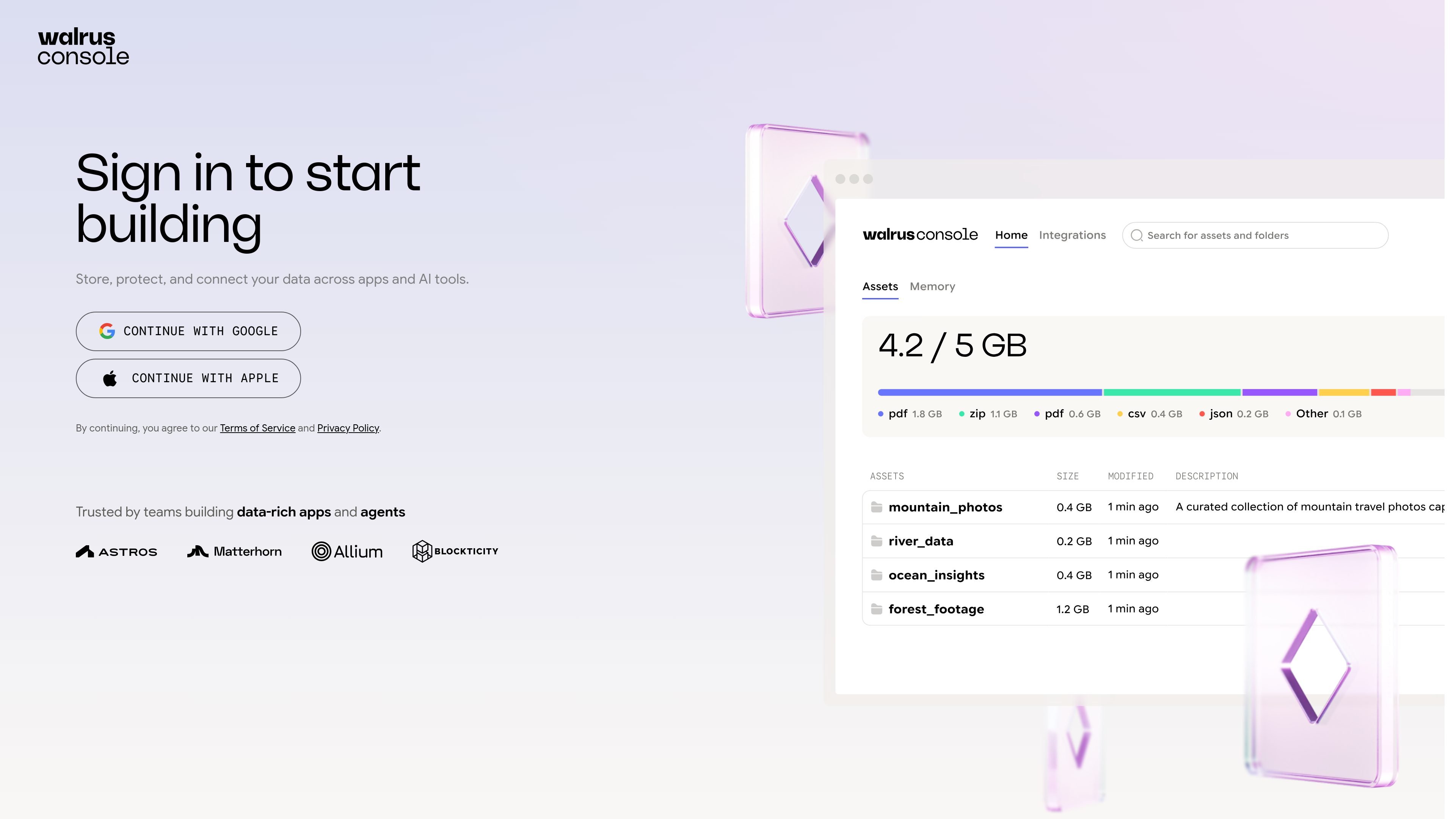
Walrus Console is a web-based decentralized storage product for teams and individuals. Its stated purpose is to store, protect, and connect data across apps and AI tools.
The available site content is limited: it identifies the product’s broad storage and data-connection purpose and provides Google and Apple sign-in, but it does not document storage workflows, supported integrations, technical architecture, pricing, or plan limits.
The product is presented as a storage service for data used by teams and individuals.
The site positions the service as a way to protect stored data, although it does not specify the security mechanisms or guarantees involved.
Walrus Console is described as connecting data across apps and AI tools; the source does not identify supported integrations.
The web console provides sign-in options through Google and Apple before users start building.
The product is positioned for both individual users and teams, based on its site description.
An individual can use the web console as an entry point for storing and protecting data, subject to the service’s undocumented storage workflow and limits.
A team can evaluate the service as a shared data layer for work that involves multiple people, although the supplied source does not describe collaboration permissions or account administration.
A team building app or agent workflows can consider the product for connecting data across apps and AI tools, while confirming supported integrations and implementation details separately.
Walrus Console is accessed through its web console at console.walrus.xyz. The available page text directs users to sign in with Google or Apple to start building.
The site describes Walrus Console as a service for storing, protecting, and connecting data across apps and AI tools. The supplied source does not document specific app integrations or developer setup steps.
The supplied source does not provide pricing, plan names, usage limits, or other billing details. The listed pricing URL currently displays a page-not-found message.

MacSpoof ist ein MAC-Adressenwechsler für macOS: WLAN-MAC ändern oder randomisieren, um Verbindungen zu erneuern und die Protokollierung auf öffentlichem WLAN zu reduzieren.

DemoTV is an audience-ranked station for discovering and comparing independent product demos. Founders can submit videos, embed approved demos on their websites, collect viewer inquiries and optionally commission demo production or labelled promotion without buying ranking.

Ship It: Idle Dev Tycoon is an iPhone incremental simulation game about building apps, managing a software studio, and selling it for lasting progression benefits. It supports offline play, automated builds, adviser collection, and optional in-app purchases.

NomNak ist eine kostenlose Restaurant-Discovery-App für iPhone, mit der du Orte über Empfehlungen von Freunden statt über anonyme Bewertungen findest.

CAPTA is a mobile GPS waypoint app for quickly saving, organizing, and revisiting locations. It supports offline use, camera-based coordinate capture, optional cross-device synchronization, and GPX export for fishermen, explorers, and field professionals.

Ctrl+Shift+3 is a calm, text-first community platform with a chronological feed, profiles, RSS, and private groups called Clicks. It is built for reading, posting, and joining smaller communities without algorithmic ranking or vanity counts.