
Visualize changes
Review code changes through architecture-level views, including sequence diagrams and database diagrams, rather than only line-by-line diffs.

Whiteboard is an open-source desktop canvas for reviewing software changes through semantic diffs, architecture-level visualizations, source code, and agent trajectories. It helps developers inspect implementation details and share selected context with coding agents.
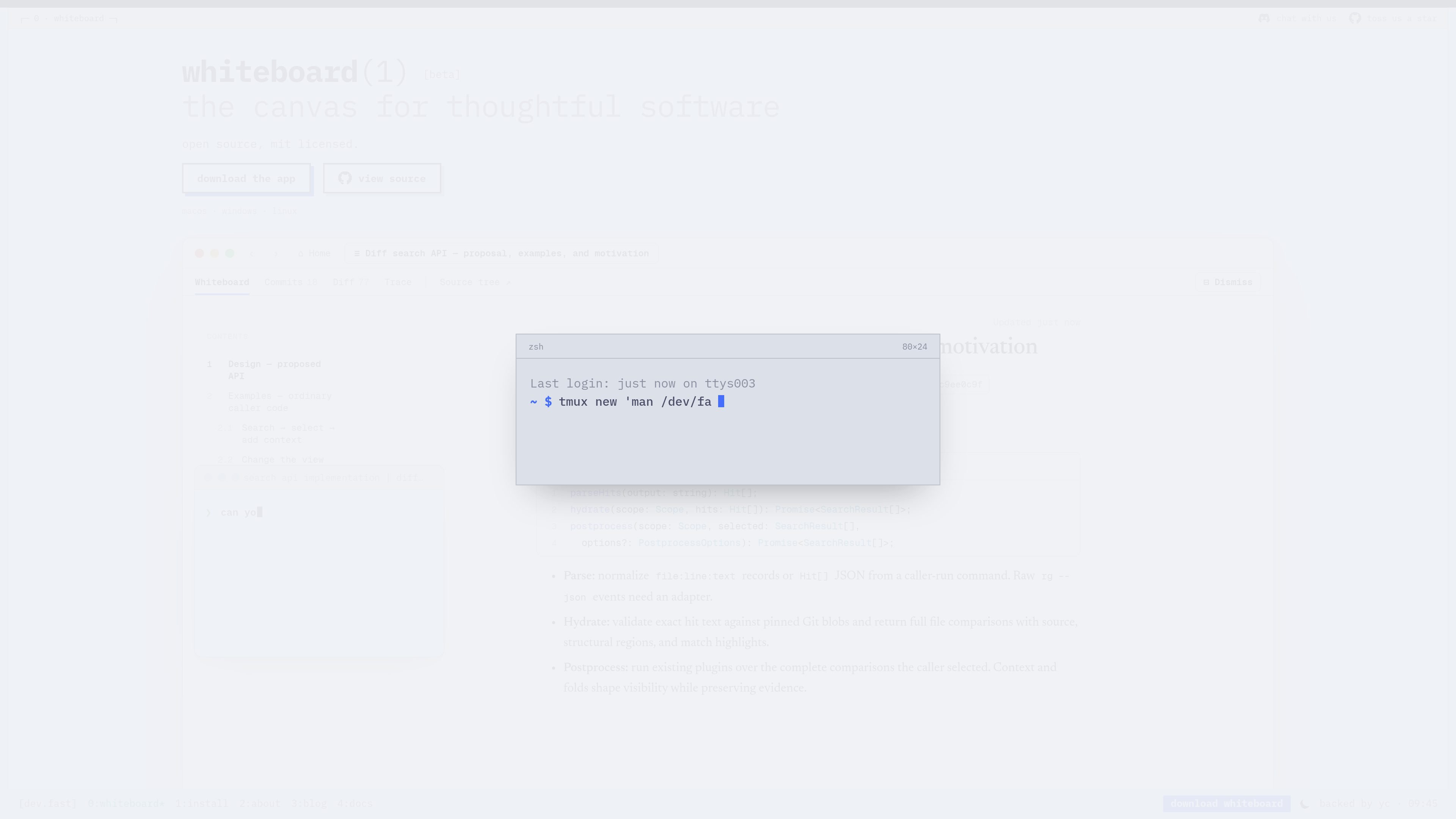
Whiteboard is an open-source canvas for software development reviews. It brings interactive visualizations, semantic diffs, source code, and agent trajectories into one interface so developers can inspect both what changed and the reasoning or context behind a change.
The site presents Whiteboard as a tool for architectural code review: users can move from diagrams to source, fold or expand implementation details, and select evidence to share with a coding agent. Its examples focus on understanding change structure, long algorithms, and agent-authored work rather than simply browsing a patch.
Review code changes through architecture-level views, including sequence diagrams and database diagrams, rather than only line-by-line diffs.
Use AST-based diffing to present semantic changes, with folded imports, unchanged sections, and structural context that makes large revisions easier to inspect.
Collapse long algorithms into pseudocode while retaining function signatures, then expand a summary back into the original source when more detail is needed.
Extend the diff presentation with plugins that shape how code and other development material is represented.
Inspect agent decisions and execution history alongside the resulting edits, including trajectory events, authoring conversation excerpts, and deep links into the work.
Search a proposed code-change API, hydrate selected matches against pinned Git blobs, preserve source and highlights, and copy selected context for discussion with a coding agent.
Review a large pull request by starting with sequence or database diagrams, then opening the relevant implementation and expanding only the source needed to verify behavior.
Inspect a long algorithm through its function signature and pseudocode summary, expanding folded regions when the summarized behavior needs confirmation against the original code.
Follow an agent’s trajectory from its decisions and authoring conversation to the edits it produced, helping a reviewer assess whether the intended design was carried through correctly.
Search a codebase for relevant matches, select evidence, and copy the resulting context into a coding-agent conversation to ask about data flow or control flow. Review the agent’s diagrams and explanations back in Whiteboard.
Whiteboard is available as an app for macOS, Windows, and Linux. The site also provides an install-link request flow by email.
The documented workflow lets a developer review a visualization, diff, or agent trajectory, select relevant material, copy it to the clipboard, and paste it into an agent conversation for clarification. The agent can then produce diagrams or other explanations that can be inspected in Whiteboard.
Whiteboard can show architecture-level views such as sequence diagrams and database diagrams, semantic diffs, pseudocode summaries, source code, and agent trajectory context. The examples show users moving between these representations during review.
The site describes Whiteboard as open source and links to its GitHub repository. It also lists a hosted version as coming soon, so the currently documented product is the installable open-source app rather than an available hosted team service.

ByteAsk is a terminal-first AI coding agent for C and C++ that edits repositories and verifies changes with the real compiler, debugger, sanitizers, and tests before showing a diff. It offers a free tier plus paid plans, with editor connectors and zero-retention handling described in the source.

Epherem is a static security scanner for web apps built with AI coding tools such as Lovable, Bolt, v0, Replit, Cursor, and Claude Code. It checks source files and dependencies for common security mistakes, then provides categorized findings and suggested fixes without running the app.

CreateOS Sandbox is an isolated compute environment for running code and agent workloads inside Firecracker micro-VMs. It is designed for workflows that need machine-level isolation, private networking between sandboxes, and programmatic control through SDK, CLI, or MCP.

GitBot is a local browser-based workspace for creating reusable coding bots powered by Claude Code, Codex, or OpenCode. It helps developers run those agents across repository folders with persistent threads and configurable permissions.

hob is an independent workspace for coding agents that keeps agent sessions, terminals, history, and follow-up work organized around the tools and providers you already use. It is aimed at developers who want local control over routing, history, and workspace structure rather than a bundled model stack.

Ably Chat is a chat API platform for building custom realtime chat applications. It supports room-based messaging, typing indicators, presence, reactions, and message updates, with usage-based pricing options for different deployment stages.