
Works in any text field
Dictate into text fields across apps such as Slack, Gmail, Cursor, Notion, and iMessage. The homepage says Willow works wherever you normally type, so it can fit into existing communication and writing workflows.

Willow is AI speech-to-text dictation software for Mac, Windows, and iPhone. It helps people write emails, messages, notes, prompts, and documents by speaking into the app or text field they already use.
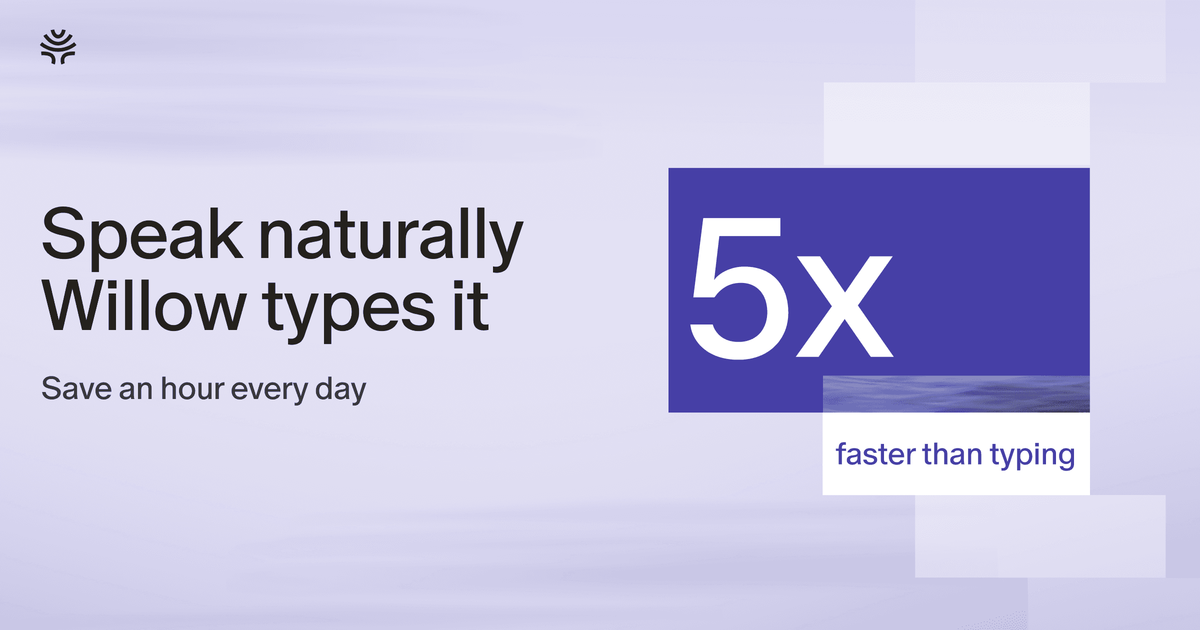
Willow is AI speech-to-text and dictation software for Mac, Windows, and iPhone. It is designed to let people speak naturally and have formatted text appear in the app or field where they are already working, without switching tools or copying text between apps.
The product focuses on everyday writing tasks such as emails, documents, chat replies, note-taking, prompting AI tools, and longer-form writing. Its site describes instant dictation, context-aware formatting, automatic editing, custom vocabulary, and personalization across apps, with team and enterprise plans available for shared billing and security controls.
Dictate into text fields across apps such as Slack, Gmail, Cursor, Notion, and iMessage. The homepage says Willow works wherever you normally type, so it can fit into existing communication and writing workflows.
Press a hotkey, speak naturally, and let Willow insert formatted text where your cursor is. The product page says you do not need to think about punctuation, formatting, or filler words.
The pricing page describes instant dictation and formatting, plus context-aware suggestions. The homepage also emphasizes automatic editing and context-aware formatting.
Personalization is available on the paid plans, with custom vocabulary on the free tier and fuller personalization across apps on Individual Pro and Team Pro. The pricing page also mentions smart memory of your writing style.
Team Pro adds centralized billing, administrative controls, team-wide personalization, and priority support. Enterprise adds security and data controls for larger deployments.
Willow is available for Mac, Windows, and iPhone, and the pricing page shows platform-specific download options. The homepage also notes Android is coming soon.
Dictate emails, replies, and quick updates directly into tools like Gmail, Slack, and iMessage when typing would slow you down.
Capture ideas, outlines, and longer drafts in tools such as Notion or Cursor while Willow handles formatting and cleanup.
Use voice input to keep project boards and task trackers moving in Asana, Trello, Monday.com, ClickUp, Jira, and similar tools.
Speak prompts into AI tools more naturally instead of typing them out, which can be useful for iterative prompting and experimentation.
Use team plans when multiple people need shared billing, admin controls, and team-wide personalization across a group workflow.
Willow’s FAQ says you can upgrade from the app by going to Plan & Billing, choosing the Individual Pro plan, and confirming the upgrade.
Yes. Willow says you can change or cancel your subscription anytime from the Plan & Billing section in the app, and the plan stays active through the end of the current billing period.
Yes. Willow offers discounts for students, educators, nonprofits, and veterans on the Individual Pro plan, with verification handled through its help site.
The pricing page lists free, Individual Pro, Team Pro, and Enterprise options. Free includes 2,000 free words per week, while Team Pro is for at least 3 seats and Enterprise is a custom sales-led plan.

SpeakoFlow is a free, open-source desktop voice-to-text app for Windows, macOS, and Linux. It supports dictation into any app, voice-driven writing with Flow, cleanup, translation, and a screen-aware assistant.

Sanota is an app that turns spoken memories, reflections, and interviews into clear written stories. It supports personal storytelling, family history, and shared memories, with guided prompts and subscription pricing.

Carbon Voice is an asynchronous voice messaging app for teams and individuals, with transcripts, AI catch-up, and cross-device access. It helps people and agents communicate without needing a live call.

QuickQuill is a macOS dictation and transcription app that runs locally on the device. It helps users record meetings, transcribe audio, generate summaries, and export notes without using a cloud service.

Flunkey is a voice-first productivity layer for Windows that converts speech into text, AI-assisted outputs, and remembered context. It is built for users who want to capture ideas and actions without leaving the app they are working in.

Liam is an AI copilot for managing inboxes, writing replies, prioritizing email, and scheduling meetings. It is offered free for individuals, with custom pricing for teams and enterprise.