
Live system statistics
Shows live CPU, RAM, SSD, and network information in a compact dashboard for at-a-glance monitoring.

Wokyintosh is a retro Macintosh-inspired system monitor for macOS that combines live CPU, RAM, SSD, and network statistics with local weather and Now Playing information from Apple Music or Spotify. It is suited to Mac users and retro display setups that need a compact ambient dashboard.
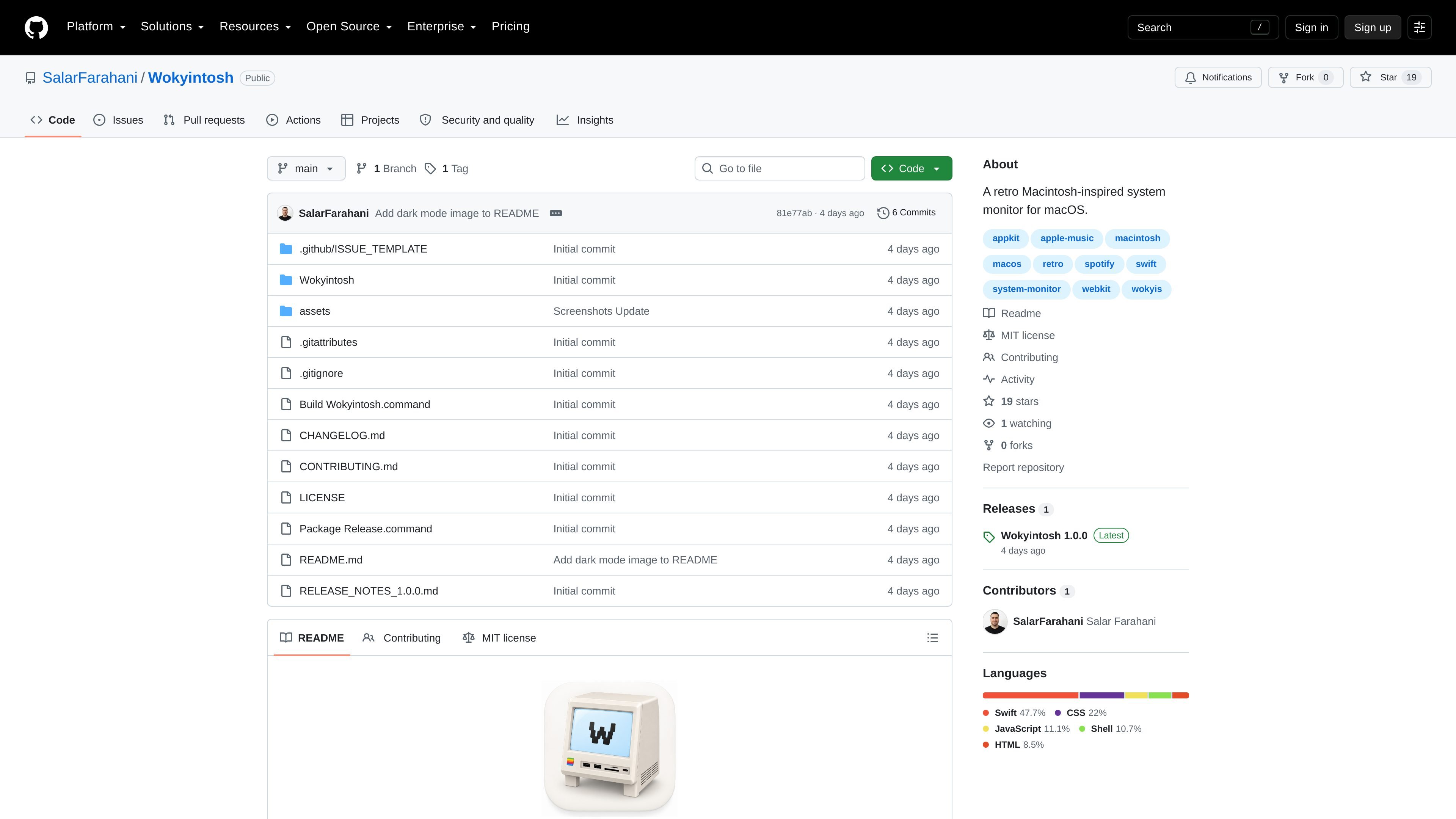
Wokyintosh is a small native macOS system monitor that brings live hardware statistics, weather, and media playback information into a single retro Macintosh-inspired dashboard. It was created for a Wokyis M5 Retro Dock Station display and is also intended for Mac users who want a similarly styled desktop monitor.
Version 1.0 provides live CPU, RAM, SSD, and network information alongside local weather, Apple Music or Spotify Now Playing details, and album artwork. The app follows macOS light and dark appearance automatically and is distributed as a downloadable macOS application or can be built from the public source repository.
Shows live CPU, RAM, SSD, and network information in a compact dashboard for at-a-glance monitoring.
Displays current Apple Music or Spotify playback information and album artwork using macOS automation.
Uses Core Location and granted location access to display local weather.
Automatically follows macOS light and dark appearance settings.
Combines a retro Macintosh-inspired interface with a short classic-Mac-inspired startup screen.
Runs as a native macOS app implemented with Swift, AppKit, and WebKit/WKWebView.
Keep CPU, memory, SSD, and network activity visible in a compact dashboard while working on a Mac.
Use the app as a visual dashboard for a Wokyis M5 Retro Dock Station or another retro-inspired display setup.
See the current song and album artwork from Apple Music or Spotify without switching to the media app.
Combine local weather with basic system information in a desktop or secondary-screen dashboard.
Wokyintosh 1.0 requires macOS 13 Ventura or later. Download the Wokyintosh-1.0.0-macOS.zip archive, extract it, move Wokyintosh.app to Applications, and open it.
The app is distributed without an Apple Developer ID and is not notarized. If macOS blocks the first launch, Control-click or right-click the app and choose Open. If necessary, use System Settings → Privacy & Security → Open Anyway. The project advises bypassing Gatekeeper only for a copy downloaded from its official repository.
Wokyintosh can display local weather when Location permission is granted. It may also request Automation access to read Now Playing information from Apple Music or Spotify.
Yes. The project states that system statistics and playback information are read locally, no Wokyintosh account is required, and version 1.0 does not include analytics.
Yes. Clone or download the repository, then run Build Wokyintosh.command. The resulting app is created at build/Wokyintosh.app, and the documented workflow uses Apple’s Command Line Tools rather than requiring the full Xcode application.

PromptScout tracks how ChatGPT, Gemini, Google AI Overviews, and Perplexity mention your brand or competitors, then pairs those results with source analysis and website audits. It helps teams decide what to fix in content, positioning, or site readiness next.

Sleek Analytics is a privacy-friendly web analytics tool with real-time visitor tracking, Core Web Vitals, and revenue attribution. It helps site owners understand traffic and conversions without cookie banners or a heavy setup.

MacSpoof ist ein MAC-Adressenwechsler für macOS: WLAN-MAC ändern oder randomisieren, um Verbindungen zu erneuern und die Protokollierung auf öffentlichem WLAN zu reduzieren.

ClawTick is an AI agent automation platform for scheduling jobs from the CLI, dashboard, or REST API. It is aimed at developers and teams running LangChain, CrewAI, webhook, or custom agent workflows that need monitoring, alerts, and logs.

OpenFlags is an open-source, self-hosted feature flag platform for modern JavaScript teams. It supports local evaluation, targeted rollouts, and controlled launches while keeping flag data in your own infrastructure.

SecAIQ Watch is a local, read-only dashboard for monitoring AI assistants, coding agents, local models, and MCP servers on macOS, Linux, and Windows. It shows network activity, permissions, findings, file access, and token usage without sending observations to a cloud service.