

Apple Creator Studio
Apple Creator Studio is a subscription bundle that grants access to intelligent creative tools like Final Cut Pro, Logic Pro, and Pixelmator Pro, alongside premium productivity content.
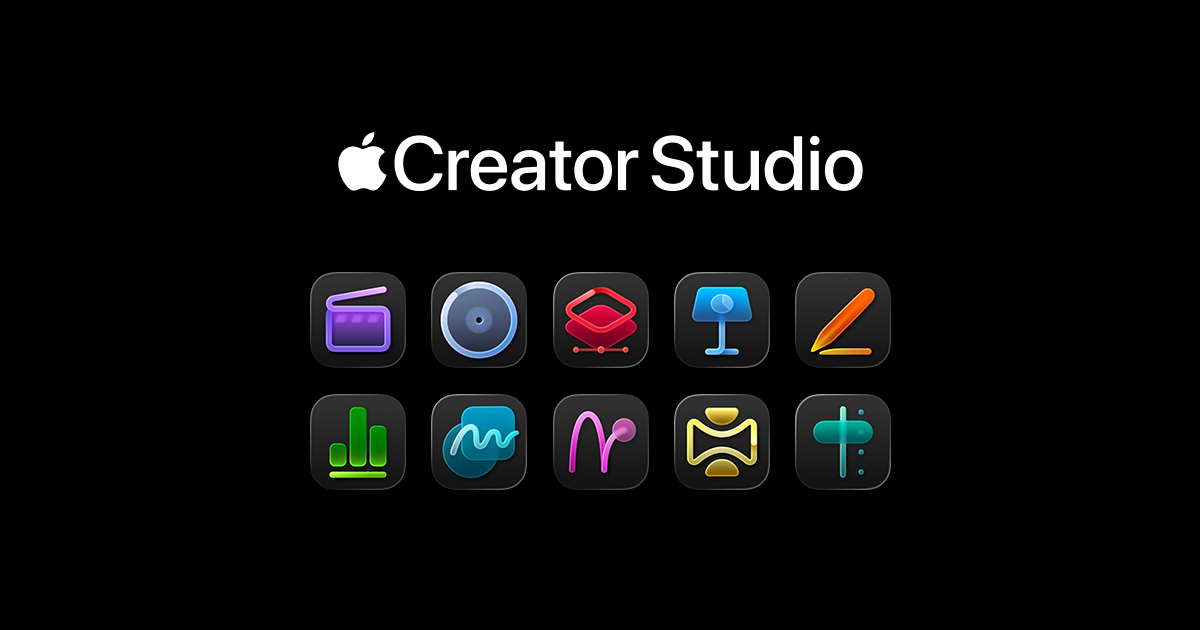
What is Apple Creator Studio?
What is Apple Creator Studio?
Apple Creator Studio is an exclusive subscription offering designed to empower professional creators, artists, and developers by bundling essential, industry-leading Apple software into one comprehensive package. It serves as a centralized hub for accessing powerful applications necessary for high-end video editing, professional music production, advanced image manipulation, and general productivity.
The core value proposition of Creator Studio lies in providing seamless integration and optimized performance across the Apple ecosystem. Subscribers gain immediate access to professional-grade applications such as Final Cut Pro for video workflows, Logic Pro for music creation, and Pixelmator Pro for graphic design, ensuring creators have the best tools at their fingertips without purchasing each application individually. This bundle streamlines the creative process, making high-caliber production accessible and efficient.
Key Features
- Integrated Professional Software Suite: Includes flagship applications like Final Cut Pro (video editing), Logic Pro (digital audio workstation), and Pixelmator Pro (image editing).
- Premium Productivity Content: Access to exclusive, high-quality content designed to enhance workflows within the included applications.
- Intelligent Tools: Leverages advanced machine learning and proprietary Apple technologies embedded within the software for faster rendering, smarter editing suggestions, and enhanced creative capabilities.
- Ecosystem Synergy: Optimized performance across macOS and iPadOS devices, allowing creators to transition projects smoothly between desktop and mobile environments.
- Regular Updates and Support: Subscription ensures continuous access to the latest features, security updates, and technical support for all bundled applications.
How to Use Apple Creator Studio
Getting started with Apple Creator Studio is straightforward, focusing on immediate activation and integration into your existing creative pipeline.
- Subscription Activation: Upon subscribing, the bundled applications (Final Cut Pro, Logic Pro, Pixelmator Pro, etc.) become available for download and installation via the Mac App Store or directly through the Creator Studio portal.
- Workflow Integration: Begin by launching your primary application (e.g., Final Cut Pro for a new video project). The subscription automatically validates your access.
- Leveraging Premium Content: Explore the included premium content libraries—this might include specialized sound packs for Logic Pro, advanced templates for Final Cut Pro, or unique asset packs for Pixelmator Pro—and import them directly into your projects.
- Cross-App Collaboration: Utilize the deep integration features. For instance, edit a complex sound mix in Logic Pro and seamlessly bring the stems into a Final Cut Pro timeline, or export a graphic from Pixelmator Pro directly into a motion graphics sequence.
Use Cases
- Independent Filmmaking & YouTube Content Creation: Creators can manage the entire post-production pipeline—from color grading and complex visual effects in Final Cut Pro to mastering the final soundtrack in Logic Pro—all within one subscription, significantly reducing overhead costs.
- Professional Music Production: Musicians and sound engineers utilize Logic Pro for recording, mixing, and mastering, complemented by specialized tools and premium sample libraries provided through the Creator Studio content access.
- Graphic Design and Digital Art: Artists rely on Pixelmator Pro for high-resolution photo retouching, digital painting, and creating web/print assets, benefiting from the application's performance optimization on Apple Silicon.
- Educational Institutions and Training: Schools and universities can provide students with access to a complete suite of industry-standard creative software necessary for media arts, design, and computer science curricula.
- Corporate Marketing Teams: In-house marketing departments can rapidly produce high-quality promotional videos, social media graphics, and internal training materials using the integrated suite, ensuring brand consistency across all media types.
FAQ
Q: Is Apple Creator Studio available on Windows or Android devices? A: No. Apple Creator Studio is exclusively designed for the Apple ecosystem, requiring macOS and compatible iOS/iPadOS devices to run the bundled professional applications like Final Cut Pro and Logic Pro.
Q: Does the subscription include Final Cut Pro and Logic Pro updates? A: Yes. As a subscription service, Apple Creator Studio ensures that all included professional applications are automatically updated to the latest versions, including major feature releases, as long as your subscription remains active.
Q: Can I use the assets created with the premium content outside of the Apple ecosystem? A: Generally, yes. While the tools are Apple-native, the exported final products (videos, audio files, images) are standard formats and can be shared or used on any platform, subject to the specific licensing terms of the premium content included in the bundle.
Q: What happens to my projects if my Creator Studio subscription expires? A: If your subscription lapses, you will lose access to the subscription-gated features and premium content. However, the core applications (if purchased separately or if they revert to a non-subscription mode, depending on the specific terms at the time of expiry) may still function, and you can still open and export existing projects created while subscribed.
Q: Are there any limitations on commercial use of the software or content? A: The subscription grants full commercial usage rights for content created using the professional applications (Final Cut Pro, Logic Pro, etc.). Always review the specific End User License Agreement (EULA) for any restrictions tied to the premium productivity content assets themselves.
Alternatives

Biji
Biji is a versatile platform designed to enhance productivity through innovative tools and features.

Prompty Town
Prompty Town is an innovative platform that allows users to transform their links into virtual buildings, creating a unique and engaging way to share and interact with content.

AakarDev AI
AakarDev AI is a powerful platform that simplifies the development of AI applications with seamless vector database integration, enabling rapid deployment and scalability.

Planndu: Daily Task Planner
Planndu is an intuitive productivity application designed to help users organize tasks, manage projects, build routines, and enhance focus using tools like AI generation and a built-in Pomodoro timer.

Devin
Devin is an AI coding agent and software engineer that helps developers build better software faster.

imgcook
imgcook is an intelligent tool that converts design mockups into high-quality, production-ready code with a single click.