

Ask Fellow
Ask Fellow is an AI assistant designed to automate and streamline the entire meeting lifecycle—before, during, and after the session—turning discussions instantly into actionable outcomes.
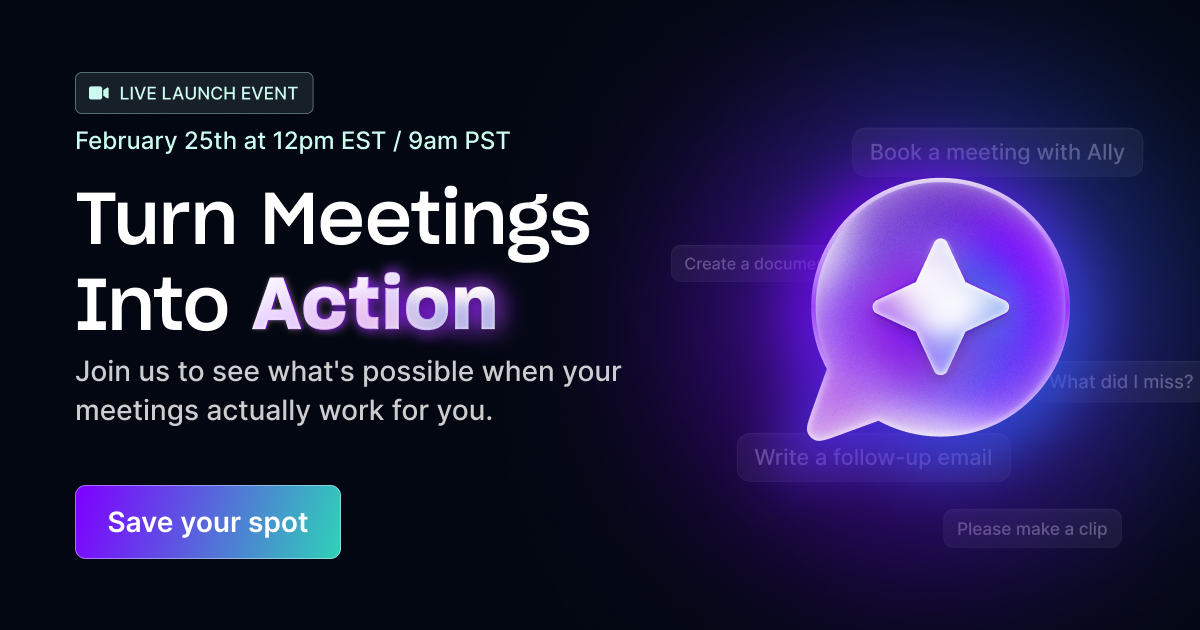
What is Ask Fellow?
What is Ask Fellow?
Ask Fellow is an advanced AI tool integrated into the meeting workflow, specifically engineered to eliminate the administrative overhead surrounding meetings. It acts as a proactive assistant that ensures preparation is thorough, in-meeting focus remains high, and follow-through is immediate and automated. By handling the tedious tasks of agenda creation, real-time summarization, and post-meeting documentation, Ask Fellow allows teams and individuals to maximize the value derived from every conversation.
This solution addresses the common pain points of modern work: meeting fatigue, lack of preparation, and dropped action items. Instead of spending hours compiling notes or chasing follow-ups, users leverage Ask Fellow to transform unstructured meeting time into concrete, trackable results, ensuring that decisions made are decisions executed. It integrates seamlessly into existing workflows to provide intelligent support exactly when it's needed.
Key Features
Ask Fellow provides comprehensive support across the three critical phases of any meeting:
- Pre-Meeting Preparation (Agenda Building): Automatically generates a structured agenda by pulling in pending decisions, open action items, and deferred topics from previous related meetings. This ensures participants walk in fully prepared and focused on unresolved issues.
- In-Meeting Catch-Up & Insight: Offers instant summaries for late joiners, clearly surfacing key points, finalized decisions, and current discussion threads. It can also surface counter-perspectives to sharpen team thinking and drive better decision-making in real-time.
- Post-Meeting Automation: Drastically reduces follow-up time by automatically drafting follow-up emails directly in Gmail, scheduling necessary follow-up meetings, and creating polished documents or memos based on the discussion content.
- Action Item Tracking: Keeps track of outstanding items by assignee, ensuring accountability and preventing critical tasks from being forgotten after the call ends.
- Seamless Integration: Designed to work within existing communication and productivity ecosystems (implied integration with email/calendar tools).
How to Use Ask Fellow
Using Ask Fellow is designed to be intuitive, focusing on integrating its intelligence into your existing meeting habits:
- Preparation Phase: Before your scheduled call, Ask Fellow proactively analyzes past meeting records and outstanding tasks related to the topic. It then presents a ready-to-use, context-rich agenda, which you can review and approve.
- During the Session: If you join late or need a quick recap, access Ask Fellow to receive an immediate, concise summary of what has transpired so far. Use its prompts to keep discussions on track or explore deeper insights.
- Follow-Up Automation: Once the meeting concludes, Ask Fellow immediately begins drafting necessary communications. Review the suggested follow-up email in Gmail, confirm the scheduling of any required next steps, and approve the generated meeting summary document for distribution.
This workflow ensures that the transition from discussion to execution is nearly instantaneous, maximizing productivity.
Use Cases
Ask Fellow is invaluable for any role or team that relies heavily on structured communication and timely execution:
- Project Management & Delivery: Project Managers can ensure every status update meeting results in clear, assigned next steps and documented decisions, significantly reducing project slippage due to poor follow-through.
- Executive & Leadership Teams: Leaders can maintain focus during high-stakes decision-making meetings. Ask Fellow ensures all necessary context is available instantly, and critical directives are immediately translated into formal memos or action plans.
- Sales & Client Relations: Account Managers can ensure no client commitment is missed. After a client review, Ask Fellow drafts personalized follow-up emails summarizing agreed-upon actions and next steps, strengthening client trust.
- Cross-Functional Collaboration: Teams working across different departments often suffer from context switching. Ask Fellow bridges these gaps by providing instant context for members joining late or those who need to catch up on decisions made in previous sessions.
- Remote & Hybrid Workforces: For distributed teams where spontaneous check-ins are rare, Ask Fellow formalizes and documents every important conversation, ensuring parity of information regardless of physical location or time zone.
FAQ
Q: How does Ask Fellow access my previous meeting data to build agendas? A: Ask Fellow integrates securely with your existing meeting platforms and documentation repositories (like shared drives or internal knowledge bases) to pull relevant context, decisions, and open items, ensuring the preparation phase is based on historical accuracy.
Q: Can I customize the output format for post-meeting documents? A: Yes, while Ask Fellow generates polished drafts, users typically have the ability to review and edit these documents (memos, summaries) within the drafting application (like Google Docs or Microsoft Word) before final distribution, allowing for brand or tone adjustments.
Q: What happens if I join a meeting very late? A: Ask Fellow is designed for this scenario. It provides a comprehensive, real-time summary of everything discussed up to that moment—key decisions made, major topics covered, and current action items—allowing you to integrate seamlessly without disrupting the flow.
Q: Is Ask Fellow compatible with all major video conferencing platforms? A: Ask Fellow is designed to integrate deeply with the tools you already use for scheduling and communication, such as major calendar and email providers, to effectively manage the meeting lifecycle regardless of the underlying conferencing software.
Q: Is there a free trial available to test the automation features? A: Yes, the website indicates that users can 'Try for free,' suggesting a trial period is available to experience the full suite of before, during, and after meeting automation capabilities.
Alternatives

Tactiq
Tactiq is an AI meeting assistant that provides live transcription, AI summaries, action items, and custom AI prompts for Google Meet, Zoom, and Teams.

Scripta
Scripta is a privacy-first AI notetaker that records, transcribes, and summarizes your meetings directly on your device, without requiring bot access.

Biji
Biji is a versatile platform designed to enhance productivity through innovative tools and features.

AI PDF Summarizer
An AI-powered tool that summarizes PDF documents quickly and efficiently, providing clear insights and allowing users to interact with the content.

Prompty Town
Prompty Town is an innovative platform that allows users to transform their links into virtual buildings, creating a unique and engaging way to share and interact with content.

Planndu: Daily Task Planner
Planndu is an intuitive productivity application designed to help users organize tasks, manage projects, build routines, and enhance focus using tools like AI generation and a built-in Pomodoro timer.