

Genie 3
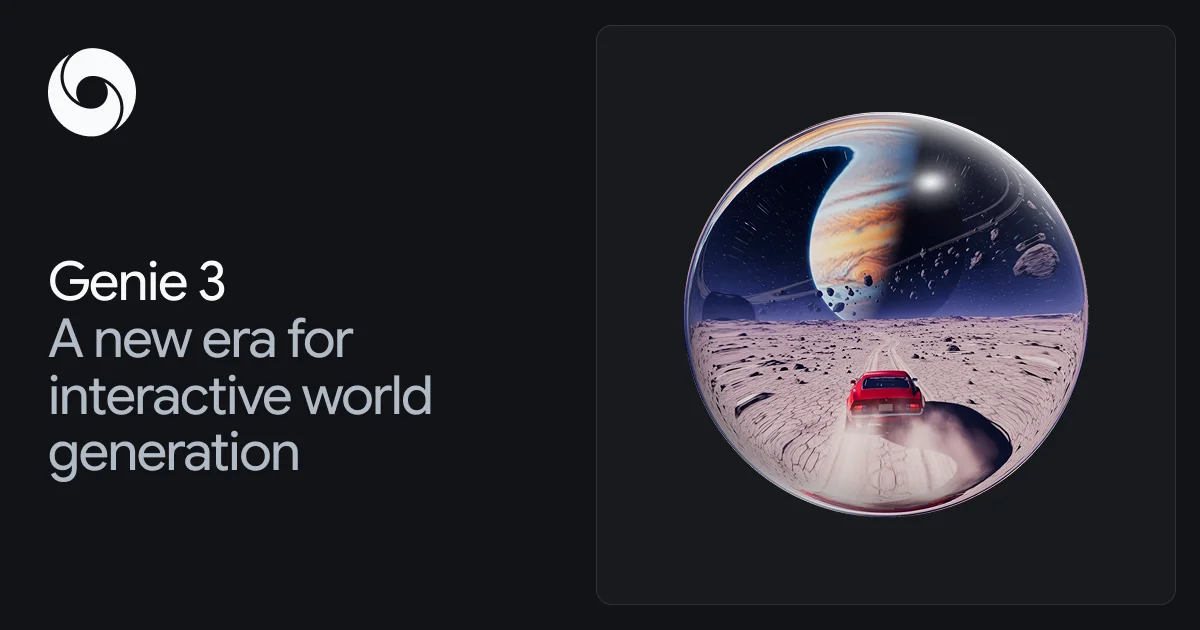
Genie 3 is a general-purpose world model that generates photorealistic environments from simple text descriptions, enabling real-time exploration and interaction.
What is Genie 3?
What is Genie 3?
Genie 3 is an innovative world model developed by DeepMind that allows users to create and explore infinitely diverse environments using simple text prompts. This cutting-edge technology represents a significant advancement in the field of artificial intelligence, particularly in the realm of generative models. By leveraging deep learning techniques, Genie 3 can simulate complex physical worlds, enabling users to experience everything from serene natural landscapes to dynamic, interactive ecosystems in real-time.
The core purpose of Genie 3 is to facilitate exploration and interaction within generated worlds, making it a vital tool for researchers, developers, and creatives alike. As a stepping stone towards Artificial General Intelligence (AGI), it empowers AI agents to reason, solve problems, and interact with real-world complexities in a controlled environment.
Key Features
- Real-Time Interaction: Genie 3 operates at 20-24 frames per second, allowing for fluid and responsive exploration of generated worlds.
- Photorealistic Quality: The model generates high-fidelity environments at 720p resolution, providing crucial visual details for training and interaction.
- Interactive and Controllable: Users can transform text descriptions into controllable realities, enabling a unique and personalized exploration experience.
- World Consistency and Stability: Previously encountered details are recalled when revisited, ensuring a stable and immersive experience without degradation during sustained interaction.
- Diverse Ecosystem Simulation: Genie 3 can simulate vibrant ecosystems, including intricate animal behaviors and plant life, enhancing the realism of generated environments.
How to Use Genie 3
Getting started with Genie 3 is straightforward. Here are the key steps to effectively utilize this powerful tool:
- Access Project Genie: Visit the Project Genie platform to begin creating your worlds.
- Input Text Prompts: Use descriptive text prompts to define the environment you wish to generate. Be as detailed as possible to achieve the best results.
- Explore the Generated World: Once the environment is generated, you can navigate and interact with it in real-time, experiencing the world as if you were physically present.
- Experiment and Iterate: Adjust your prompts and explore different scenarios to see how the world evolves based on your input.
- Share and Collaborate: Engage with other users to share your creations and explore their worlds, fostering a community of creativity and innovation.
Use Cases
- Game Development: Game designers can use Genie 3 to create immersive environments and scenarios, enhancing gameplay experiences with rich, interactive worlds.
- Education and Training: Educators can simulate various ecosystems or historical environments for teaching purposes, providing students with engaging and interactive learning experiences.
- Research and Development: Researchers in AI and robotics can utilize Genie 3 to train agents in realistic environments, improving their problem-solving and reasoning capabilities.
- Creative Arts: Artists and animators can leverage the tool to generate unique settings for their projects, exploring new creative avenues in animation and storytelling.
- Virtual Reality Experiences: Developers can create photorealistic VR environments for entertainment, training, or therapeutic applications, providing users with immersive experiences.
FAQ
Q1: Is Genie 3 free to use?
A1: Currently, Genie 3 is available as an experimental research prototype, and access may vary. Please check the official website for the latest information on availability and pricing.
Q2: What platforms is Genie 3 compatible with?
A2: Genie 3 is designed to be accessed through web browsers. Ensure your browser supports the latest web technologies for optimal performance.
Q3: Can I save my created worlds?
A3: As an experimental tool, saving capabilities may be limited. Users are encouraged to document their creations through screenshots or recordings.
Q4: How can I provide feedback on Genie 3?
A4: Users can typically provide feedback through the platform's support or feedback section. Your insights are valuable for improving the tool.
Q5: What are the system requirements for using Genie 3?
A5: While specific requirements may vary, a modern computer with a stable internet connection and a compatible web browser is recommended for the best experience.
Alternatives

紫东太初
A new generation multimodal large model launched by the Institute of Automation, Chinese Academy of Sciences and the Wuhan Artificial Intelligence Research Institute, supporting multi-turn Q&A, text creation, image generation, and comprehensive Q&A tasks.

通义千问
Tongyi Qianwen is a world-leading AI large language model, equipped with various capabilities including natural language understanding, text generation, visual understanding, and audio understanding.

改图鸭
The AI painting generator is an online AI-powered software that automatically creates artwork based on text descriptions provided by users.

PXZ AI
An All-In-One AI Platform that combines tools for image, video, voice, writing, and chat to enhance creativity and collaboration.

Grok AI Assistant
Grok is a free AI assistant developed by xAI, engineered to prioritize truth and objectivity while offering advanced capabilities like real-time information access and image generation.

AakarDev AI
AakarDev AI is a powerful platform that simplifies the development of AI applications with seamless vector database integration, enabling rapid deployment and scalability.