

Makers Page
Makers Page is a platform for creators to showcase their projects, verify revenue, and connect with a community of builders. It offers a customizable landing page solution designed to convert visitors and highlight achievements.
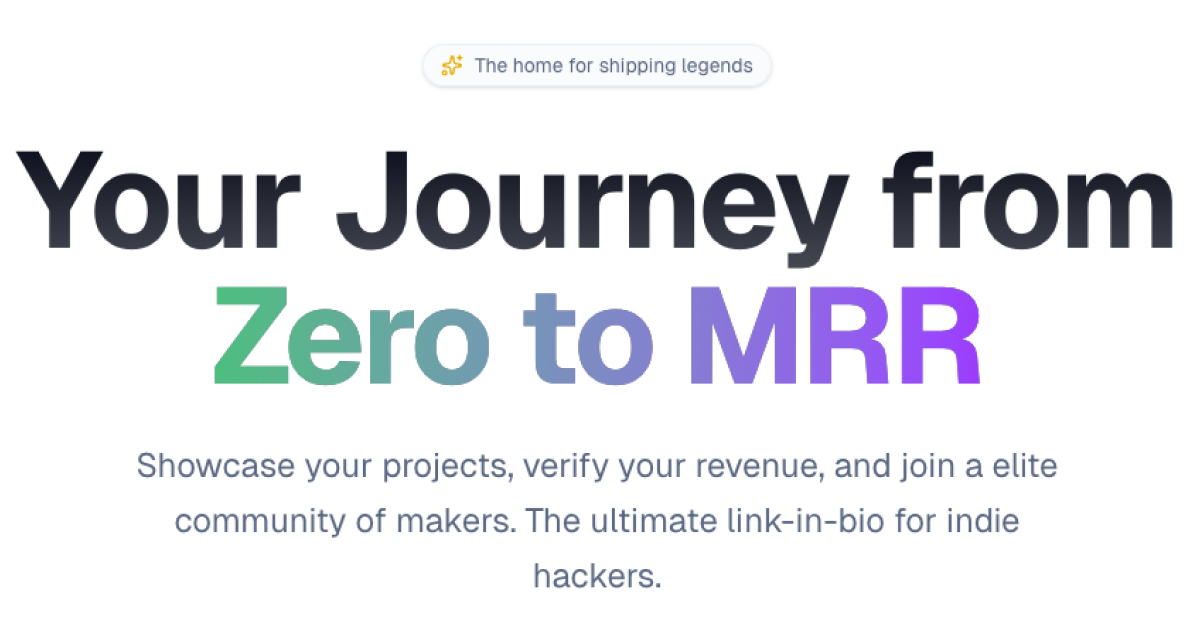
What is Makers Page?
What is Makers Page?
Makers Page is the premier online destination for "Shipping Legends" – individuals and teams dedicated to building and launching innovative projects. It serves as a dynamic platform where creators can elegantly showcase their work, transparently verify their revenue streams, and become part of an exclusive community focused on shaping the future of digital products. Unlike generic link-in-bio tools, Makers Page is meticulously crafted for those who are serious about their craft, providing a professional and conversion-optimized space to present their accomplishments.
This platform empowers makers to establish a strong online presence by offering a personalized page that acts as a central hub for all their projects and achievements. With features designed to highlight success, such as verified revenue displays and project portfolios, Makers Page helps build credibility and attract attention. It's more than just a landing page; it's a statement of intent and a testament to a maker's journey and success in the digital landscape.
Key Features
- Project Showcase: Easily display your projects with rich media and detailed descriptions. The platform automatically fetches metadata, images, and descriptions from URLs, streamlining the process of launching your project pages.
- Verified Revenue: Connect your Stripe account to publicly display your Verified Monthly Recurring Revenue (MRR), adding a layer of transparency and credibility to your business.
- Custom Domains: Personalize your presence by connecting your own domain for free, ensuring your brand identity is consistent across all your online assets.
- Built-in Analytics: Gain valuable insights into your audience with integrated analytics that track views, clicks, and conversion rates across all your showcased projects.
- Community Integration: Join a growing community of makers, view the "Wall of Makers," and draw inspiration from and connect with fellow builders.
- Hyperspeed Launch: Launch new project pages in seconds by simply pasting a URL, thanks to automated metadata fetching.
- Username Claim: Secure a unique username for your profile, creating a memorable and easily shareable link (e.g., makers.page/yourname).
How to Use Makers Page
Getting started with Makers Page is designed to be a straightforward, three-step process:
- Claim Your Profile: Begin by securing your unique username. This will be the foundation of your personalized Makers Page URL (makers.page/yourusername). Set up your profile bio to introduce yourself and your work.
- Connect Your Accounts: Enhance your profile's functionality and credibility by linking relevant accounts. This includes connecting your Twitter and GitHub for social proof and project integration, and your Stripe account to enable the display of your Verified MRR.
- Launch & Share: Once your profile is set up and accounts are connected, you're ready to launch. Share your new bio link across your social media, email signatures, and any other platforms where you want to direct traffic and showcase your projects and verified success.
Use Cases
- SaaS Founders: Display your product's MRR, user growth, and key features to attract investors, potential customers, and talent. A verified MRR can significantly boost credibility.
- Indie Hackers & Solopreneurs: Create a professional portfolio that highlights your launched products, their traction, and your revenue. This is ideal for networking and seeking collaborations.
- Freelancers & Agencies: Showcase your best client work and project outcomes, along with any recurring revenue generated from retainers or services, to attract new business.
- Content Creators & Course Sellers: Demonstrate the success and impact of your digital products, courses, or communities by showcasing sales figures or user engagement metrics.
- Developers & Open Source Contributors: Link your GitHub projects, contributions, and any associated revenue streams (e.g., from sponsorships or paid tiers) to build a comprehensive professional profile.
FAQ
Q1: What kind of projects can I showcase on Makers Page? A1: You can showcase virtually any digital project, including SaaS products, mobile apps, online courses, newsletters, open-source tools, creative works, and more. The platform is designed to be versatile for any maker.
Q2: Is connecting Stripe mandatory? A2: No, connecting Stripe is optional. It is required if you wish to display your Verified MRR on your profile. You can still use Makers Page to showcase projects and build your profile without connecting Stripe.
Q3: Can I use my own domain name? A3: Yes, Makers Page offers free custom domain integration. You can connect your own domain to your Makers Page profile for a more branded and professional online presence.
Q4: How does the automatic metadata fetching work? A4: When you add a project by pasting a URL, Makers Page attempts to automatically extract relevant information such as the title, description, and a featured image from the linked webpage's metadata (like Open Graph tags) to create a rich preview.
Q5: Is there a cost associated with using Makers Page? A5: The core features for creating a profile, showcasing projects, and connecting accounts are generally free. Specific details on any premium features or potential future subscription models would be available on their pricing page.
Alternatives

Prompty Town
Prompty Town is an innovative platform that allows users to transform their links into virtual buildings, creating a unique and engaging way to share and interact with content.

Make Real
Draw a UI and make it real using the tldraw SDK.

beehiiv
beehiiv is an all-in-one newsletter platform providing integrated tools for email publishing, no-code website building, audience growth, and monetization for creators and brands.

ManyLinks
ManyLinks is a highly visual, customizable 'link in bio' tool designed for creators, allowing them to build a personal landing page that dynamically displays their latest content and links.

Fronty
Fronty is an AI-powered image to HTML CSS converter that allows users to quickly generate HTML and CSS code from images.

Tweetmonk
AI-powered thread publishing tool. Write, schedule, and publish Twitter tweets & threads seamlessly.