
Melina Studio
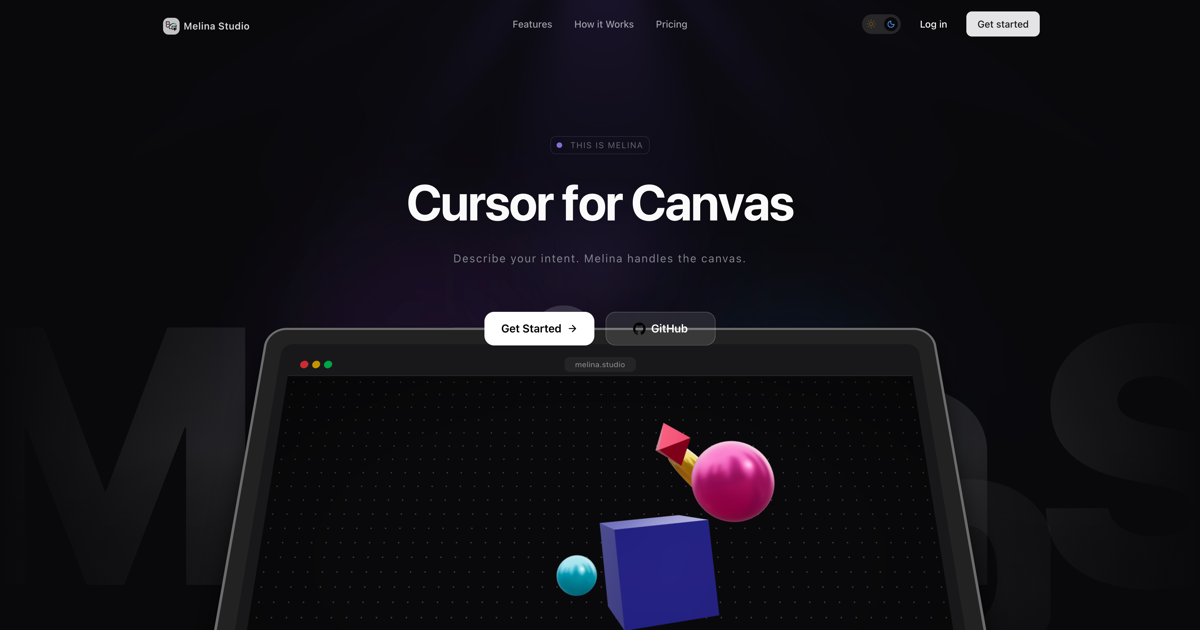
Melina Studio is an AI-powered design tool that transforms your ideas into visual clarity through natural conversation, directly on your canvas.
What is Melina Studio?
What is Melina Studio?
Melina Studio is a revolutionary AI design tool that bridges the gap between your thoughts and visual creation. It acts as a conversational partner, allowing you to describe your design intentions and watch Melina bring them to life on your canvas in real-time. Unlike traditional design tools that rely on complex commands and interfaces, Melina understands context and intent, making the design process intuitive and accessible. Whether you're sketching an idea, organizing information, or refining a visual concept, Melina streamlines the workflow by handling the canvas manipulations based on your spoken or typed instructions.
This innovative approach empowers users to focus on their ideas rather than the mechanics of design software. Melina's ability to see and understand the elements already present on the canvas, combined with its support for multiple advanced AI models, offers unparalleled flexibility and power. It’s designed for creators, thinkers, and anyone who wants to translate abstract concepts into concrete visuals with unprecedented ease and speed. Get started for free and experience the future of design collaboration.
Key Features
- Canvas-Aware AI: Melina doesn't just process text prompts; it understands the shapes, structure, and visual context already on your canvas, enabling more precise and relevant actions.
- Conversational Interface: Describe your intent naturally using spoken or typed language. Melina interprets your requests and executes them directly on the canvas.
- Multi-AI Model Support: Choose the best AI mind for the task at hand. Melina integrates with models like Claude, GPT-5.1, Gemini, DeepSeek, Kimi, and Llama, allowing you to switch between them for optimal results.
- Instant, Visible Changes: Witness design modifications happen in real-time on the canvas without any lag or need for refreshing, providing an immediate visual feedback loop.
- Distraction-Free Design Environment: A minimalist and adaptive canvas interface designed to keep you focused on your creative process.
- Automatic State Saving: Every change is saved automatically as you work, ensuring that your progress is never lost and allowing for fearless experimentation.
- Intuitive Creation Tools: Start by drawing shapes, adding text, or sketching freely with easy-to-use tools that feel natural and responsive.
How to Use Melina Studio
Getting started with Melina Studio is designed to be straightforward and intuitive:
- Create Your Canvas: Begin by using the built-in tools to draw shapes, add text, or sketch your initial ideas directly onto the canvas. This visual foundation is what Melina will interact with.
- Select Elements: Click on any shape or element on your canvas that you wish to modify or use as a reference. Melina recognizes your selection and its context.
- Communicate Your Intent: Simply tell Melina what you want to achieve. Use natural language prompts such as "Make this into a flowchart," "Change the colors to blue," or "Organize these shapes into columns."
- Watch Melina Work: Observe as Melina instantly processes your request and makes the corresponding changes directly on your canvas. The modifications are visible in real-time.
Use Cases
- Rapid Prototyping: Quickly visualize user flows, wireframes, or app mockups by describing changes and layouts to Melina, accelerating the early stages of product development.
- Information Architecture: Transform scattered notes or basic shapes into structured diagrams like flowcharts, mind maps, or organizational charts with simple conversational commands.
- Brainstorming and Ideation: Freely sketch and explore ideas on the canvas, using Melina to instantly refine, reorganize, or visualize different aspects of your concepts without interrupting your creative flow.
- Educational Tools: Students and educators can use Melina to quickly generate visual aids, diagrams, and examples for complex topics, making learning more interactive and engaging.
- Content Creation: Designers and marketers can rapidly generate visual assets, infographics, or presentation slides by describing desired layouts and elements, speeding up content production.
FAQ
Q1: Is Melina Studio free to use? A: Yes, Melina Studio offers a free tier, allowing you to get started with its core features without any cost or credit card requirement.
Q2: What AI models does Melina Studio support? A: Melina Studio supports a variety of leading AI models, including Claude, GPT-5.1, Gemini, DeepSeek, Kimi, and Llama. Users can switch between these models depending on the task requirements.
Q3: How does Melina Studio understand my canvas? A: Melina Studio is designed with 'Canvas-Awareness.' It analyzes the shapes, text, and overall structure present on your canvas to understand the context of your requests, going beyond simple text-based prompts.
Q4: Can I use Melina Studio on different devices? A: Melina Studio is a web-based application, designed to be accessible through modern web browsers. While specific device compatibility details may vary, it aims to provide a consistent experience across desktops and laptops.
Q5: What happens to my work if I close the application? A: Melina Studio automatically saves every change as you work. This ensures that your progress is preserved, and you can return to your canvas exactly as you left it without losing any data.
Alternatives

Kittl
Kittl is an AI-first design platform that empowers creators to produce standout branding and product visuals quickly and efficiently.

Napkin AI
Napkin AI transforms your text into insightful visuals, making communication more effective and engaging.

Palette
Generate a custom Tailwind color palette from a prompt.

创客贴 AI
创客贴 AI is an AI-powered design platform that includes various AI design tools to help users reduce design complexity and enhance design efficiency.

Make Real
Draw a UI and make it real using the tldraw SDK.

imgcook
imgcook is an intelligent tool that converts design mockups into high-quality, production-ready code with a single click.