

PeonPing
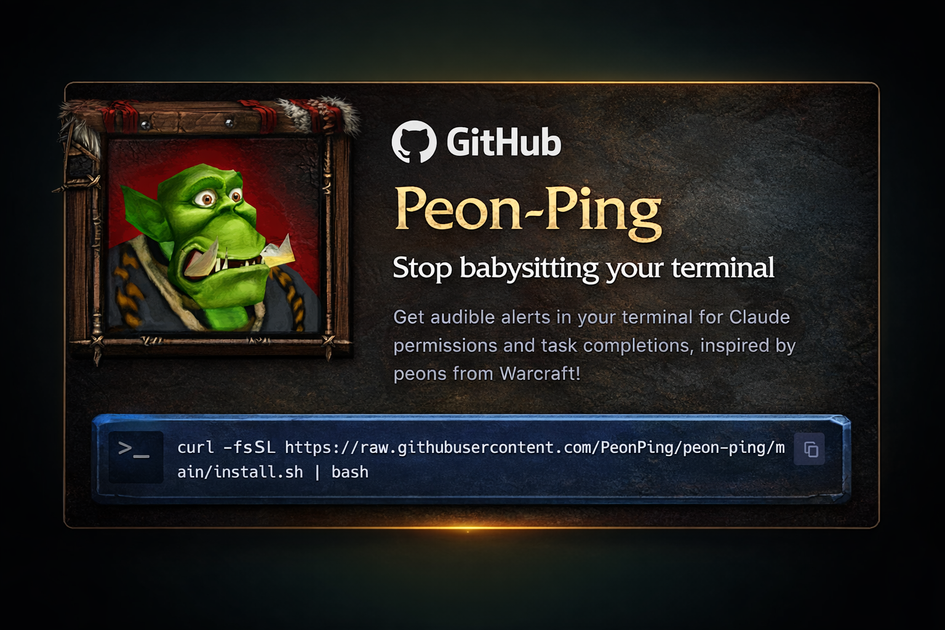
PeonPing provides sound notifications for AI agents like Claude Code and Cursor, ensuring you never miss critical updates or permission requests while maintaining your workflow flow.
What is PeonPing?
What is PeonPing?
PeonPing is an essential utility designed to eliminate the frustration of monitoring silent AI agent terminals. It hooks directly into popular AI coding environments and agents—including Claude Code, Cursor, Codex, and more—to deliver timely, character-voiced sound notifications the instant an agent finishes a task, requires permission, or encounters an error. By transforming passive monitoring into active, auditory feedback, PeonPing allows developers and users to stay focused on other tasks (like Slack or email) without losing context or flow.
Beyond simple alerts, PeonPing offers deep customization through an extensive library of sound packs featuring characters from classic games like Warcraft III, StarCraft, and Team Fortress 2. Users can select their preferred character voice to deliver status updates, ensuring that the feedback is engaging rather than disruptive. Furthermore, the optional MCP (Master Control Program) server allows the AI agent itself to dynamically select and play the appropriate sound, offering a truly integrated and intelligent notification experience.
Key Features
- Extensive Agent Compatibility: Seamless integration with Claude Code, Cursor, Codex, OpenCode, Kiro, Windsurf, Antigravity, and other IDEs/agents via dedicated hooks and adapters.
- Rich Sound Pack System: Access to 75+ sound packs across 7 languages, featuring iconic characters (Orc Peon, Sarah Kerrigan, TF2 Engineer, GLaDOS, etc.). Users can easily swap packs or create and register their own.
- Master Control Program (MCP) Server: Enables AI agents to trigger specific sounds directly, allowing the agent to choose its own feedback mechanism based on context.
- Workflow Enhancements: Includes desktop notifications for when the terminal is unfocused and dynamic tab titles that show project status (e.g., a dot indicator when the task is complete).
- Intelligent Playback Control: Features volume control (0.0 – 1.0), category toggles (greeting, acknowledge, error, permission), and a "No Repeats" system that tracks recently played lines to prevent auditory fatigue.
- Peon Trainer Mode (New in 2.0): A unique, gamified feature that nags the user to complete daily fitness goals (300 pushups/squats) between coding sessions, logging reps via Claude skills and celebrating goal completion.
How to Use PeonPing
Getting started with PeonPing is straightforward, primarily involving installation via package managers or a direct script execution.
- Installation: Install using Homebrew (
brew install PeonPing/tap/peon-ping) or via the provided curl script for direct bash installation. - Configuration & Pack Selection: Before installing, users can visit the website to select their desired sound packs (e.g., Default Orc Peon, StarCraft Battlecruiser). The installation command updates live based on these selections.
- Integration: Ensure your AI agent (like Claude Code or Cursor) is configured to use PeonPing for notifications. For advanced control, the MCP server can be enabled so the agent handles sound playback.
- Workflow Monitoring: Once active, simply start your AI agent task. PeonPing will audibly alert you when the agent needs permission, completes work, or encounters an error, allowing you to switch context confidently.
- Customization: Modify the configuration file to adjust volume, toggle specific sound categories (like disabling 'annoyed' sounds), or install new packs using the
peon packs installcommand.
Use Cases
- Deep Focus Coding Sessions: Developers working on complex problems can dive deep into the code or documentation, relying entirely on PeonPing's distinct auditory cues to pull them back only when the AI agent requires input or signals completion, maximizing uninterrupted flow state.
- Multi-Tasking Professionals: Users managing multiple communication channels (Slack, Email, Jira) alongside their AI development environment can use the unique character voices to instantly differentiate between a critical AI prompt and a standard message, ensuring rapid response to agent needs.
- AI Agent Development & Testing: When building custom AI workflows or testing new agent capabilities, PeonPing provides clear, distinct feedback for every state transition (greeting, permission request, error), making debugging the agent's logic much easier.
- Gamified Productivity & Fitness: The Peon Trainer Mode serves as a unique accountability partner, integrating mandatory micro-workouts into the coding schedule, appealing to users who enjoy gamified self-improvement alongside their technical work.
FAQ
Q: Which AI agents are officially supported by PeonPing? A: PeonPing officially supports major platforms including Claude Code, Cursor, Codex, OpenCode, Kiro, and Antigravity. Adapters are also available for IDEs that support custom hooks.
Q: Can I create and use my own custom sound packs?
A: Yes. PeonPing encourages community contributions. You can create a GitHub repository for your sounds, register it, and use the peon packs install command to add it to your system.
Q: How does the MCP server work?
A: The MCP server allows the AI agent itself to initiate sound playback by calling a direct API endpoint (play_sound). This means the agent, not just the local PeonPing client, decides which sound to play based on its internal state.
Q: Is PeonPing disruptive in an office environment? A: No. The system includes granular volume control (0.0 to 1.0) configurable in the settings, allowing users to set sounds quiet enough for shared workspaces. Furthermore, the "No Repeats" feature prevents the same line from playing consecutively.
Q: What is the Peon Trainer Mode and how does it function? A: Peon Trainer Mode is a fitness integration where the Peon nags you to complete 300 pushups and 300 squats daily. It sends reminders, allows logging reps mid-conversation via a command, and celebrates goal completion, effectively turning your coding breaks into mandatory workouts.
Alternatives

Biji
Biji is a versatile platform designed to enhance productivity through innovative tools and features.

Prompty Town
Prompty Town is an innovative platform that allows users to transform their links into virtual buildings, creating a unique and engaging way to share and interact with content.

AakarDev AI
AakarDev AI is a powerful platform that simplifies the development of AI applications with seamless vector database integration, enabling rapid deployment and scalability.

Planndu: Daily Task Planner
Planndu is an intuitive productivity application designed to help users organize tasks, manage projects, build routines, and enhance focus using tools like AI generation and a built-in Pomodoro timer.

Devin
Devin is an AI coding agent and software engineer that helps developers build better software faster.

imgcook
imgcook is an intelligent tool that converts design mockups into high-quality, production-ready code with a single click.