

PinMe
PinMe allows users to publish frontend websites, demos, and AI-generated pages instantly, streamlining the deployment process for modern web assets.
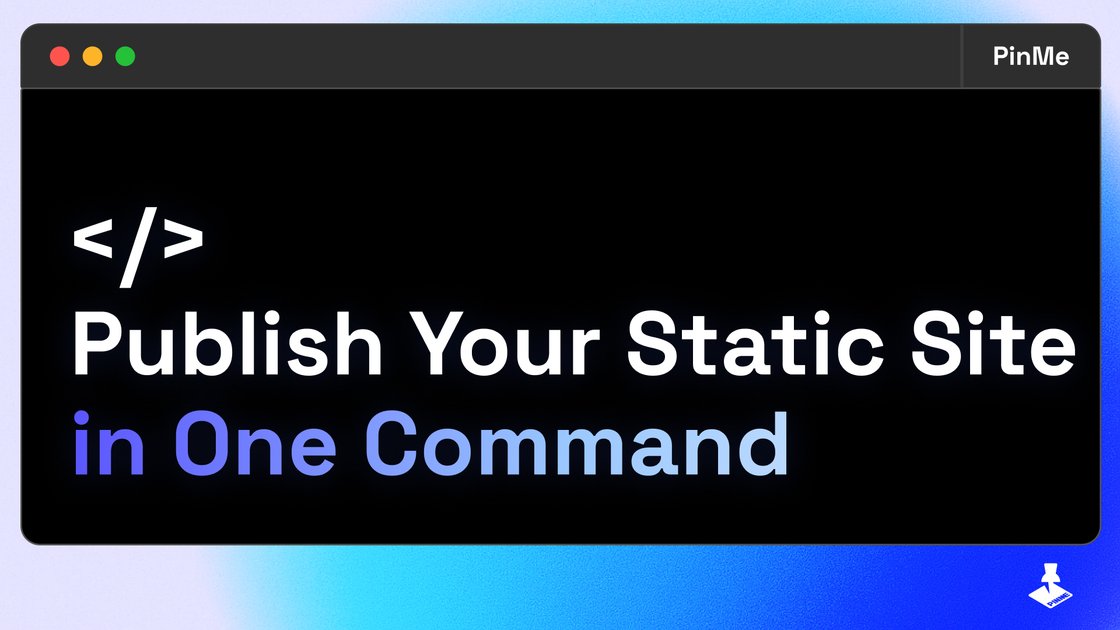
What is PinMe?
What is PinMe?
PinMe is a specialized deployment platform designed for speed and simplicity, enabling developers, designers, and AI enthusiasts to publish frontend projects in mere seconds. It acts as a frictionless publishing layer, perfect for static sites, interactive demos, landing pages, and content generated by AI tools that require immediate online visibility. By abstracting away complex server configurations and traditional hosting hurdles, PinMe ensures that your digital creations go live faster than ever before.
This service is built for the modern workflow where iteration speed is paramount. Whether you are showcasing a new design iteration, testing a proof-of-concept, or deploying a high-volume landing page for a campaign, PinMe provides a reliable, high-performance environment. Its focus on simplicity means that users can concentrate entirely on creation, knowing that deployment is handled automatically and efficiently.
Key Features
- Instant Publishing: Deploy your HTML, CSS, and JavaScript projects directly from your local environment or connected source in seconds, minimizing time-to-market.
- Optimized for AI Content: Specifically engineered to handle the rapid output of AI page generators, ensuring these dynamic assets are served quickly and reliably.
- Simple Workflow: Features a straightforward interface or command-line integration that requires minimal setup, making it accessible even for non-DevOps experts.
- High-Speed Delivery: Leverages a fast global network to ensure low latency and excellent performance for visitors worldwide.
- Ideal for Demos and Prototypes: Perfect for quickly sharing interactive prototypes or temporary project showcases without needing a full-scale hosting solution.
How to Use PinMe
Getting started with PinMe is designed to be a rapid, three-step process:
- Prepare Your Frontend: Ensure your project files (index.html, styles, scripts) are ready locally. PinMe primarily supports static site structures.
- Connect or Upload: Depending on the integration method chosen (e.g., CLI command, direct upload via the dashboard, or potential Git integration), push your files to the PinMe service.
- Publish and Share: Once the files are processed, PinMe instantly assigns a unique, accessible URL. You can immediately share this link, and your site will be live and serving content globally.
For developers familiar with modern deployment tools, the process mimics the speed of popular static hosting solutions, focusing purely on the frontend asset delivery.
Use Cases
- AI Prompt Engineering Showcases: Users generating complex web layouts or interactive components using generative AI tools can instantly publish the output to test responsiveness and functionality before integrating it into a larger application.
- Rapid Landing Page Testing (A/B Testing): Marketing teams can quickly spin up multiple variations of a landing page to test conversion rates without waiting for traditional backend provisioning.
- Interactive Design Demos: Frontend developers can deploy in-progress UI components or small interactive libraries for immediate stakeholder review or client feedback.
- Hackathon Projects: During time-constrained events, PinMe provides the fastest path from code completion to a publicly accessible URL, crucial for judging and presentation.
- Documentation and Changelogs: Quickly publish simple, static documentation sites or release notes that need to be accessible immediately upon deployment.
FAQ
Q: Does PinMe support dynamic content or backend languages like PHP or Node.js? A: PinMe is primarily optimized for static frontend assets (HTML, CSS, JavaScript). While it serves these files incredibly fast, it is not intended for running server-side logic or databases directly on the platform.
Q: How long does it take to publish a standard site? A: For typical static sites under 10MB, publishing is usually completed within seconds, often under 5 seconds, depending on file count and network conditions.
Q: Can I use a custom domain with PinMe? A: Yes, PinMe supports connecting custom domains. Details on DNS configuration and SSL setup are available in the platform's documentation once you have an active project.
Q: Is there a free tier available for testing? A: The platform generally offers a generous free tier or trial period to allow users to test the speed and functionality for personal projects and small demos before committing to a paid plan.
Q: What happens to my published site if I stop using PinMe? A: If you delete the project from your PinMe dashboard, the associated URL will become inactive. Ensure you maintain your projects if you require long-term hosting.
Alternatives

Prompty Town
Prompty Town is an innovative platform that allows users to transform their links into virtual buildings, creating a unique and engaging way to share and interact with content.

Make Real
Draw a UI and make it real using the tldraw SDK.

AakarDev AI
AakarDev AI is a powerful platform that simplifies the development of AI applications with seamless vector database integration, enabling rapid deployment and scalability.
beehiiv
beehiiv is an all-in-one newsletter platform providing integrated tools for email publishing, no-code website building, audience growth, and monetization for creators and brands.

Devin
Devin is an AI coding agent and software engineer that helps developers build better software faster.

imgcook
imgcook is an intelligent tool that converts design mockups into high-quality, production-ready code with a single click.