

Rover
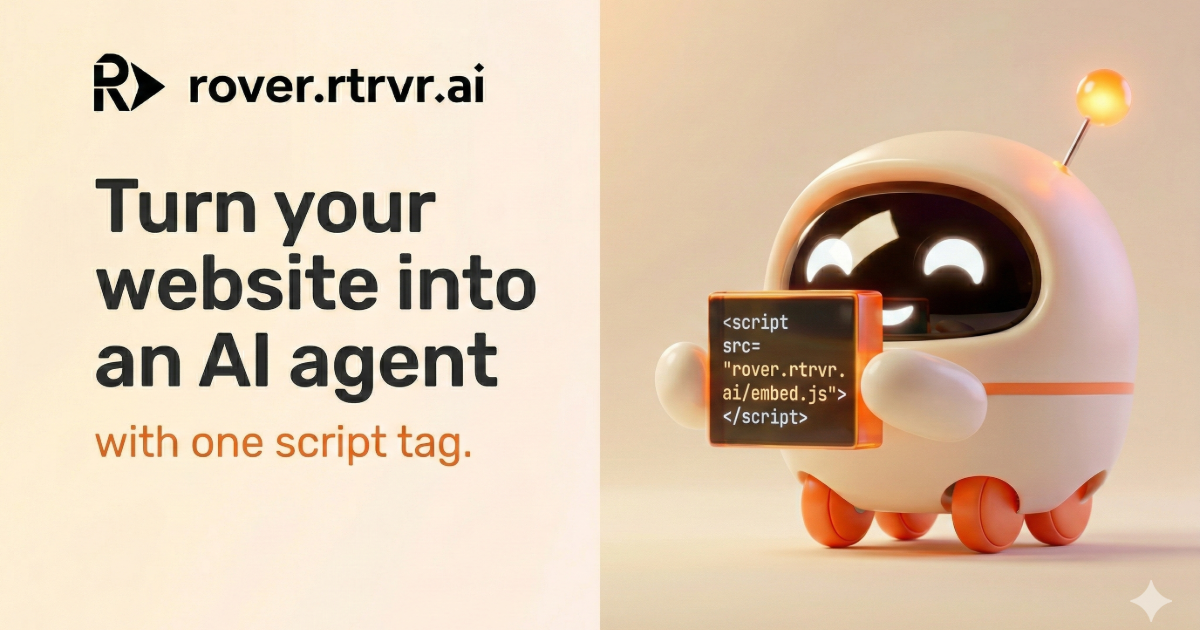
Rover is a DOM-native embedded web agent that turns any website into an interactive assistant capable of reading the live DOM, clicking buttons, filling forms, and guiding users through complex workflows using a single script tag.
What is Rover?
What is Rover?
Rover is revolutionizing website interaction by transforming static pages into dynamic, actionable interfaces powered by AI. Unlike traditional chatbots that rely on links, static knowledge bases, or slow visual recognition (screenshots), Rover is a DOM-native agent that lives directly inside your website via a single line of JavaScript. This fundamental difference allows Rover to understand the page structure (the DOM) in real-time, enabling it to execute precise, sub-second actions like navigating, inputting data, validating fields, and completing multi-step processes without ever taking the user away from the current view.
Built by an ex-Google team, Rover focuses on completion over conversation theater. Its core purpose is to drive outcomes—whether that’s onboarding a new user, completing a purchase, or configuring a complex B2B portal. By reading the semantic tree of the browser, Rover ensures actions are accurate, immediate, and feel like a native part of the user experience, drastically reducing friction and boosting conversion rates compared to link-based support or slow visual automation tools.
Key Features
- DOM-Native Execution: Rover reads the live Document Object Model (DOM) of your site, ensuring actions are based on current structure, not stale screenshots or visual guesswork. This results in sub-second action speed and high reliability.
- One-Line Embed: Deployment is incredibly simple. Adding Rover to your site requires pasting a single
<script>tag, eliminating the need for complex knowledge base setup, RAG pipelines, or external VM maintenance. - Action-Oriented Guidance: Rover excels at guiding users through complex tasks, such as checkout flows, setup checklists, and feature discovery, by actively clicking and filling forms alongside the user in real-time.
- Zero Knowledge Base Maintenance: Since Rover reads the live site structure, it automatically adapts to UI changes (like menu updates or form field modifications) without requiring manual retraining or knowledge base updates, unlike traditional RAG chatbots.
- High Benchmark Success Rate: Demonstrating superior reliability in web automation tasks, Rover achieves an 81.39% benchmark success rate, significantly outperforming vision-based agents that rely on pixel guessing.
- Scoped Security: Actions are strictly confined to the host website's DOM, providing a secure, first-party user experience without scope leaks.
How to Use Rover
Getting Rover operational on your website is designed to be a rapid, two-minute process:
- Installation: Copy the provided single-line JavaScript embed code (
<script src="https://rover.rtrvr.ai/embed.js" async></script>) and paste it into the<head>or before the closing</body>tag of your website's HTML. - Configuration (Optional): Use boot options to configure initial settings such as branding, allowed domains, or specific initial prompts to tailor the agent's behavior.
- Activation: Once the script loads, Rover becomes active on your site. Users can then interact with it by typing natural language requests (e.g., "Help me check out" or "Show me how to connect Salesforce").
- Action Execution: Rover interprets the request, plans the minimal sequence of DOM interactions (clicks, inputs, navigation), and executes them instantly within the live browser window, guiding the user to completion.
Use Cases
- B2B SaaS Onboarding and Activation: Guide new users through complex setup checklists, data source connections, and initial workflow creation directly inside the application interface, leading to a 60% faster activation rate.
- E-commerce Checkout Assistance: Prevent cart abandonment by having Rover step in when a user hesitates. Rover can navigate to checkout, fill in shipping and payment details upon request, and confirm the order, ensuring a seamless purchase completion.
- In-Context Product Tours and Feature Discovery: Replace static video tutorials with interactive, real-time guidance. When a user asks, "How do I use the new reporting feature?", Rover navigates to the feature and clicks through the necessary steps alongside the user.
- Complex Form Filling and Data Submission: Automate the completion of lengthy or confusing forms (e.g., insurance claims, government portals, or detailed merchant applications) by having Rover accurately input required data based on user instructions.
- Real-Time Customer Support Resolution: Resolve high-friction support issues instantly by allowing the agent to perform necessary backend actions (like updating an order status or modifying account settings) directly within the customer's live session.
FAQ
Q: How is Rover different from standard AI chatbots or RAG systems? A: Standard chatbots talk and provide links; Rover acts. RAG systems rely on static documents and can only answer questions. Rover reads the live DOM, allowing it to perform physical actions like clicking buttons and filling forms instantly, making it an agent, not just an information retrieval tool.
Q: Does Rover require me to maintain a knowledge base or update documentation? A: No. Rover's intelligence comes from reading your website's live structure (the DOM). If you update a button's ID or move a field, Rover adapts automatically, eliminating the maintenance overhead associated with knowledge base-dependent solutions.
Q: What kind of performance can I expect regarding action speed? A: Because Rover interacts directly with the DOM using native browser precision, actions are executed in milliseconds. This is significantly faster than vision agents that must capture screenshots, process the image, reason, and then execute a click.
Q: Is it safe to let an AI agent click around on my website? A: Yes. Rover is designed to be strictly scoped to your website's DOM. It operates within the context of the user's browser session and is built for precision, focusing only on the necessary steps required to complete the user's stated goal, ensuring a secure, first-party UX.
Q: How long does setup take? A: Setup is extremely fast. Adding Rover to your site typically takes less than three minutes, requiring only the pasting of one line of JavaScript code.
Alternatives

Biji
Biji is a versatile platform designed to enhance productivity through innovative tools and features.

Prompty Town
Prompty Town is an innovative platform that allows users to transform their links into virtual buildings, creating a unique and engaging way to share and interact with content.

HiringPartner.ai
HiringPartner.ai is an autonomous recruiting platform with AI agents that source, screen, call, and interview candidates 24/7, reducing time-to-hire from weeks to as little as 48 hours.

AakarDev AI
AakarDev AI is a powerful platform that simplifies the development of AI applications with seamless vector database integration, enabling rapid deployment and scalability.

Planndu: Daily Task Planner
Planndu is an intuitive productivity application designed to help users organize tasks, manage projects, build routines, and enhance focus using tools like AI generation and a built-in Pomodoro timer.

Devin
Devin is an AI coding agent and software engineer that helps developers build better software faster.