

Sayline
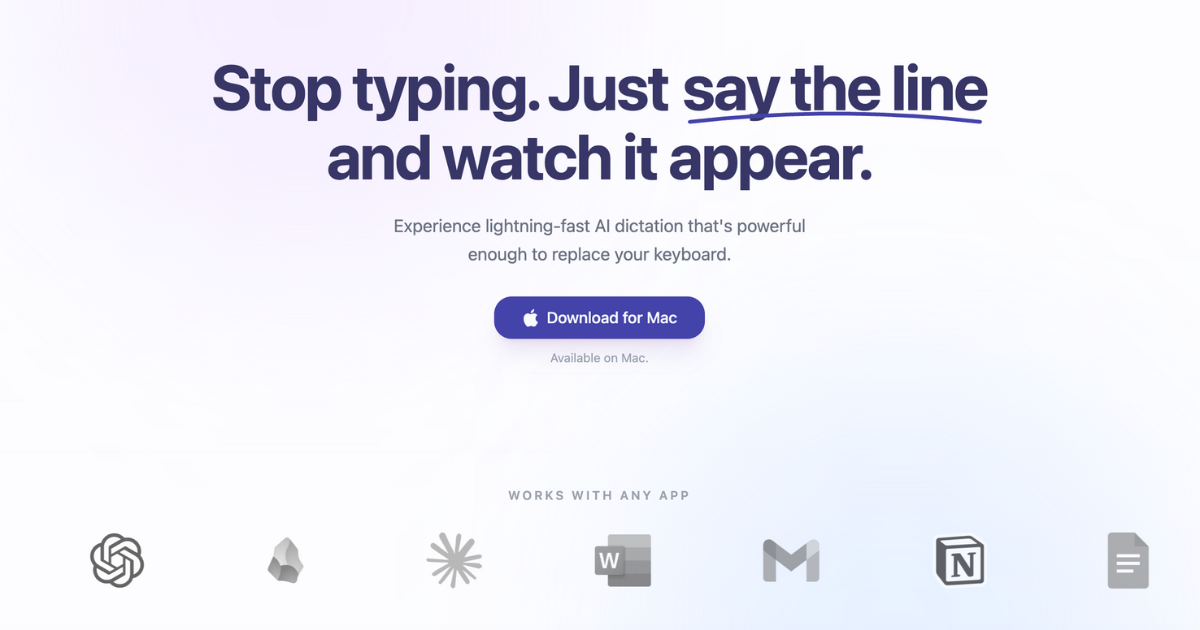
Sayline is the most productive way to type, enabling users to dictate text quickly and efficiently with powerful AI dictation technology.
What is Sayline?
What is Sayline?
Sayline is a revolutionary voice typing tool designed to enhance productivity by allowing users to dictate text instead of typing. With its advanced AI dictation capabilities, Sayline enables users to convert their spoken words into written text at an astonishing speed, up to four times faster than traditional typing methods. This innovative solution is particularly beneficial for professionals who need to communicate quickly and efficiently across various platforms, such as emails, messaging apps, and project management tools.
Sayline operates entirely on your device, ensuring that your data remains private and secure. By processing voice data locally, Sayline eliminates the need for an internet connection, making it a reliable option for users who prioritize privacy and efficiency.
Key Features
- Lightning-Fast Dictation: Dictate text up to 4x faster than typing.
- Local Processing: All AI transcription occurs on your device, ensuring privacy and security.
- Fully Offline: No internet connection is required, allowing for uninterrupted use.
- Bank-Grade Privacy: Zero data collection and external storage; your secrets stay secure.
- Lifetime License: One-time payment for lifetime access, with no subscription fees.
- Free Trial: Experience Sayline for free for 14 days with a limit of 15,000 words.
- Multiple Pricing Plans: Options for individual users and small teams, with priority support and lifetime updates included.
How to Use Sayline
Getting started with Sayline is simple and intuitive. Follow these steps to begin dictating your text:
- Download Sayline: Visit the Sayline website and download the application for Mac.
- Install the Application: Follow the installation instructions to set up Sayline on your device.
- Press a Hotkey: Use the designated hotkey to activate the dictation feature.
- Speak Naturally: Dictate your text as you would normally speak; Sayline will transcribe it in real-time.
- Review and Edit: Once your text appears, review it for accuracy and make any necessary edits.
Use Cases
- Professional Communication: Ideal for busy professionals who need to send quick updates via email or messaging apps like Slack and WhatsApp.
- Content Creation: Perfect for writers and content creators who want to draft articles, reports, or social media posts without the hassle of typing.
- Meeting Notes: Use Sayline to take notes during meetings or conferences, ensuring you capture every important detail without distraction.
- Accessibility: A valuable tool for individuals with disabilities that make typing difficult, allowing them to communicate effectively using their voice.
- Students: Great for students who need to take lecture notes or draft assignments quickly and efficiently.
FAQ
- Is Sayline really a one-time payment?
Yes, Sayline offers a lifetime license for a one-time payment, allowing you to own the software without recurring fees. - Does it work offline?
Absolutely! Sayline is designed to function fully offline, ensuring that your voice data never leaves your device. - Can I try it before buying?
Yes, Sayline offers a free trial for 14 days, allowing you to experience its features before making a purchase. - How accurate is the transcription?
Sayline boasts superhuman accuracy, making it a reliable tool for dictation across various applications. - Which apps does it work with?
Sayline works seamlessly with any application on your Mac, including email clients, messaging platforms, and document editors.
Alternatives

Speech to Text Converter Online
A free online tool that converts audio and video files into accurate text transcripts in over 45 languages. It supports numerous file formats and requires no downloads or sign-ups.

ProWritingAid
ProWritingAid is a comprehensive writing assistant that helps writers improve their craft through grammar checking, style editing, and personalized feedback.

Paperpal
Paperpal is an AI tool designed to enhance academic writing efficiency, supporting intelligent literature reading, real-time editing, and pre-submission checks to improve language quality and increase publication success rates.

PaperBetterAI
PaperBetterAI is an intelligent writing tool that generates academic papers and various writing materials in both Chinese and English using advanced AI technology.

心流AI助手
Xinliu is an AI assistant that helps you efficiently acquire knowledge, whether it's everyday entertainment information or professional academic paper insights, it can easily provide answers.

Sudowrite
Sudowrite is an AI writing partner designed specifically for fiction writers, helping them craft their novels faster and more creatively.