

Sheetful
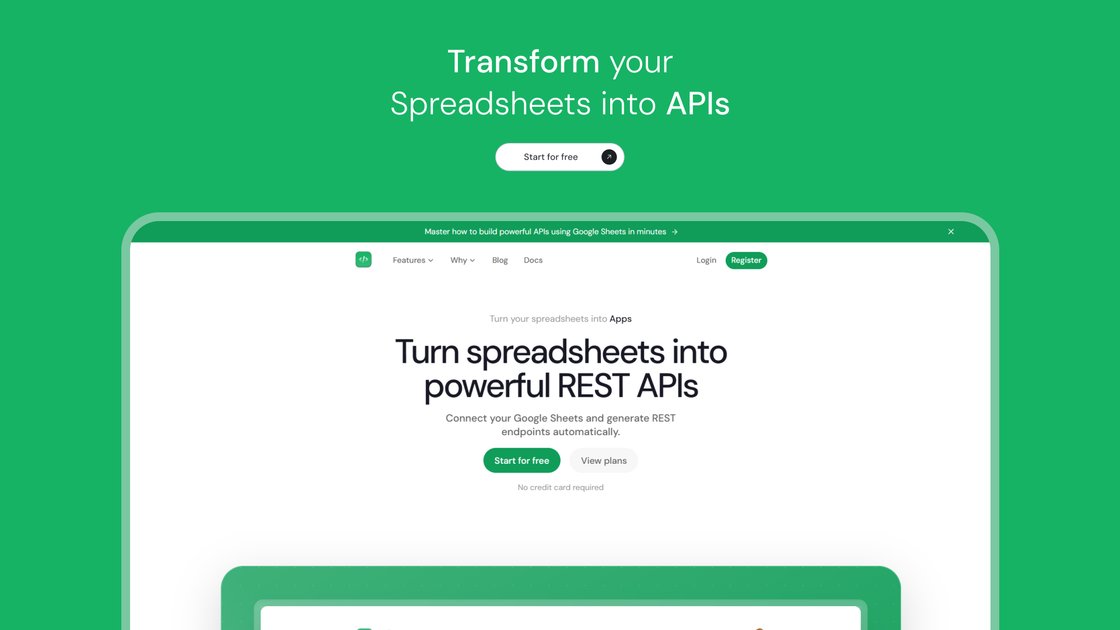
Sheetful turns your Google Sheets into high-performance REST APIs, letting you use spreadsheets as a production-ready backend for apps, workflows, and internal tools.
What is Sheetful?
What is Sheetful?
Sheetful is an API-as-a-Service platform that instantly transforms your Google Sheets into production-ready REST APIs. Instead of building and maintaining a traditional backend, you can use the spreadsheets you already know as a live database for web and mobile applications, internal tools, and no-code workflows.
By connecting directly to your Google Sheets via Google’s official API, Sheetful automatically generates secure, scalable endpoints that support full CRUD operations. This lets developers, makers, and teams launch features faster, iterate on data structures directly in spreadsheets, and ship applications without heavy infrastructure or complex server-side code.
Key Features
-
One-click Google Sheets connection
Quickly connect your Google account and select any spreadsheet to turn it into a REST API in seconds. -
Automatic REST endpoint generation
Generate professional, production-ready REST endpoints from your Google Sheets without writing backend code. -
Full CRUD support (GET, POST, PUT, DELETE)
Perform complete Create, Read, Update, and Delete operations on your sheet data directly through the API. -
Smart spreadsheet endpoints
Create separate endpoints for different tabs (sheets) within the same document, allowing clean separation of datasets and use cases. -
Real-time API sync with Google Sheets
Sheetful acts as a live bridge to your spreadsheets. Changes in Google Sheets are reflected in the API in real time, with data fetched on demand via Google’s official API. -
Advanced filtering and query parameters
Query your data using powerful parameters, such as filtering by column values, pagination, and more, to efficiently consume only the data you need. -
Built-in authentication (API Keys / Bearer Token)
Secure your endpoints with industry-standard authentication so only authorized apps and users can access or modify your spreadsheet data. -
Real-time analytics and monitoring
Track every request to your endpoints with live analytics to understand usage patterns, performance, and potential bottlenecks. -
API security and detailed logs
Access granular logs for all your endpoints to troubleshoot integrations, debug issues, and maintain compliance. -
High-scale request handling
Designed for production usage, Sheetful supports high request volumes (500k+ requests) and powers hundreds of APIs for modern applications. -
Dashboard with live endpoint testing
Test GET, POST, PUT, and DELETE calls directly from the Sheetful dashboard before integrating with your app or no-code tool. -
Multiple endpoints per spreadsheet
Create different endpoints tied to individual tabs, making it easy to manage complex apps with multiple data tables from a single spreadsheet. -
Flexible plans with a free tier
Start on a generous free plan for prototyping and early projects, then upgrade as you scale to handle more requests or additional projects.
How to Use Sheetful
-
Sign up and connect Google Sheets
- Create a Sheetful account and sign in.
- Connect your Google account securely using Google’s OAuth flow.
- Grant Sheetful permission to access the spreadsheets you want to expose via API.
-
Select your source spreadsheet and tabs
- Choose the spreadsheet you want to use as a backend.
- Select one or more tabs (sheets) to turn into endpoints.
- Sheetful automatically generates REST endpoints for each selected tab.
-
Configure endpoints and security
- Enable API Key / Bearer Token authentication to protect your data.
- Optionally define access rules or choose which operations (GET, POST, PUT, DELETE) are allowed for each endpoint.
- Review the base URL and endpoint paths provided in the dashboard.
-
Test your API directly in the dashboard
- Use the live endpoint testing interface to send GET, POST, PUT, and DELETE requests.
- Verify that responses match your sheet structure, and adjust your spreadsheet headers or fields as needed.
- Check logs and analytics to confirm everything is working as expected.
-
Integrate with your app or tools
- Copy the endpoint URLs and authentication key.
- Use them in your web or mobile app, internal tooling, or automation platform as a standard REST API.
- Since it’s a standard HTTP-based API, you can integrate with no-code tools like Bubble, Webflow, Glide, Zapier, Make, n8n, and FlutterFlow.
-
Monitor, iterate, and scale
- Track usage with real-time analytics to see traffic, performance, and popular endpoints.
- Use detailed logs to debug API calls and optimize your integration.
- Upgrade your plan as your monthly request volume grows or as you add more projects.
Use Cases
-
Backend for MVPs and SaaS prototypes
Use Sheetful to power early versions of your SaaS product or MVP without provisioning servers or databases. Define schemas in Google Sheets, map them to endpoints, and connect your front-end (e.g., Webflow, React, Next.js, Vue). This is ideal when you need to validate your idea quickly, iterate on data structures, and get customer feedback before investing in a full backend. -
Internal tools and operations dashboards
Many teams already manage operational data in spreadsheets. With Sheetful, you can turn those sheets into APIs to power internal dashboards, admin panels, and reporting tools. For example, connect a Google Sheet of inventory, support tickets, or project status to an internal app built with Retool, Glide, or custom internal UIs. -
Automation and workflow orchestration
Combine Sheetful with automation platforms like n8n, Zapier, Make, or Integromat to orchestrate complex workflows. Your Google Sheet becomes the central data hub, while Sheetful exposes that data via API for syncing with CRMs, marketing tools, or other SaaS products. This works well for content pipelines, lead tracking, approvals, and scheduled updates. -
No-code & low-code app backends
Builders using Bubble, Webflow, FlutterFlow, Glide, or other no-code/low-code platforms can plug Sheetful in as a flexible, spreadsheet-driven backend. You can maintain your data in Google Sheets while your app consumes it via standard REST endpoints, supporting CRUD operations without custom backend development. -
Content and configuration management
Use Google Sheets as a headless CMS or configuration store for marketing sites, landing pages, and micro-apps. With Sheetful, content editors can update copy, pricing tables, feature lists, or promo data directly in Sheets, and your website or app will fetch the latest data via the API automatically.
FAQ
1. What is Sheetful and how does it work?
Sheetful is a platform that turns your Google Sheets into high-performance REST APIs. After connecting your Google account and selecting a spreadsheet, Sheetful generates endpoints that communicate with your sheet via Google’s official API. When your application calls an endpoint, Sheetful fetches the data from your spreadsheet in real time, applies any requested operation (GET, POST, PUT, DELETE), and returns the result.
2. Is my data stored on Sheetful’s servers?
No. Sheetful acts as a real-time bridge between your application and Google Sheets. Data is fetched from your spreadsheet only when requested through the API and is not permanently stored on Sheetful’s servers. This approach prioritizes data privacy and ensures your master data remains in Google Sheets.
3. What operations can I perform on my spreadsheets via the API?
Sheetful supports full CRUD operations:
- GET to read and query spreadsheet data,
- POST to create new rows,
- PUT to update existing records, and
- DELETE to remove rows.
These operations can be executed securely from your applications, no-code tools, or automation workflows.
4. How secure are the APIs created with Sheetful?
Sheetful allows you to secure your endpoints using API Key / Bearer Token authentication. Only clients that include valid credentials in their requests can access or modify your data. Additionally, you can monitor access through detailed logs and analytics to keep track of who is calling your APIs and when.
5. Is there a free plan and what happens if I exceed my limits?
Yes, Sheetful offers a generous free plan that lets you test the platform and build your first projects without entering a credit card. Each plan (including paid tiers) comes with a monthly request quota. If you approach or exceed your plan’s limit, Sheetful notifies you so you can upgrade to a higher tier and avoid interruptions to your API availability.
6. Can I connect multiple tabs (sheets) from the same spreadsheet?
Yes. You can create separate endpoints for each tab within a single Google Spreadsheet. This is useful for organizing different data tables—such as users, products, and orders—within one file while still keeping your API structure clean and modular.
7. Which tools and platforms can I integrate with Sheetful?
Because Sheetful exposes standard REST APIs, it works with any tool or platform that can make HTTP requests. This includes custom web and mobile apps, no-code builders like Bubble and Webflow, and automation tools such as Zapier, Make, n8n, Glide, and FlutterFlow.
Alternatives

Rork
Rork builds complete, production-ready mobile apps from your description using AI and Expo (React Native).

Make Real
Draw a UI and make it real using the tldraw SDK.

AakarDev AI
AakarDev AI is a powerful platform that simplifies the development of AI applications with seamless vector database integration, enabling rapid deployment and scalability.

Devin
Devin is an AI coding agent and software engineer that helps developers build better software faster.

imgcook
imgcook is an intelligent tool that converts design mockups into high-quality, production-ready code with a single click.

PromptLayer
PromptLayer is a platform for prompt management, evaluations, and LLM observability, designed to enhance AI engineering workflows.