

Trupeer Documentation Tool
A documentation tool that turns workflows into shareable documentation. Auto-generate steps, visuals, and training materials to scale internal knowledge and customer support.
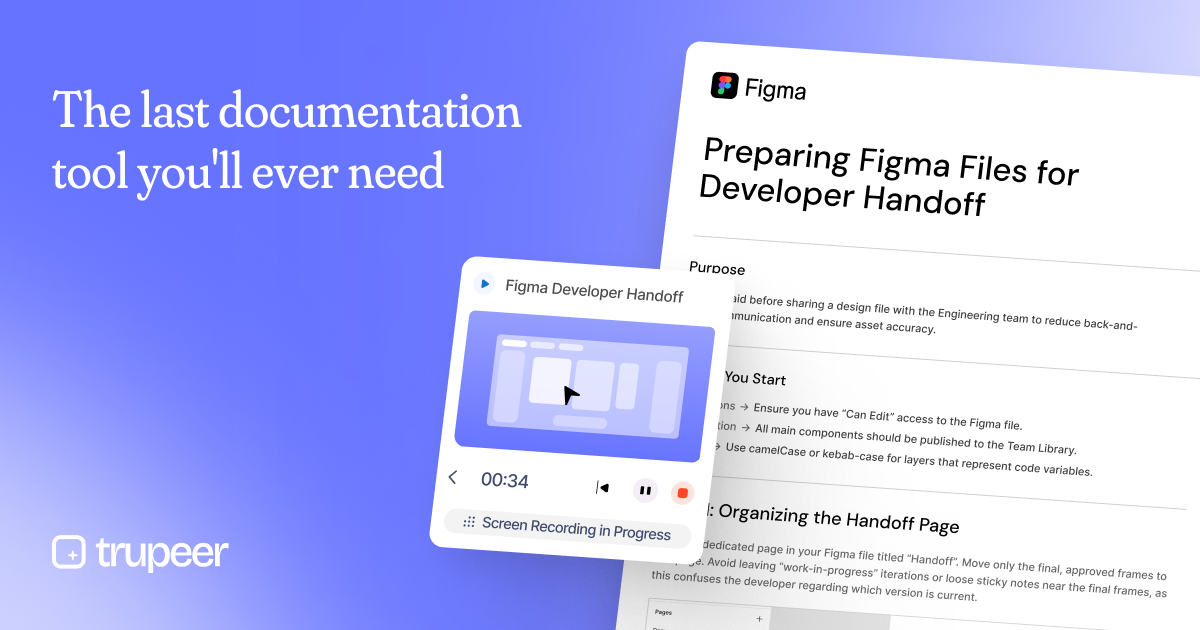
What is Trupeer Documentation Tool?
What is Trupeer Documentation Tool?
Trupeer Documentation Tool is a comprehensive documentation generation platform designed to transform complex workflows into clear, shareable manuals. By recording workflows, importing brand guidelines, and auto-generating step-by-step instructions, visuals, and training materials, it helps teams scale internal knowledge, standardize processes, and accelerate customer support. The tool focuses on speed and accuracy, delivering finished product manuals in minutes from raw process data and assets. Whether you are creating standard operating procedures, onboarding guides, or customer-facing documentation, Trupeer ensures consistency, clarity, and accessibility across your organization.
The core value of Trupeer lies in turning tacit knowledge into explicit, reusable content. With capabilities that streamline the creation of manuals, SOPs, and training materials, teams can reduce back-and-forth, shorten ramp times, and improve knowledge retention across departments. By offering an easy-to-use workflow that combines screen capture, brand rule integration, and automated documentation generation, Trupeer acts as a centralized source of truth for how things should be done.
Key Features
- Auto-generated steps, visuals, and training materials from your workflows
- Screen recording to capture real-world processes and interactions
- Brand rule integration to maintain consistent visuals and terminology
- Quick turnaround: finish product manuals in minutes
- Shareable and versioned documentation for teams and customers
- Supports SOPs, onboarding guides, and knowledge base creation
- Templates and best-practice workflows to accelerate documentation projects
- Designed to scale internal knowledge and improve customer support experiences
How to Use Trupeer Documentation Tool
Getting started with Trupeer is straightforward. The typical workflow is designed to be fast and repeatable so teams can generate reliable documentation with minimal effort.
- Record or capture your process: Use screen recording to capture the actual steps being performed. This provides a concrete basis for the manual and reduces ambiguity.
- Upload brand rules and assets: Bring in your brand guidelines, logos, typography, and any other visual assets to ensure the documentation aligns with your brand standards.
- Auto-generate the manual: Trigger Trupeer to process the captured footage and assets to produce a structured, step-by-step product manual with visuals and accompanying training notes.
- Review and customize: Review the generated content, make necessary edits, and tailor sections to fit your audience, whether it is engineering, support, or customer success.
- Publish and share: Export or publish the finished documentation, share it with teams or customers, and maintain version history for ongoing updates.
- Reuse and scale: Leverage templates and reusable sections to create new manuals quickly, maintaining consistency across documents.
This workflow is designed to be intuitive for non-technical users while still delivering the level of detail needed for effective handoffs and training. The emphasis on recording real processes and embedding brand rules helps ensure that every generated document is both accurate and on-brand.
Use Cases
- Internal knowledge base and onboarding: Create standard documents for new hires, ensuring consistent process steps and training materials.
- Customer support SOPs: Generate ready-to-share manuals that empower support teams to resolve issues efficiently with clear, step-by-step guidance.
- Developer handoff and engineering assist: Use screen recordings and asset rules to produce developer handoff manuals that reduce miscommunication and rework.
- Sales enablement and product knowledge: Publish product manuals and how-to guides that help sales teams demonstrate features and workflows more effectively.
- Marketing and training materials: Build buyer-friendly guides and training resources that align with brand standards and messaging.
FAQ
Q: What is the price and how do I start? A: Pricing details are typically provided via a demo or sign-up flow on the Trupeer site. To get accurate pricing and availability for your organization, book a demo or contact the sales team.
Q: What formats can I export or share the documentation in? A: Trupeer focuses on producing shareable, ready-to-use documentation and training materials. Output typically includes publishable manuals and web-friendly documentation, with options to export or share as needed. Specific export formats are discussed during setup.
Q: Does Trupeer work with design handoff processes (for example Figma)? A: Yes, Trupeer supports workflows that align with design handoff practices. The platform can incorporate design assets and guidelines to ensure that handoff documentation reflects design intent and asset accuracy, which can reduce back-and-forth between design and development teams.
Q: What kind of support is available? A: Support typically includes onboarding assistance, access to templates and best practices, and direct contact through demos or customer support channels. Booking a demo is a common first step to understand the full support options.
Q: Is Trupeer suitable for cross-team collaboration and version control? A: Yes. The documentation produced is shareable and versioned to support collaboration across multiple teams, departments, and stakeholders. This helps maintain a single source of truth as processes evolve.
Alternatives

司马阅
司马阅 is a leading domestic enterprise-level AI document intelligence platform, focused on activating dormant data in enterprises and helping them create serious scenario-based AI employees.

Falconer
Falconer is a self-updating knowledge platform designed to serve as the single source of truth for teams, ensuring documentation and tribal knowledge remain accurate and easily accessible.

Nolain OCR
Nolain OCR is an advanced Optical Character Recognition solution designed to accurately extract text and data from various document formats, streamlining document processing workflows.

BookAI.chat
BookAI allows you to chat with your books using AI by simply providing the title and author.

BeFreed
BeFreed is a personalized audio learning platform that transforms knowledge into engaging audio content tailored for individual learning preferences.

Fountain
Fountain is an AI-powered frontline workforce management platform designed to streamline and scale recruiting functions for leading brands.