
Email sequences
Build multi-step email campaigns from Google Workspace mailboxes using CSV or XLSX columns as merge fields, spin text, per-mailbox caps, sending windows, unsubscribe handling, and bounce suppression.

AgentSDR is an open-source, self-hosted sales automation platform for founders and sales teams running email sequences, LinkedIn campaigns, and WhatsApp outreach. It combines a shared lead database with AI reply classification and human-reviewed response drafts, using the organization’s own connected accounts and model key.
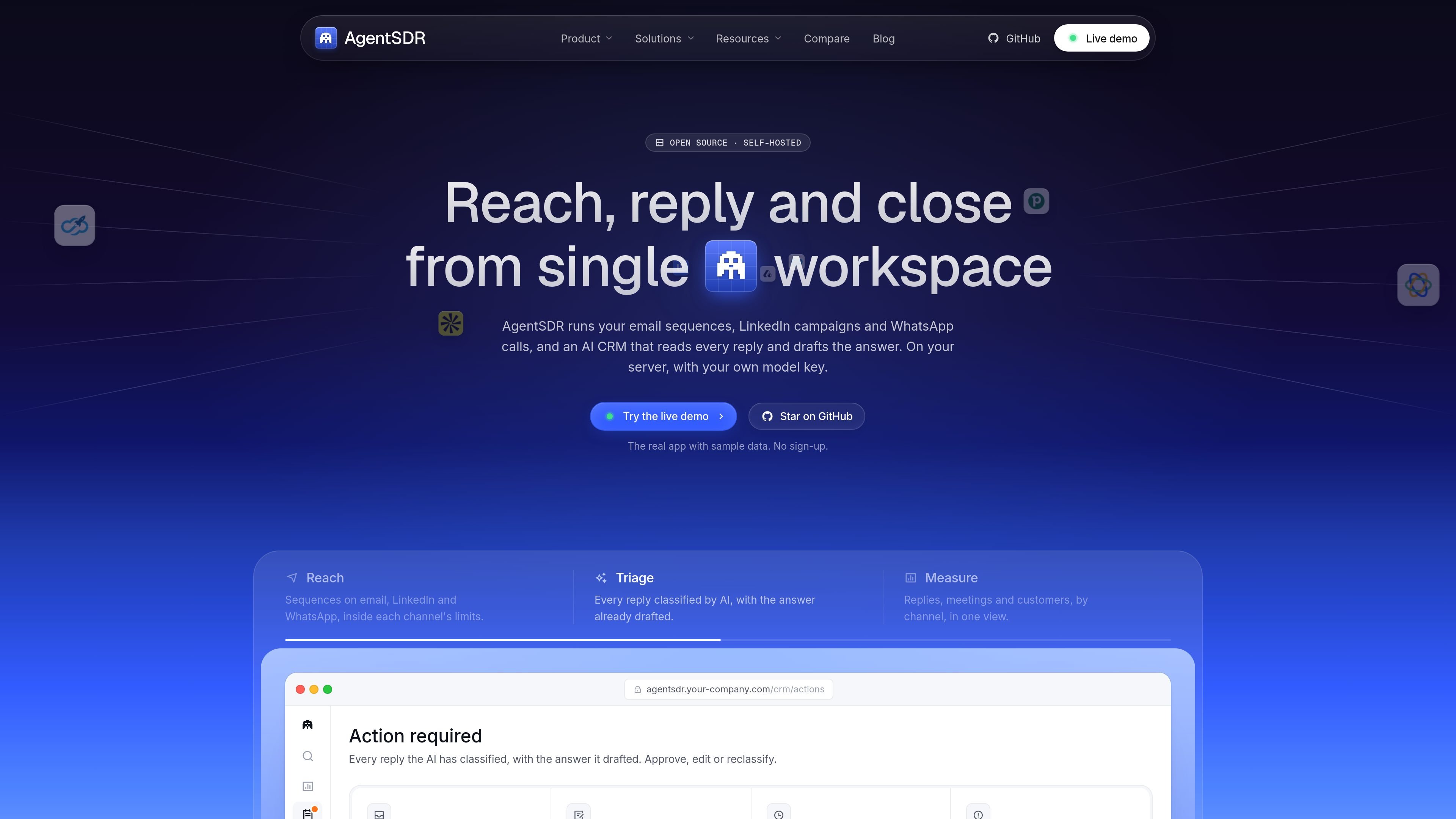
AgentSDR is an open-source, self-hosted sales development platform for coordinating outbound email, LinkedIn, and WhatsApp activity from one workspace. It combines channel-specific campaign tools with a shared lead database and an AI CRM that classifies replies and prepares response drafts.
The product is designed for teams that want to connect their own mailboxes, social accounts, model provider, storage, and enrichment services. AI drafts are grounded in a knowledge base and held for approval, while channel guardrails such as sending caps, working windows, warm-up rules, and do-not-contact handling are applied across outreach workflows.
Build multi-step email campaigns from Google Workspace mailboxes using CSV or XLSX columns as merge fields, spin text, per-mailbox caps, sending windows, unsubscribe handling, and bounce suppression.
Run invitation and follow-up campaigns across multiple LinkedIn accounts through Unipile, with randomized pacing and stated account limits of 30 premium invites or 5 free invites per day.
Place calls inside WhatsApp Web through a Chrome extension, record and transcribe both sides to the connected R2 bucket, and synchronize messages.
Import and share people and company records across channels, add custom columns, match duplicates by email or LinkedIn, and create enrichment or campaign workflows from tables.
Classify replies into configurable stages, draft responses from a knowledge base, queue follow-ups for review, and provide a keyboard-oriented inbox for triage.
Run AI calls on a selected provider through the organization's OpenRouter key, with data and recordings stored in the organization's PostgreSQL database and storage bucket.
Founders can coordinate founder-led outbound across email, LinkedIn, and WhatsApp while keeping replies in one inbox and approving suggested responses before they are sent.
Sales teams can segment imported CSV or XLSX leads, add custom fields and enrichment columns, then turn those records into channel-specific campaigns with shared contact history.
Teams running several mailboxes or LinkedIn accounts can distribute activity across connected accounts and monitor sending caps, windows, replies, bounces, and unsubscribes in one workspace.
Organizations with internal knowledge bases can use AI to classify incoming replies and prepare answers grounded in pricing, FAQs, case studies, and objections, leaving uncertain cases for human review.
Privacy-conscious or technically capable teams can run the application on infrastructure they control, connect their own provider accounts, and keep leads, conversations, and recordings in their own systems.
AgentSDR can be self-hosted with Docker Compose. The documented setup uses one Next.js application, PostgreSQL, a setup service, and a cron sidecar; the app is available locally on port 3000 after startup.
The product connects Google Workspace for email, Unipile for LinkedIn and WhatsApp, OpenRouter for AI calls, Cloudflare R2 for call recordings, and enrichment providers such as Apollo, Hunter, and Lusha. Connections are configured per organization from the relevant settings pages.
Each organization supplies its own provider credentials. Credentials are checked with a live provider call before saving and stored encrypted with AES-256-GCM. Features remain unavailable until their required integration is connected.
The AI classifies replies into Interested, Customer, Not interested, or Other, and drafts responses from the organization's knowledge base. Drafts are held for human approval, while low-confidence classifications wait for review.
The site does not publish pricing or plan details. The pricing URL currently returns a not-found page, so costs for AgentSDR and connected providers should be confirmed separately.

Podium is an AI lead generation and lead management platform for local businesses. It centralizes lead conversations, automated follow-up, reviews, payments, and booking, with a 24/7 AI Employee available as an add-on.

Ninjō AI is an AI sales agent platform for creators and agencies that qualifies leads, handles sales conversations, and supports multi-channel follow-up. It can also be controlled from Claude or ChatGPT through MCP for users who want to manage agents by chat.

Sumora is an autonomous outreach agent for finding, qualifying, warming, and booking leads through LinkedIn and Instagram. It helps users manage replies from one inbox while keeping final sends under review.

Blinked is a free Chrome extension for LinkedIn outreach that helps users research leads, draft personalized messages, and manage follow-ups inside LinkedIn. It is local first, with outreach data kept in the browser rather than on Blinked’s servers.

Salestrics is an AI-native CRM and revenue platform for startups. It combines pipeline management, workspace files, analytics, automations, finance, and team communication in one connected workspace.

Cold Mail Server provides dedicated outbound email infrastructure for cold outreach teams, agencies, and outbound SaaS operators. It offers isolated mail servers, unlimited mailboxes and domains, a unified reply inbox, and deliverability monitoring on flat-rate plans.