
Automatic capture
Atlaso captures decisions, watch-outs, open questions, and other useful context as you work, without requiring you to manually save notes. The homepage says secrets are scrubbed before anything is stored.

Atlaso is an AI memory layer that keeps shared context across multiple AI tools, so details learned in one session can carry into the next. It is aimed at people who move between coding and chat tools and want automatic memory capture and recall.
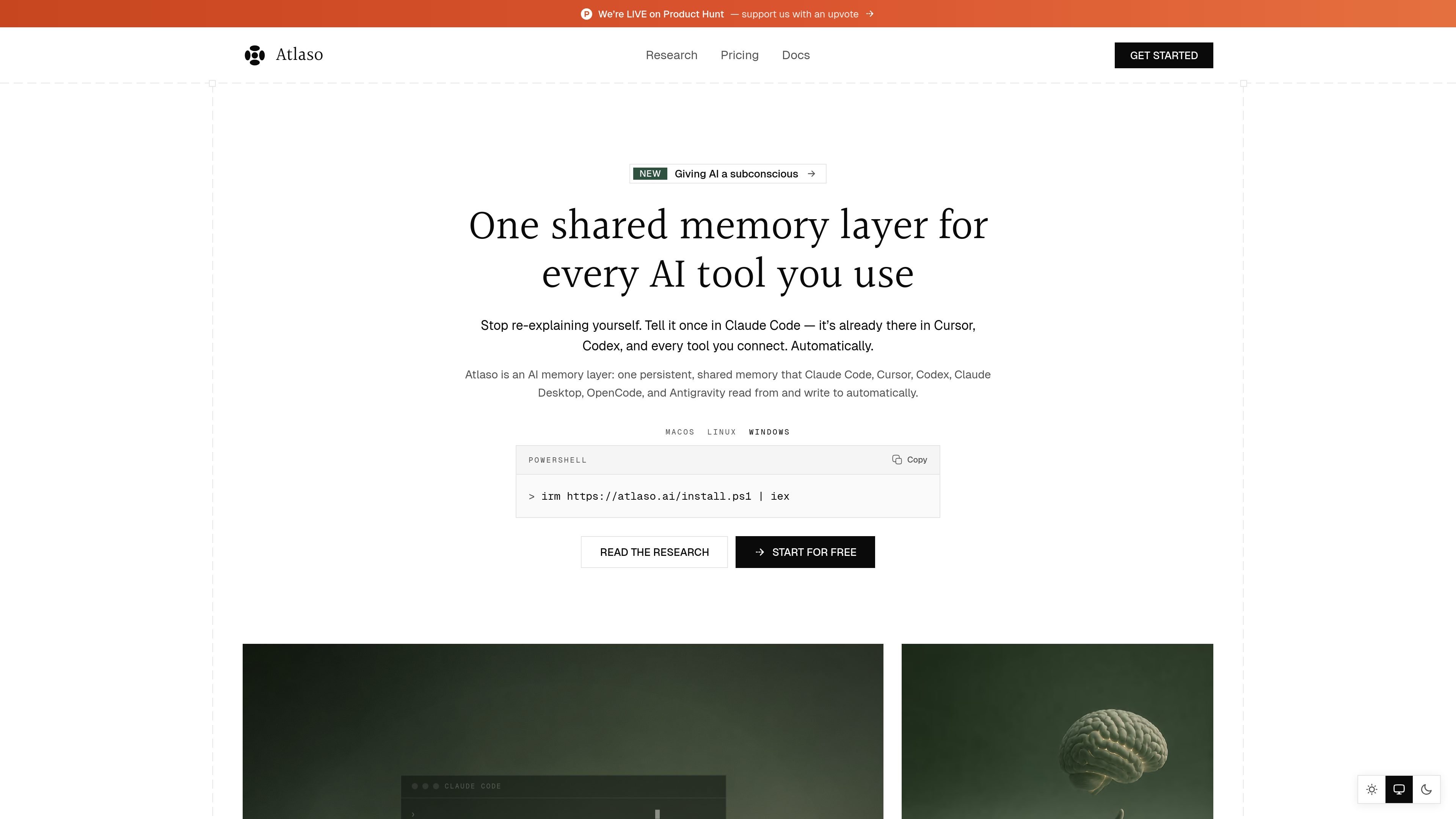
Atlaso is an AI memory layer that keeps one shared, persistent memory across multiple AI tools. The site positions it as a way to stop re-explaining context each time you switch between tools such as Claude Code, Cursor, Codex, Claude Desktop, OpenCode, and Antigravity.
It captures useful context as you work, then recalls that memory in later sessions before the model answers. The product also separates personal and per-project memory, scrubs secrets before storage, and offers a dashboard plus export controls on paid plans.
Atlaso captures decisions, watch-outs, open questions, and other useful context as you work, without requiring you to manually save notes. The homepage says secrets are scrubbed before anything is stored.
When you open another supported tool, Atlaso retrieves relevant memories before the model sees your prompt so the new session can continue with prior context.
Atlaso keeps personal memory and per-project memory separated, so context can follow you across tools while still staying isolated by project.
The product is positioned as one shared memory layer across Claude Code, Cursor, Codex, Claude Desktop, OpenCode, and Antigravity, with more tools mentioned as coming soon.
Pro and Build include Ambient Memory, background enrichment, and an Ask your memory workflow, which the pricing page describes as oriented every session and refreshed nightly.
Build adds a developer memory API, private per-end-user memory, project API keys for server-to-server use, support for connecting software or devices, and a per-project usage dashboard.
Keep project decisions, preferences, and open questions available when you move from one AI tool to another. Atlaso is designed so context learned in one place shows up in the next supported tool automatically.
Use Atlaso to maintain a separate memory stream for each project while keeping your personal preferences available across sessions. The site shows personal and per-project scopes as distinct memory boundaries.
Capture and recall context inside coding workflows where you switch between tools like Claude Code, Cursor, and Codex. The homepage explicitly frames Atlaso around these tools and terminal-based use.
Use the Build plan when you want memory embedded in your own software or hardware. Atlaso says Build includes a developer memory API, project API keys, and support for connecting software or devices.
Rely on the system for recurring notes, watch-outs, and changing facts that should be remembered and re-evaluated rather than retyped every session. The research pages emphasize memory retrieval, contradiction handling, and freshness.
Atlaso’s Free plan includes one device and one active AI tool. Pro is $10/month and adds unlimited devices and tools sharing one memory, plus Ambient Memory, background enrichment, Ask your memory, and JSON export. Build is $25/month and adds the developer memory API.
Yes. Atlaso is billed monthly and can be canceled from Settings or the dashboard. Pro and Build remain active until the end of the current billing cycle, and there is no annual commitment shown on the pricing page.
Atlaso keeps memories in your account when you downgrade or cancel. The site says nothing is deleted, and capture and recall continue within the Free plan’s limits. While on Pro or Build, you can export your memory as JSON.
Build includes a developer memory API with private, isolated memory per end user, project API keys for server-to-server use, support for connecting software or devices, and a per-project usage dashboard.
Atlaso says it scrubs secrets before storage, encrypts data in transit and at rest, does not train models on your memory, and does not sell it. On the Free plan, memory is not sent to any LLM.

ByteAsk is a terminal-first AI coding agent for C and C++ that edits repositories and verifies changes with the real compiler, debugger, sanitizers, and tests before showing a diff. It offers a free tier plus paid plans, with editor connectors and zero-retention handling described in the source.

Ghost es un asistente de IA para terminal para chatear, generar código y ejecutar tareas en la línea de comandos. Incluye modelos gratuitos, es compatible con Linux, macOS y Windows, y es de código abierto.

Vi3ecode is a maintained development environment for working with AI coding agents. It keeps project context, terminal, Git, memory, flows, review, and communication connected around the agent you already use.

Goldfish is an AI memory app for macOS that helps you reply, write, summarize, and continue using the context already on your Mac. It stores memory locally and writes in your tone.

Lasso is an ecommerce product data platform for enriching catalog records, processing supplier files, generating product content, and monitoring competitors. It combines a web app with a REST API, SDK, and MCP server for teams and developers.

CreateOS Sandbox is an isolated compute environment for running code and agent workloads inside Firecracker micro-VMs. It is designed for workflows that need machine-level isolation, private networking between sandboxes, and programmatic control through SDK, CLI, or MCP.