
Fast bookmark search
Search your saved bookmarks as you type, instead of digging through nested folders one by one.

Bookmash is a bookmark manager for Chrome and Firefox that helps you search, organize, and revisit saved links from a desktop browser dashboard. It works with your existing bookmarks, so there is no import step.
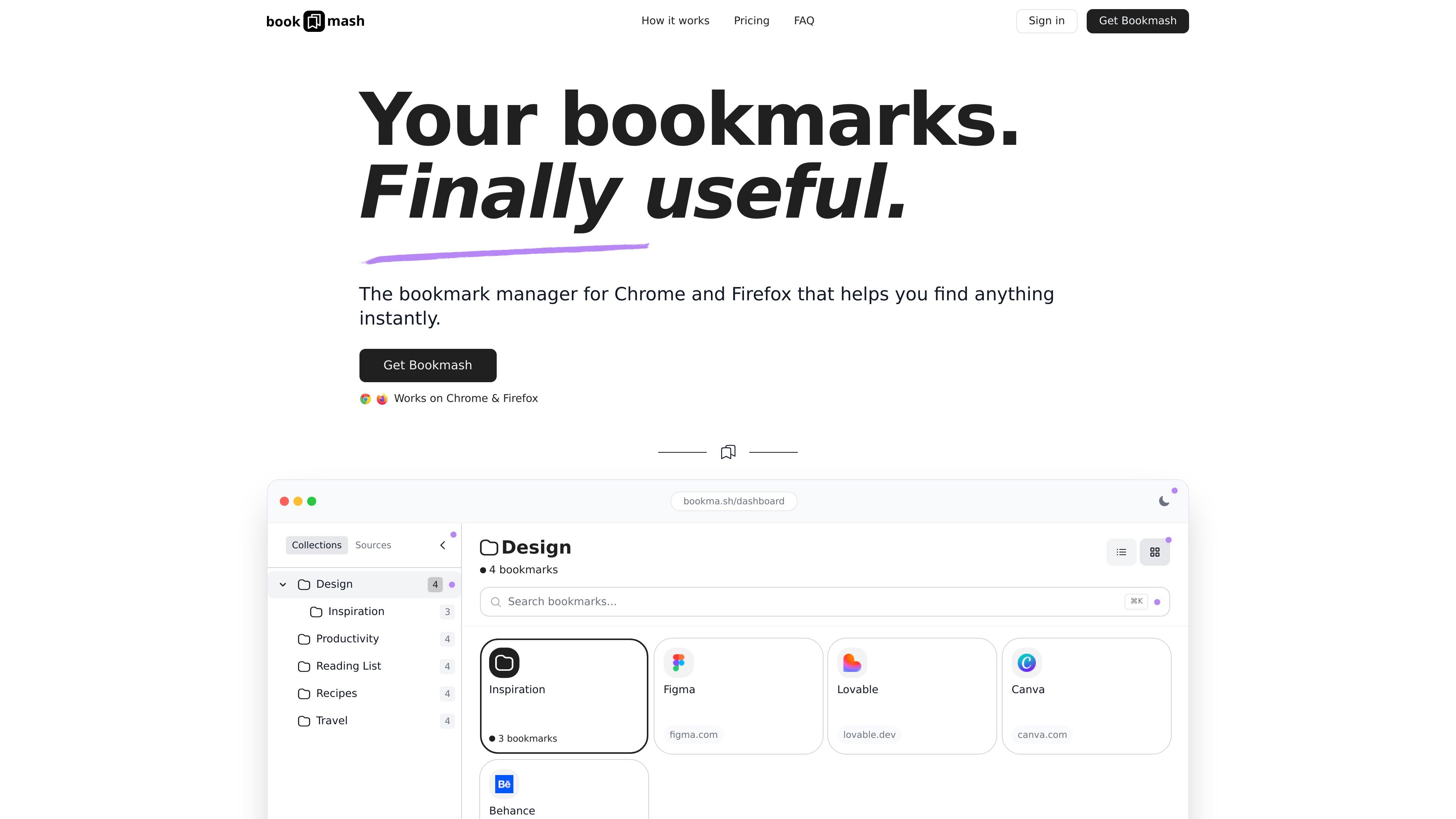
Bookmash is a bookmark manager for Chrome and Firefox that gives you a searchable dashboard for the links you have already saved in your browser. It is built for desktop use and is designed to make browser bookmarks easier to browse, search, and organize.
Instead of asking you to rebuild your bookmark library, Bookmash connects through a browser extension and reads your existing folders. The result is a local, folder-based view with instant search, favorites, and layout options that help you find links faster and spend less time hunting through a bookmark maze.
Search your saved bookmarks as you type, instead of digging through nested folders one by one.
View bookmarks in a structured dashboard organized by folder, with a clear hierarchy that mirrors your browser bookmark structure.
Mark frequently used links as favorites so the pages you return to most are available in one click.
Switch between grid and list layouts to match how you prefer to scan saved links.
Use the browser extension to connect Chrome or Firefox and have your existing bookmarks detected automatically.
Keep your bookmarks ready without manual importing, CSV uploads, or a separate sync button.
Open a single searchable view when you need to find a page you saved days or months ago and no longer remember the folder path for.
Keep everyday links such as work tools, reference sites, or personal favorites one click away in the favorites area.
Browse your existing bookmark folders in a cleaner interface when you want structure without rebuilding or renaming everything.
Switch between grid and list layouts when different bookmark sets are easier to scan visually or read as compact rows.
Set up a bookmark manager without re-importing data, which is useful if you already rely on the browser’s built-in bookmark folders.
Bookmash works as a bookmark manager for Chrome and Firefox. After installing the browser extension and verifying it once, your existing browser folders appear in the dashboard and can be searched immediately.
No. Bookmash is designed to work with your existing browser bookmarks, so there is nothing to import or migrate.
Bookmash works on Chrome and Firefox. The site notes that browsers with automatic updates and minimum versions from Chrome 88+ and Firefox 57+ are supported.
Yes. The homepage says Bookmash includes fast search as you type, organized folders, a favorites shortcut, and grid and list layouts.
Yes. The site states that you can get a 100% refund within 7 days of purchase by emailing [email protected].

Goldfish is an AI memory app for macOS that helps you reply, write, summarize, and continue using the context already on your Mac. It stores memory locally and writes in your tone.

ArtDeck is a visual reference board app for iPhone, iPad, and Mac that lets artists collect mixed reference material on one canvas and study it with ToolBox lenses. It works offline, supports optional iCloud sync, and is sold as a one-time purchase with no account required.

Dcyde is a decision log for product teams that captures what was decided, the reasoning behind it, and the source in one shared place. It supports pinning decisions from Slack, Figma, or inside Dcyde and keeps the record searchable over time.

Lasso is an ecommerce product data platform for enriching catalog records, processing supplier files, generating product content, and monitoring competitors. It combines a web app with a REST API, SDK, and MCP server for teams and developers.

Biji es una plataforma versátil diseñada para mejorar la productividad a través de herramientas y características innovadoras.

Struere is an AI-native platform for turning spreadsheet data into structured operational software with dashboards, alerts, and automations. It is aimed at teams that want to replace manual spreadsheet workflows without building custom tools from scratch.