
Financial statements
Generate P&L, balance sheet, and cash flow reports from real-time data so teams can standardize reporting without manually stitching together spreadsheets.

CFO Studio is an AI financial intelligence platform for CFOs and finance teams that need board-ready reporting, consolidation, and analysis. It supports natural-language questions, real-time dashboards, and a stated 9-day deployment process.
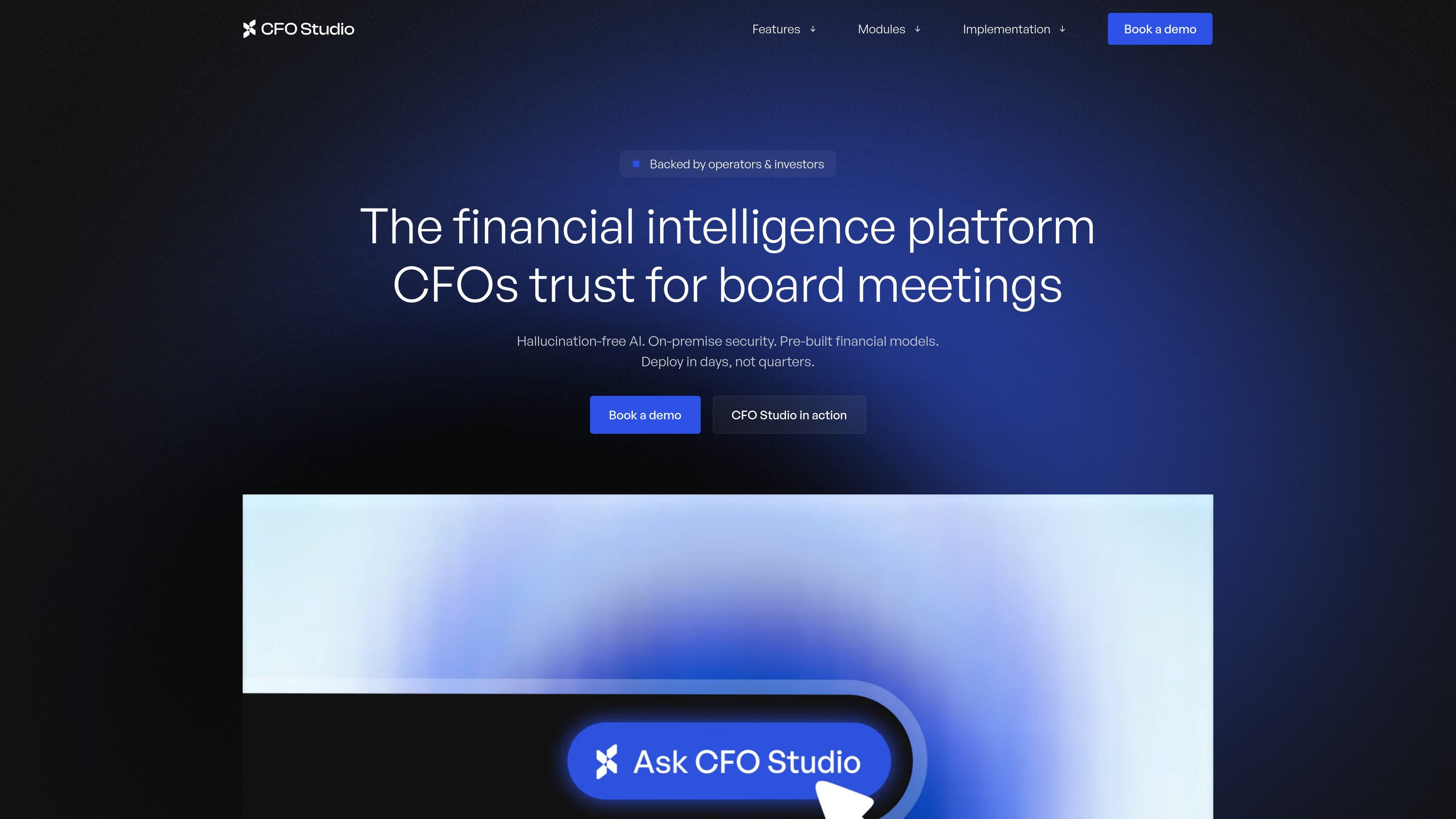
CFO Studio is an AI financial intelligence platform built for CFOs and finance teams that need board-ready reporting, analysis, and answers. The site presents it as a calculate-first system: dedicated financial models produce the numbers, and AI adds natural-language context on top of those figures.
The product is positioned around close, consolidation, reporting, and investor-facing questions. The homepage highlights natural-language queries, real-time dashboards, role-based access, and an on-premise deployment option, along with a stated 9-day implementation process that starts with mapping ERP, CRM, billing systems, and spreadsheets.
Generate P&L, balance sheet, and cash flow reports from real-time data so teams can standardize reporting without manually stitching together spreadsheets.
Combine multi-entity data with automated eliminations, currency conversions, and rollups to produce unified reporting across the business.
Compare actuals, budgets, and forecasts with automated calculations and drill-downs, making it easier to explain performance drivers quickly.
Track business metrics in real time with customizable dashboards, thresholds, and alerts for finance and leadership teams.
Model multiple business scenarios and rolling forecasts to test assumptions and compare financial outcomes side by side.
Detect unusual patterns and receive recommended actions through continuous monitoring and dashboard-level insights.
Use the platform to prepare board materials and answer investor questions with current financial data, natural-language explanations, and board-ready dashboards.
Automate month-end close tasks such as consolidation, reconciliation, and reporting so the finance team spends less time collecting data and more time analyzing results.
Compare actuals against budgets and forecasts to explain variances quickly, with drill-downs that support executive commentary.
Track core SaaS or tech metrics like ARR, NRR, burn multiple, and Rule of 40 in a system built around pre-built financial models.
Model assumptions, compare scenarios, and update rolling forecasts when leadership needs a forward-looking view of performance.
CFO Studio is positioned as an AI financial platform for CFOs and finance teams that need board-ready reporting, consolidation, and analysis. The homepage emphasizes use by tech CFOs and references SaaS, fintech, cybersecurity, retail, and eCommerce workflows.
The homepage says CFO Studio deploys in 9 days and follows a four-step process: data workshop, data validation, customization, and deployment. It also says the team maps ERP, CRM, billing systems, and spreadsheets during the workshop.
The product is presented for finance teams that need accurate, board-ready answers, especially for close, consolidation, variance analysis, KPI tracking, scenario planning, forecasting, anomaly detection, and proactive insights.
CFO Studio says it uses calculate-first financial models and then AI adds natural-language context, with a stated goal of avoiding hallucinations. The site describes outputs such as financial statements, consolidated reporting, dashboards, and executive explanations.
The homepage says CFO Studio offers an on-premise deployment option and role-based access. It does not provide detailed security documentation on the pages reviewed.

PromptScout tracks how ChatGPT, Gemini, Google AI Overviews, and Perplexity mention your brand or competitors, then pairs those results with source analysis and website audits. It helps teams decide what to fix in content, positioning, or site readiness next.

SaveMRR is a Stripe retention tool for SaaS teams that scans billing data for churn and MRR leaks, then automates recovery through dunning, cancel-save offers, win-back emails, and onboarding nudges. It is built for founders and bootstrapped teams using Stripe.

Hype is a web tool for finding trending YouTube topics by category, time range, and scoring mode. It helps creators spot emerging ideas, inspect source videos, and decide what to cover next.

Sleek Analytics is a privacy-friendly web analytics tool with real-time visitor tracking, Core Web Vitals, and revenue attribution. It helps site owners understand traffic and conversions without cookie banners or a heavy setup.

Struere is an AI-native platform for turning spreadsheet data into structured operational software with dashboards, alerts, and automations. It is aimed at teams that want to replace manual spreadsheet workflows without building custom tools from scratch.

ClayHog es una plataforma de visibilidad en AI search para seguir cómo aparecen las marcas en ChatGPT, Gemini, Perplexity, Claude y Google AI Overviews. Centraliza citas, competidores, sentimiento y oportunidades de contenido.