
Context-grounded reply suggestions
Chalked reads the conversation you are currently in and prepares a reply based on that thread rather than starting from a blank prompt.

Chalked is a Mac reply assistant that drafts context-grounded responses in the conversation you are already using. It helps people answer faster across Mac apps without sending messages automatically.
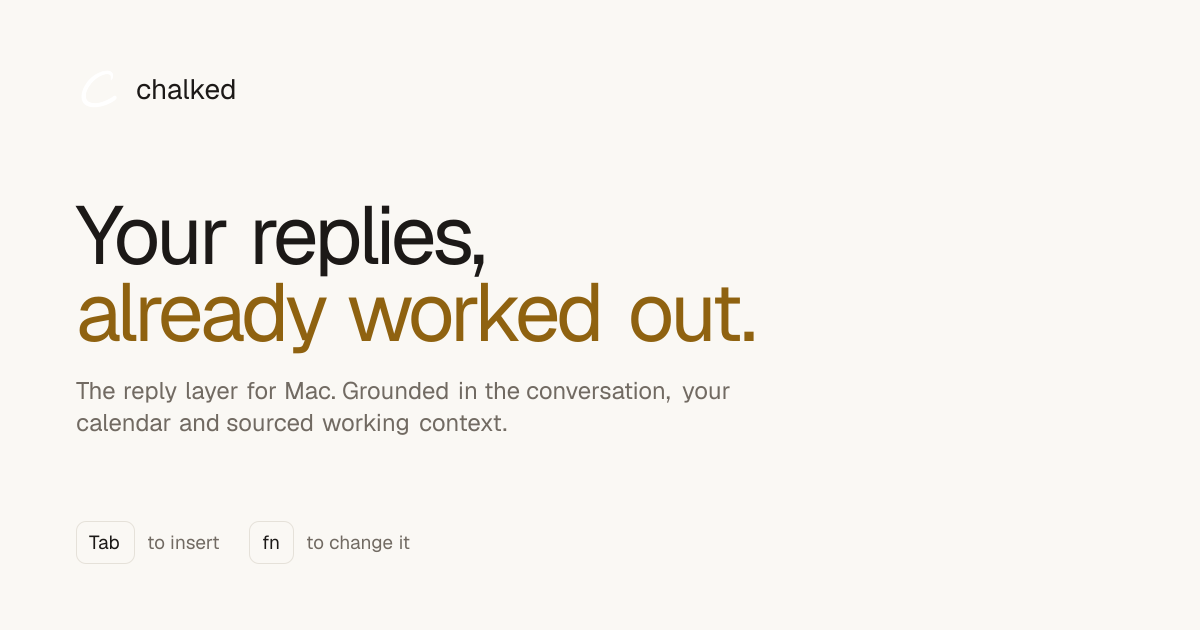
Chalked is a Mac reply assistant that prepares context-grounded suggestions in the conversation you are already using. It is designed to help you answer faster without taking over sending or hiding how the reply was formed.
The product reads the current thread, can incorporate calendar and working context when relevant, and places a suggested response where you are typing. The site says replies are inserted with Tab, can be adjusted by holding fn and giving a different instruction, and are never sent automatically.
Chalked reads the conversation you are currently in and prepares a reply based on that thread rather than starting from a blank prompt.
Suggestions can use your calendar and working context when that information matters to the reply, helping keep commitments and timing aligned.
Press Tab to place a prepared reply into the field where you are writing, then review it before sending.
Hold fn and describe what you want instead if the default suggestion is close but needs a different outcome.
Chalked is shown working across Messages, Gmail, LinkedIn, Slack, and other Mac text fields, so the same reply layer can follow the user between apps.
Captured commitments keep their source and status, and the product says you can inspect, correct, export, or remove them.
When a client or coworker asks about timing, Chalked can draft a reply that reflects the current conversation and any relevant calendar or work context.
When a message includes a commitment, budget, or dependency, the product can surface a response that keeps those details consistent across later replies.
If you are moving between apps like Messages, Gmail, Slack, and LinkedIn, Chalked gives you the same reply layer instead of forcing a separate workflow in each place.
When the default suggestion is close but not exact, holding fn lets you steer the outcome with a plain-language instruction before inserting the reply.
If you want to stay in control of sending, you can review the drafted text at your cursor and decide whether to edit it, ignore it, or send it yourself.
No. The site says Chalked can wait quietly in the notch while you type as usual. Voice is optional and is mainly described as a faster way to change a reply or explain what you want it to accomplish.
No. Chalked does not send messages for you. It inserts a suggestion at your cursor with Tab, and you can edit it, ignore it, or send it yourself.
Chalked remembers sourced commitments and working context that can improve later replies. The site says captured items keep their source and status, while uncertain context does not silently alter a reply.
Chalked is presented as a Mac product. The site says replies need macOS 26 plus Apple Intelligence, and dictation needs macOS 15+.
The homepage lists Messages, Gmail, LinkedIn, Slack, and thousands of other text fields across Mac. The site also says Windows is the natural next platform after the Mac experience.

Goldfish is an AI memory app for macOS that helps you reply, write, summarize, and continue using the context already on your Mac. It stores memory locally and writes in your tone.

Dirac is an AI email assistant that prepares a morning brief, prioritizes important threads, and drafts replies in your voice. It is positioned for founders and other busy professionals who use Gmail and want to reduce morning inbox triage.

ArtDeck is a visual reference board app for iPhone, iPad, and Mac that lets artists collect mixed reference material on one canvas and study it with ToolBox lenses. It works offline, supports optional iCloud sync, and is sold as a one-time purchase with no account required.

Biji es una plataforma versátil diseñada para mejorar la productividad a través de herramientas y características innovadoras.

Malyatko is a baby tracker for logging feeding, sleep, growth, teething, and milestones in one app. It works on iPhone, Apple Watch, and widgets, with no sign-up, offline use, and family sharing through iCloud.

Redline is a budgeting tool for Claude Code that paces sessions to stay within time, token, cost, or plan-percentage limits. It uses Claude Code’s native hooks and statusline to help sessions finish with a usable result instead of stopping abruptly.