
Connect an existing Dot
Bring an existing Dot in ChatGPT into a dedicated Mac application through a sign-in window; no API key or separate AI service is required.

Dotverse is a Mac app that connects to an existing Dot in ChatGPT and lets users create a crew of custom Dots with different roles, personalities, and conversation views. It is designed for individual writing, planning, and learning workflows on Apple Silicon Macs.
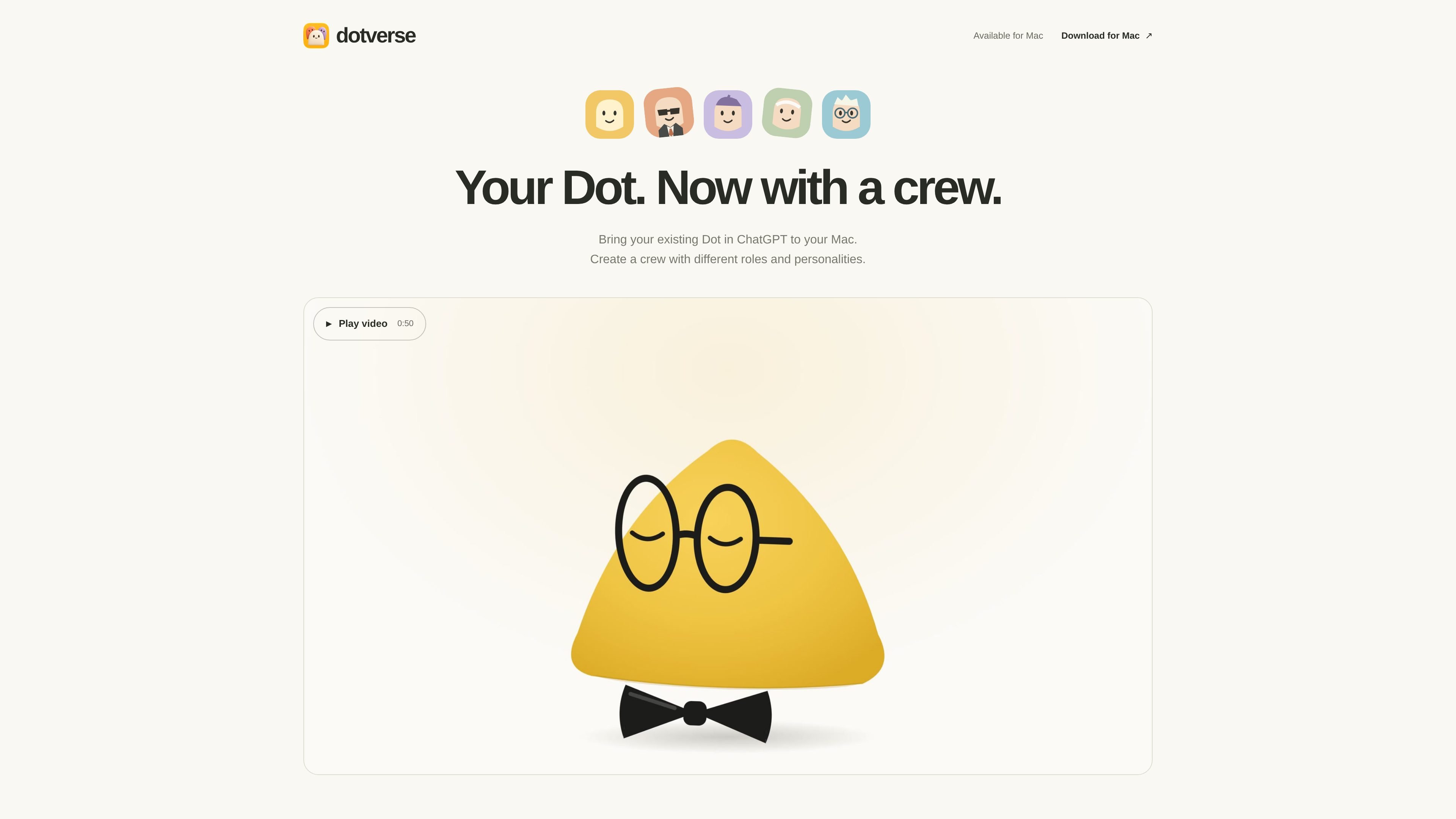
Dotverse is a Mac app that brings an existing Dot in ChatGPT into a dedicated desktop interface. After signing in, users can create a crew of custom Dots, each with its own role, personality, and conversation view, for handling different kinds of work.
The custom Dots share the underlying Dot's memory and capabilities, while conversations and drafts are kept as encrypted local copies on the Mac. Dotverse is intended for focused individual workflows such as writing, planning, and learning; it requires an existing Dot, an internet connection for chat, and an Apple Silicon Mac running macOS 14 or later.
Bring an existing Dot in ChatGPT into a dedicated Mac application through a sign-in window; no API key or separate AI service is required.
Create multiple custom Dots with distinct roles, personalities, and conversation views for different kinds of work.
Custom Dots use the same underlying Dot and share its memory and capabilities, so context can carry across the crew.
Let the crew delegate tasks while requests are processed one at a time, providing a defined sequence for ongoing conversations.
Keep encrypted copies of conversations and drafts on the Mac, with the encryption key stored in macOS Keychain.
Receive signed updates and check for new versions from Settings or the Dotverse app menu.
Set up a candid editor Dot to sharpen drafts while preserving the writer's voice, then keep that work in its own conversation view.
Use a pragmatic planner Dot to break a large idea into manageable next steps and delegate related tasks across the crew.
Create a patient tutor Dot that explains difficult subjects with examples, using the shared underlying context for continued learning conversations.
Separate recurring work by role and personality so each conversation starts with a purpose-specific setup instead of a single general chat.
Yes. Dotverse connects to an existing Dot through a sign-in window. It does not provide a separate AI service or require an API key. An internet connection is required for chat, and some features open in the connected Dot window.
Download the DMG, drag Dotverse into Applications, open it, and sign in to your existing Dot. The app supports Apple Silicon Macs running macOS 14 or later.
Yes. Each custom Dot has its own role, personality, and conversation view, while using the same underlying Dot and sharing its memory. Requests run one at a time.
Dotverse keeps encrypted copies of conversations and drafts on the Mac. Messages are also sent to the connected Dot service. Clearing local history does not clear the Dot's own conversations or memory.
The app is designed for an individual existing Dot account: users sign in to their existing Dot and create a personal crew. The available sources do not document shared team workspaces or multi-user administration.

Macuse is a macOS app that lets AI assistants control native Mac apps through MCP and use Computer Use for any app. It works with clients like Claude Desktop, Cursor, and Raycast, and keeps automation on-device.

Goldfish is an AI memory app for macOS that helps you reply, write, summarize, and continue using the context already on your Mac. It stores memory locally and writes in your tone.

Lasso is an ecommerce product data platform for enriching catalog records, processing supplier files, generating product content, and monitoring competitors. It combines a web app with a REST API, SDK, and MCP server for teams and developers.

ArtDeck is a visual reference board app for iPhone, iPad, and Mac that lets artists collect mixed reference material on one canvas and study it with ToolBox lenses. It works offline, supports optional iCloud sync, and is sold as a one-time purchase with no account required.

Biji es una plataforma versátil diseñada para mejorar la productividad a través de herramientas y características innovadoras.

Malyatko is a baby tracker for logging feeding, sleep, growth, teething, and milestones in one app. It works on iPhone, Apple Watch, and widgets, with no sign-up, offline use, and family sharing through iCloud.