
Write across devices
Draft on phone, tablet, laptop, or web and continue the same book across devices.

Epilogue is a book writing app for authors that combines drafting, planning, private review, and publishing tools. It works across iOS, macOS beta, Android, and web, with local-first plain-text files that users own.
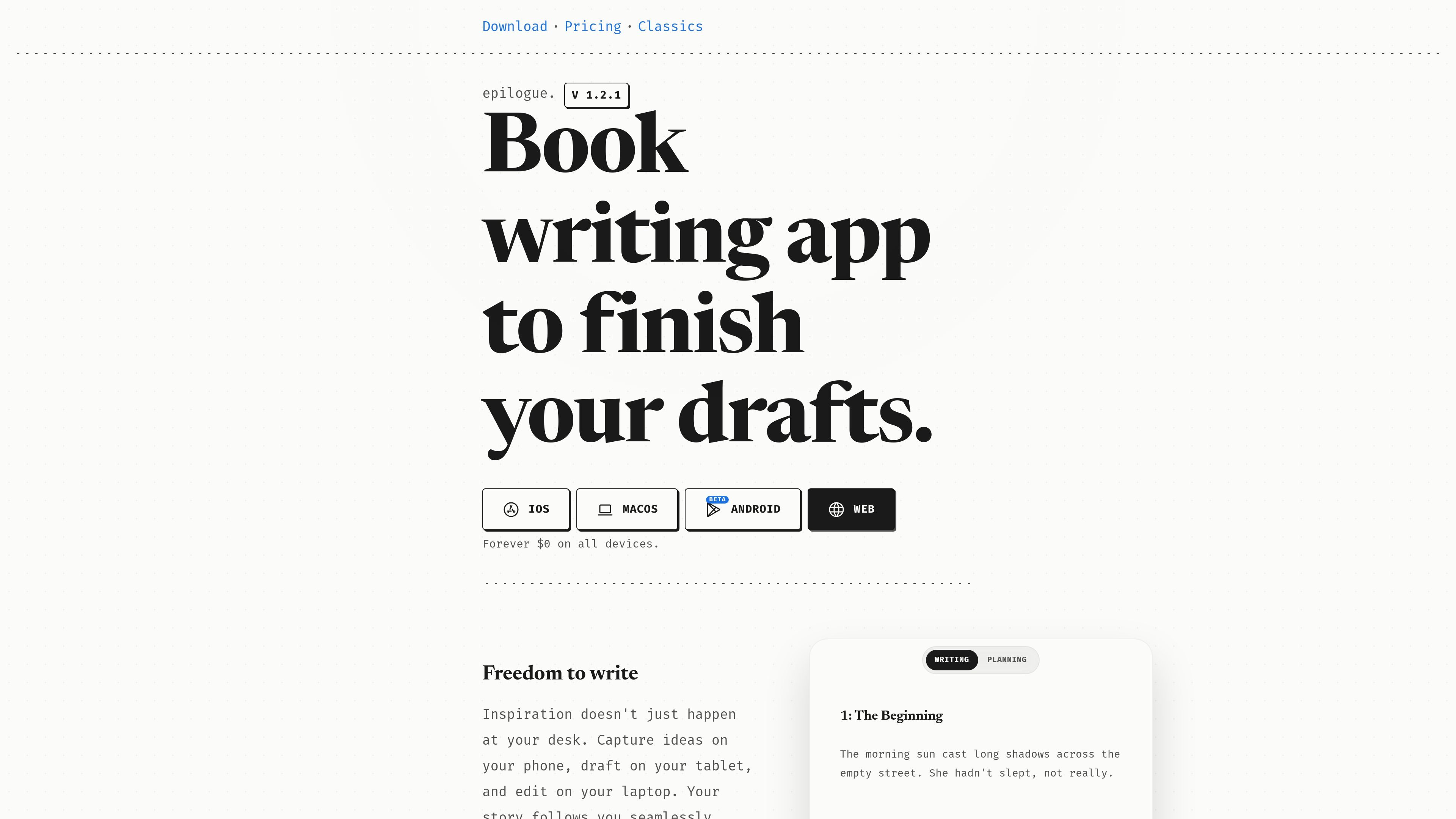
Epilogue is a book writing app for authors who want to draft, organize, review, and publish long-form work in one place. Its homepage frames the product as a writing studio that helps you stay in flow while moving between devices and keeping control of your words.
The app is built around a local-first manuscript workflow. It stores writing on the device first, supports iOS, macOS beta, Android, and web, and presents files as plain `.md` documents that the user owns.
Beyond drafting, Epilogue adds planning and feedback tools. The product includes private review documents for editors or beta readers, alongside supporting materials such as character notes, timelines, and story lore. Recent changelog entries also show support for public book pages, author profiles, chapter reordering, onboarding improvements, and native word-count widgets.
The public site also describes a future publishing direction: helping authors publish and sell books while keeping more than Amazon's standard share. That appears as a roadmap statement rather than a current pricing or distribution plan.
Draft on phone, tablet, laptop, or web and continue the same book across devices.
Keep manuscript files stored on your device first, with no need to depend on a live server while writing.
Share review documents so beta readers, editors, and others can leave private comments that only you can read.
Keep character notes, timelines, and lore beside the manuscript so reference material stays in the same workspace.
Publish a book from the editor toolbar, add a title and cover, and get a public book page and author profile.
Use plain `.md` files that remain yours, with the site emphasizing no lock-in if you decide to leave.
Draft chapters on a phone during downtime, then continue editing on a laptop or tablet without switching tools or losing context.
Build out a novel with character notes, timelines, and lore close to the manuscript so you can check details without hunting through separate files.
Send a shared review document to beta readers or editors and collect comments privately, with the discussion visible only to you.
Publish a finished book from the editor, set a title and cover, and create a public book page and author profile from the same account.
Use the app when you want manuscript files you can keep and export as plain text rather than being locked into a proprietary document format.
Yes. The homepage says you can write on iOS, macOS beta, Android, and the web, and the changelog notes public review pages for shared documents.
Epilogue stores words locally on your device first and describes its files as plain .md files you own. The site also says multiple devices sync to one canonical vault.
The product includes private feedback on shared review documents, where beta readers, editors, and others can leave comments visible only to you.
The site says published books can get a public page at epilogue.page/@username/your-book, and each account can have a public author profile listing published books.
The public source does not show a pricing page. The homepage only says the app is free and mentions a future plan to help authors publish and sell books.

MidReal is an AI story generator for creating novels and stories from a single sentence. The captured site also says the product has been sunset and points users toward Macaron.

Pinery is a Mac self-publishing studio for writing, editing, illustrating, previewing, and exporting book-length manuscripts. It includes an AI co-author called Prose that works inside the manuscript and supports reviewable edits.

Mira Gold's Writing Forge™ is an AI-powered writing platform for planning, drafting, revising, and marketing stories. It offers tiered workflows for writers, authors, and production-focused creators, plus BYOK support and a 14-day free trial.

FeelFish is a PC client for AI-assisted novel writing, designed to help fiction writers plan characters and settings, draft and revise long-form content, and manage story context. It includes a free tier and paid plans, with support for multiple large-model providers.

roastme.gg is a pay-to-play AI roasting site where users submit their own X handle or website, choose how much to pay, and get a public roast ranked on a leaderboard by amount paid.

Sudowrite is an AI writing partner for fiction authors. It helps writers brainstorm, outline, draft, revise, and expand long-form stories inside a fiction-focused workflow.